How to Order Taco Bell Online
Visit the Taco Bell home page and click on "Order Now.. Choose your food from the ordering menu.. Choose between meaty, cheesy, and spicy if you can't decide.
Steps
Visit the Taco Bell home page and click on "Order Now.
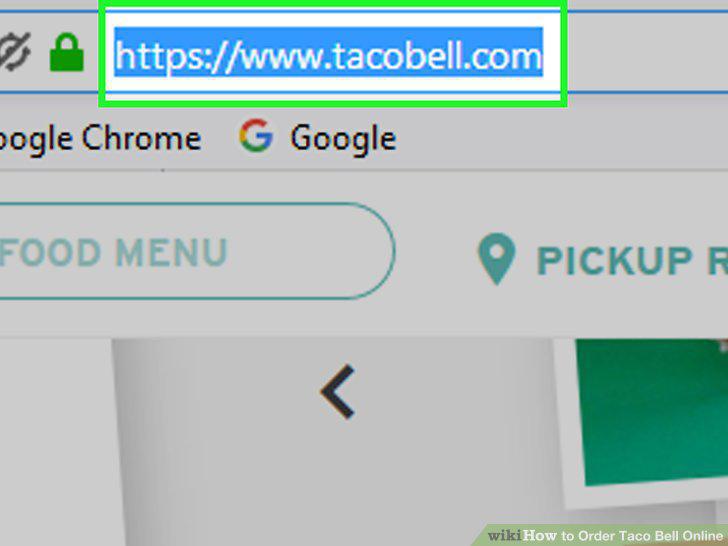
Visit the Taco Bell home page and click on "Order Now.
Choose your food from the ordering menu.
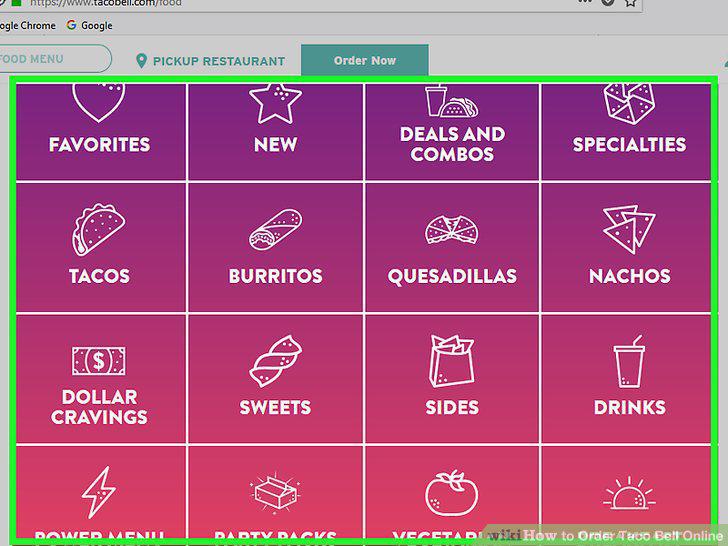
Choose your food from the ordering menu.
Choose between meaty, cheesy, and spicy if you can't decide.
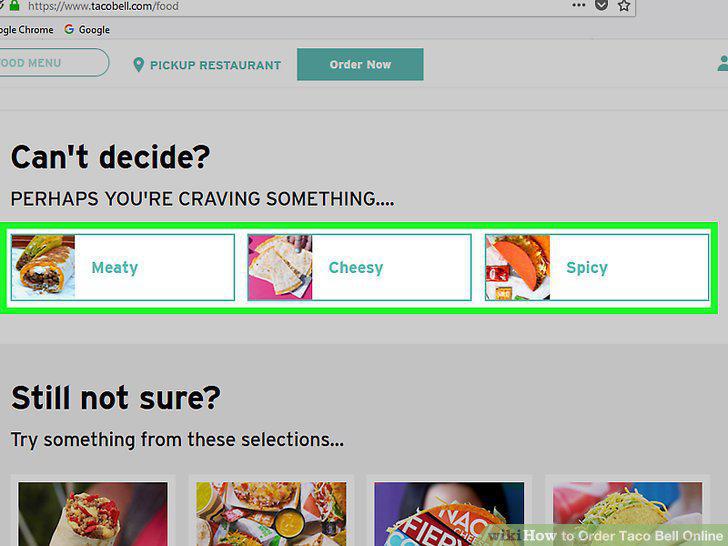
Choose between meaty, cheesy, and spicy if you can't decide.
Choose between budget, exclusives, classics, and groups for more options.
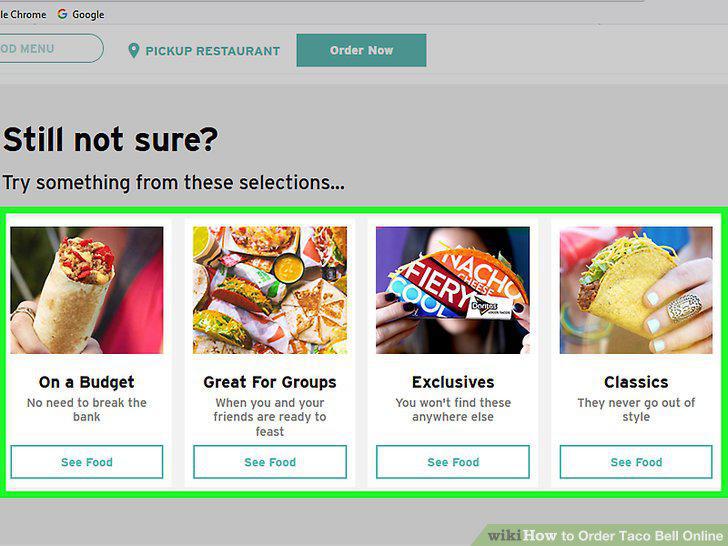
Choose between budget, exclusives, classics, and groups for more options.
Add any food you want to purchase to your cart.
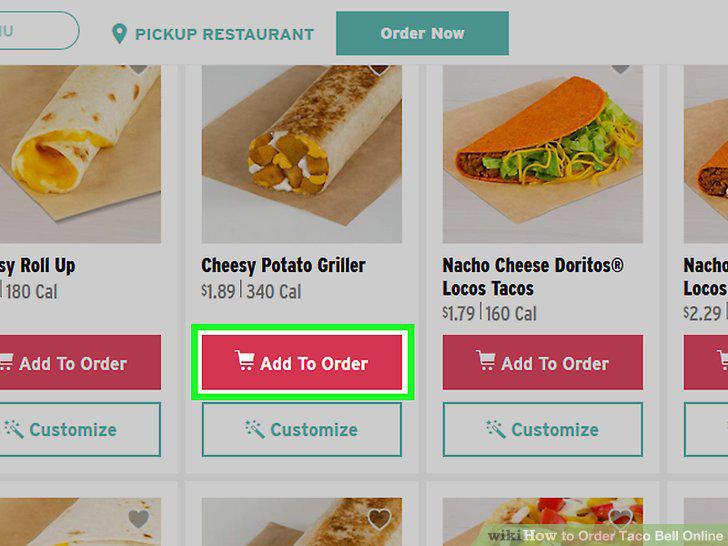
Add any food you want to purchase to your cart.
Decide whether to add drinks or sides to your cart.
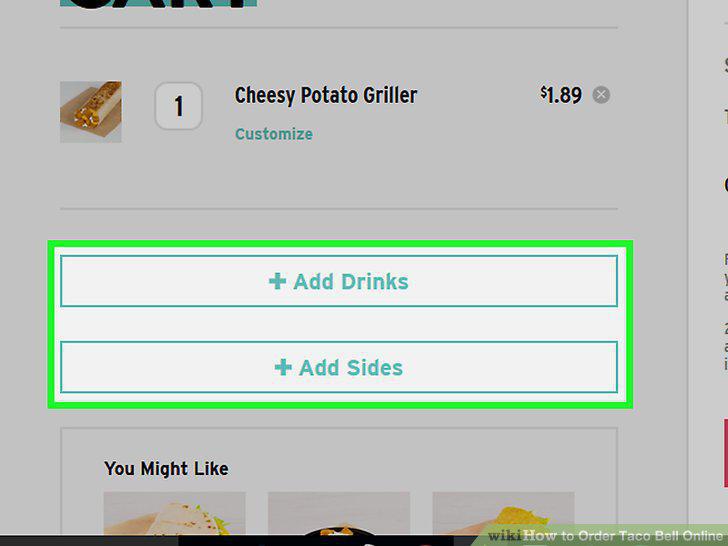
Decide whether to add drinks or sides to your cart.
Make an account or check out as a guest.
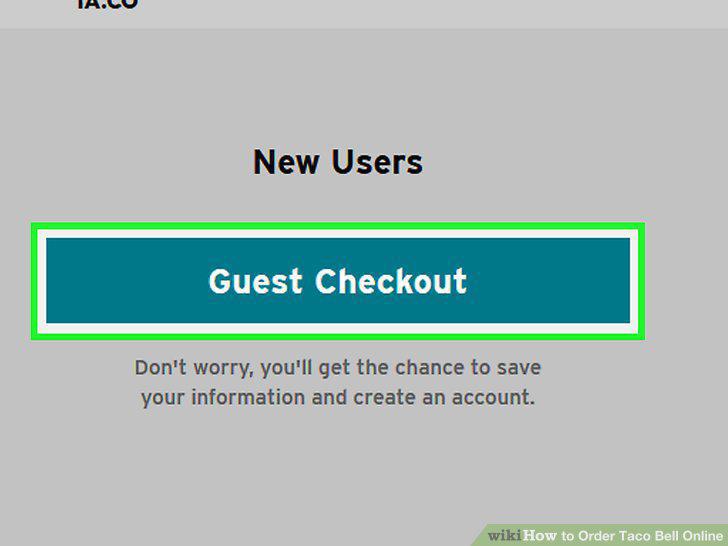
Make an account or check out as a guest.
Choose a pickup location.
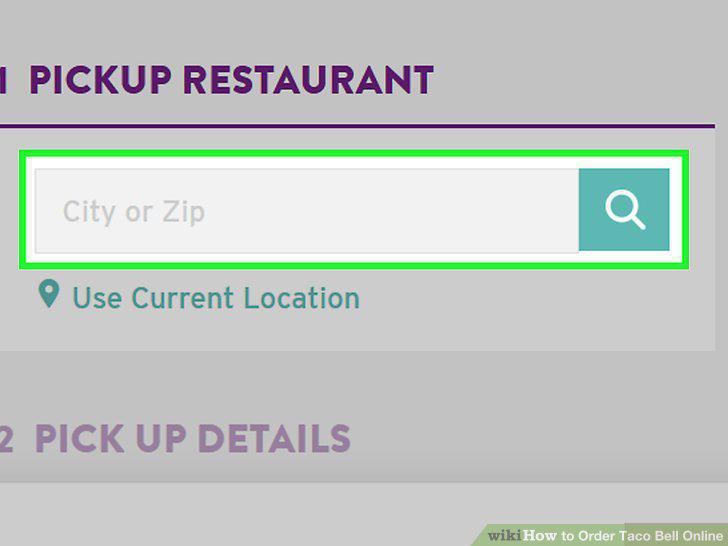
Choose a pickup location.
Fill in your payment information.
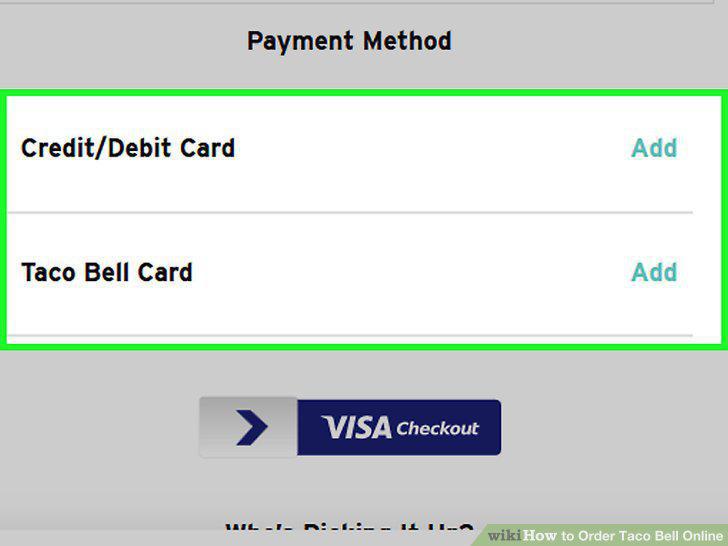
Fill in your payment information.
Include your email and phone number.
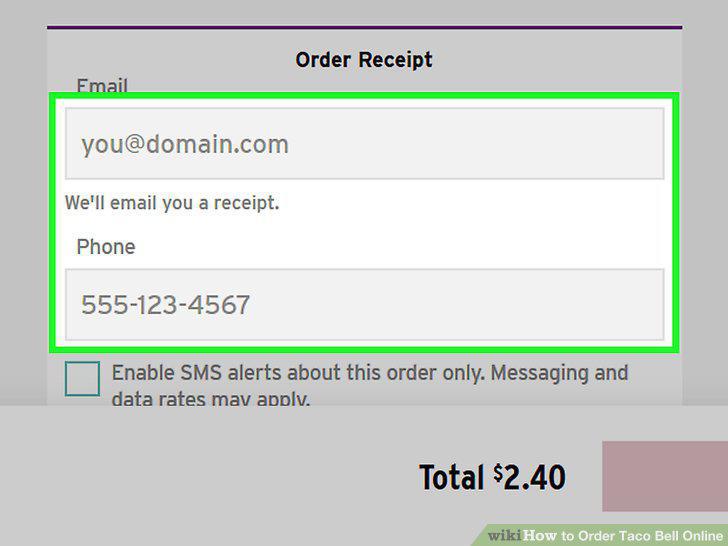
Include your email and phone number.
Choose whether to pick the order up now or later.
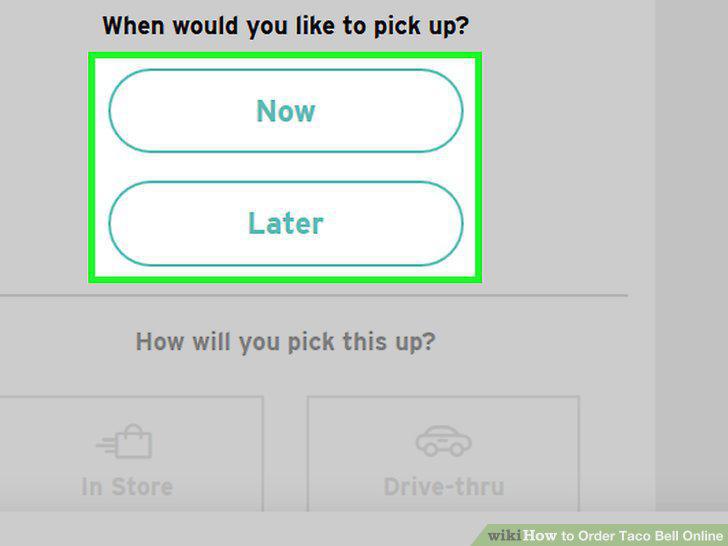
Choose whether to pick the order up now or later.
Decide whether to pick it up in-store or drive-through.
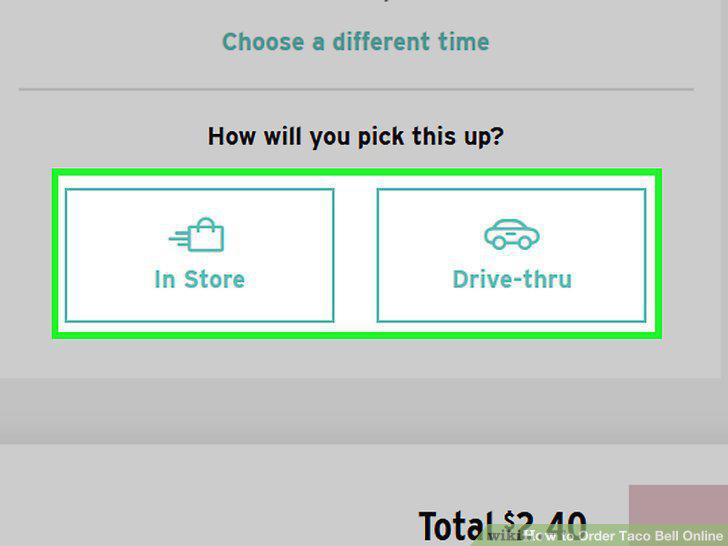
Decide whether to pick it up in-store or drive-through.
Include the first name of the person picking up your order.
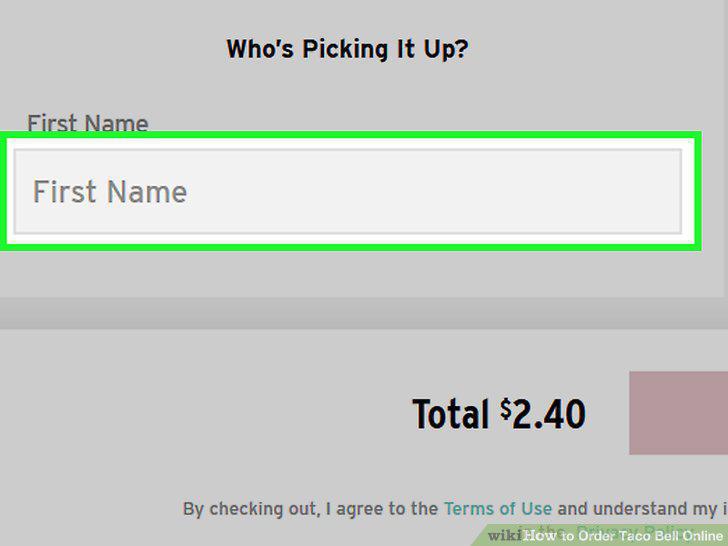
Include the first name of the person picking up your order.
Submit your order and pick it up.
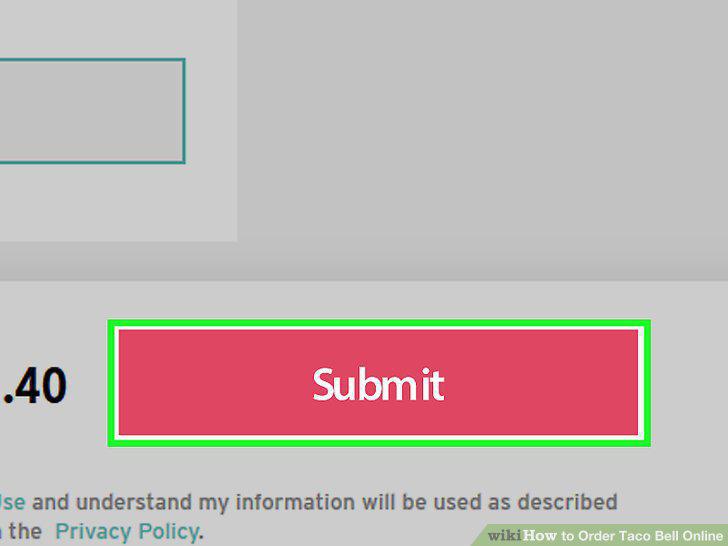
Submit your order and pick it up.
Choose a food delivery app to buy Taco Bell menu items from home.
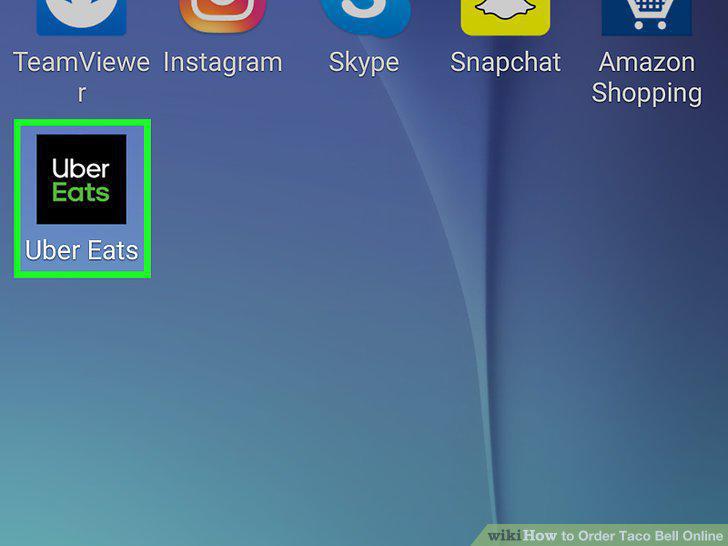
Choose a food delivery app to buy Taco Bell menu items from home.
Select Taco Bell from the app's restaurant options and place your order.
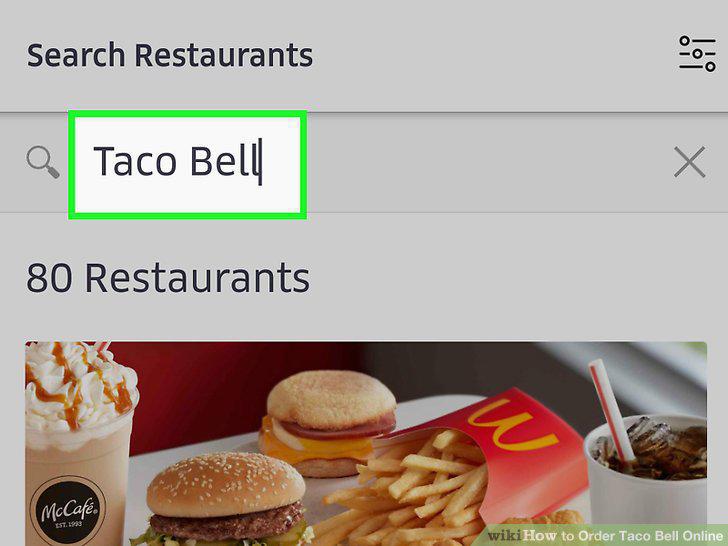
Select Taco Bell from the app's restaurant options and place your order.
Pay for your food using the app's checkout system.
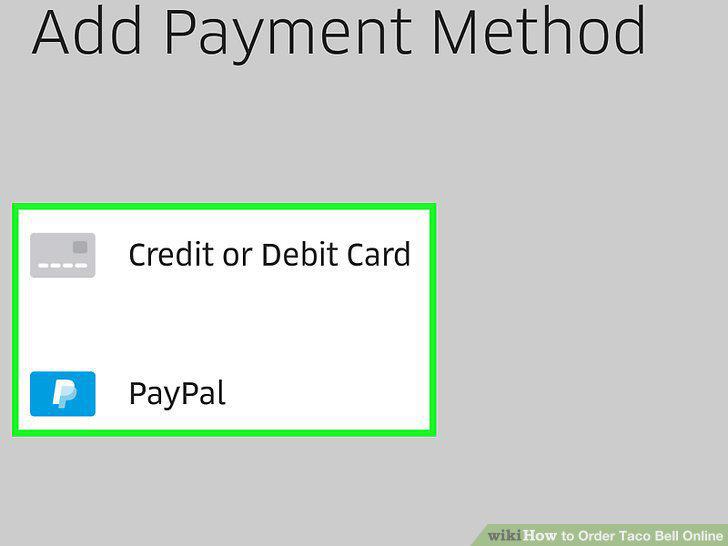
Pay for your food using the app's checkout system.
Watch the app to follow your driver's progress.
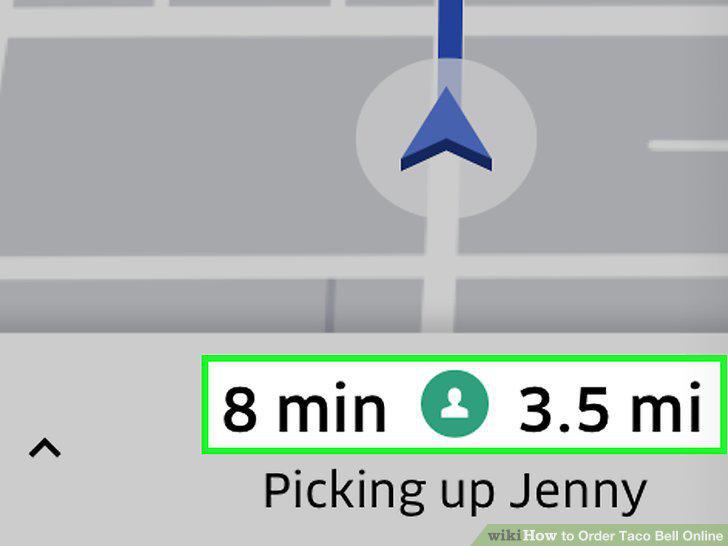
Watch the app to follow your driver's progress.
Comments (0)
No comments yet. Be the first to share your thoughts!