How to Record from Spotify
Open Audacity.. Select an audio host.. Select a recording device.
Steps
1
Open Audacity.
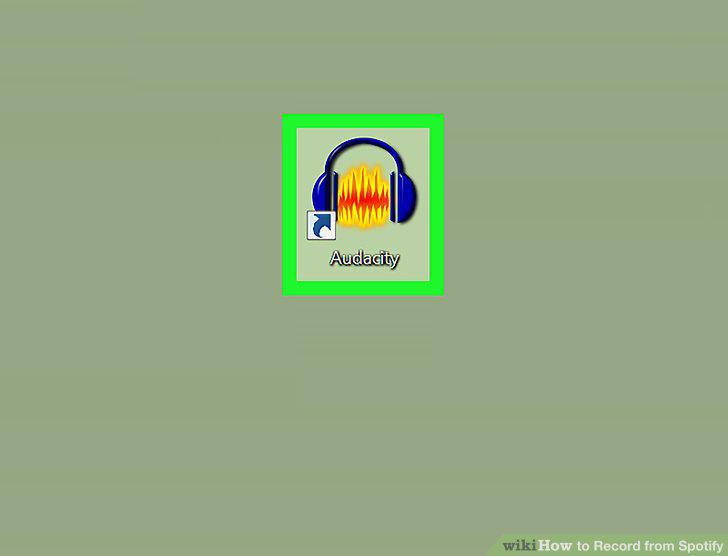
Open Audacity.
2
Select an audio host.
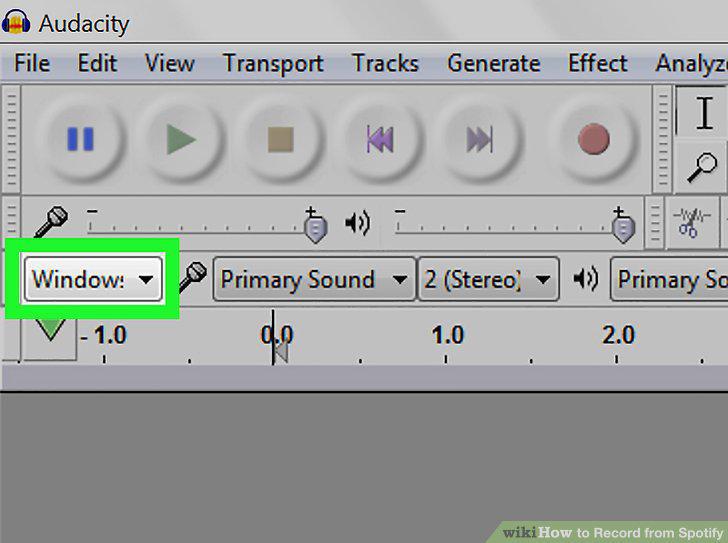
Select an audio host.
3
Select a recording device.
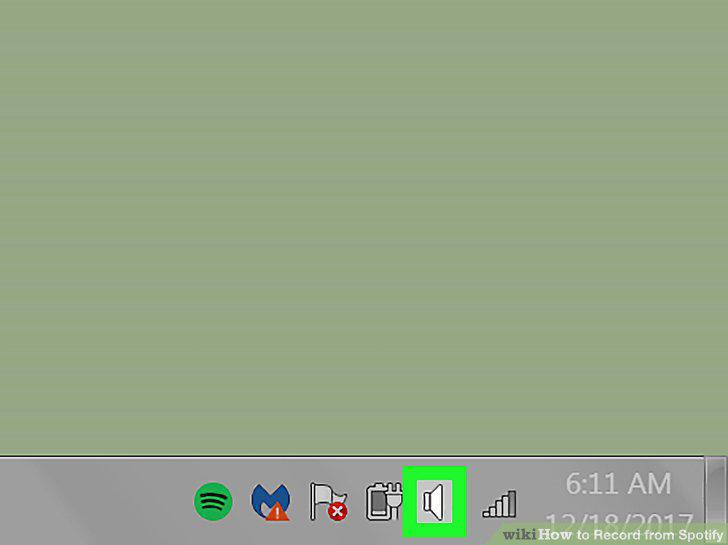
Select a recording device.
4
Select Stereo recording.
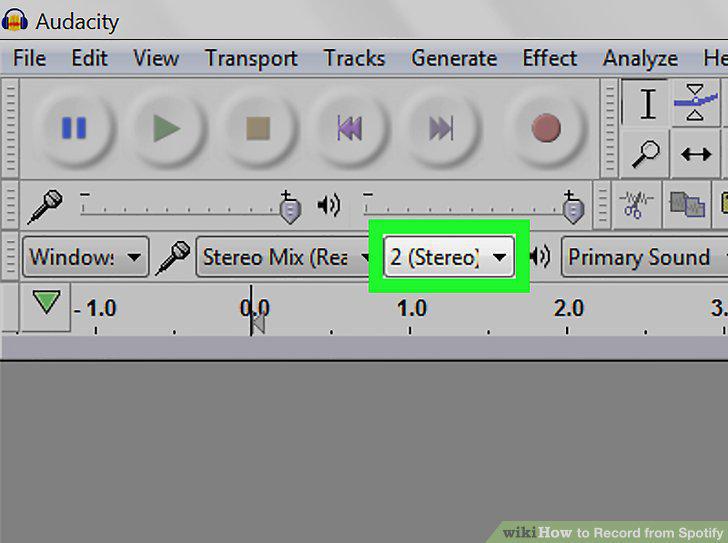
Select Stereo recording.
5
Select your audio playback device.
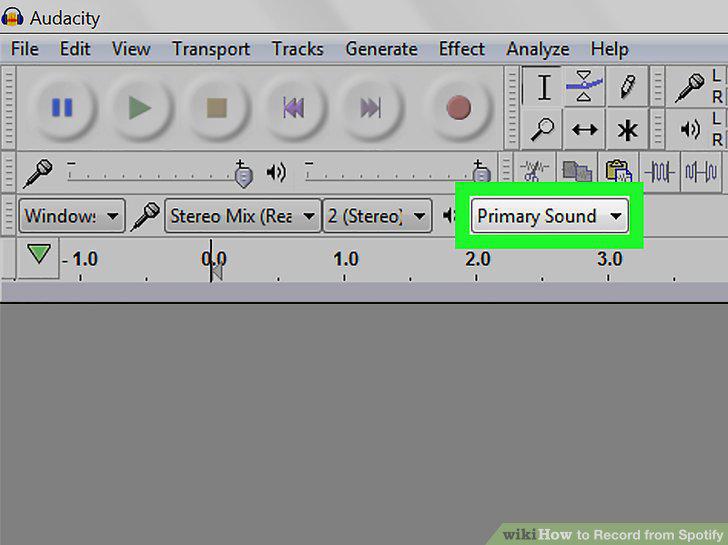
Select your audio playback device.
6
Click the record button.
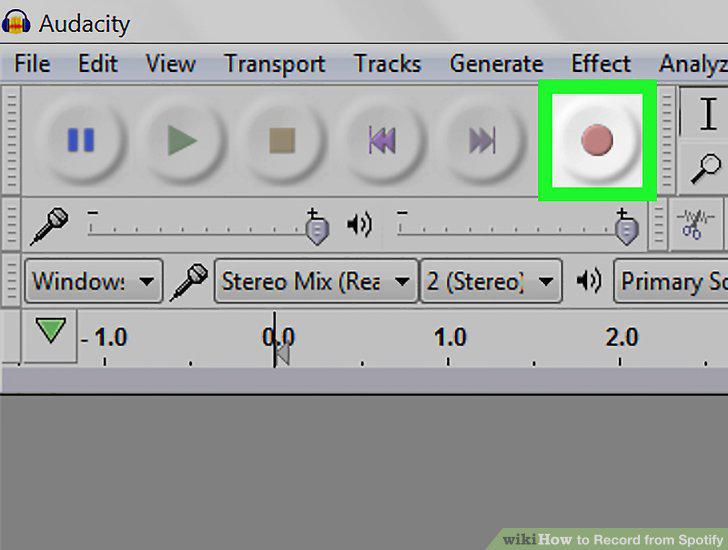
Click the record button.
7
Press play in the Spotify app.
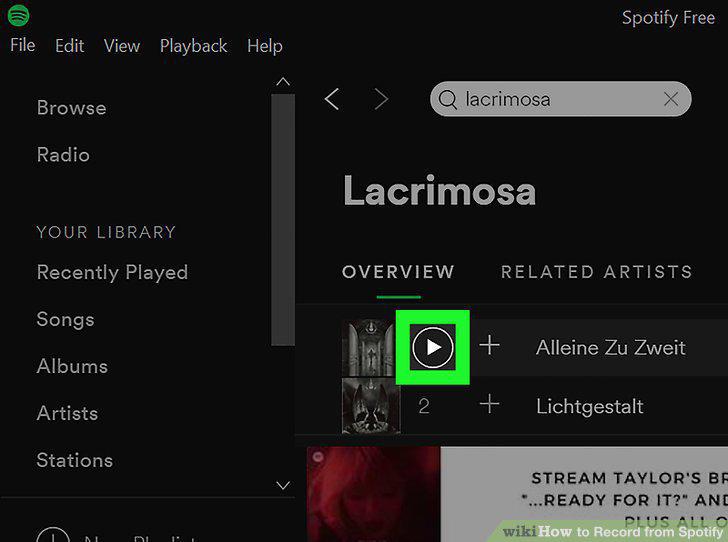
Press play in the Spotify app.
8
Click the stop button when you're finished recording.
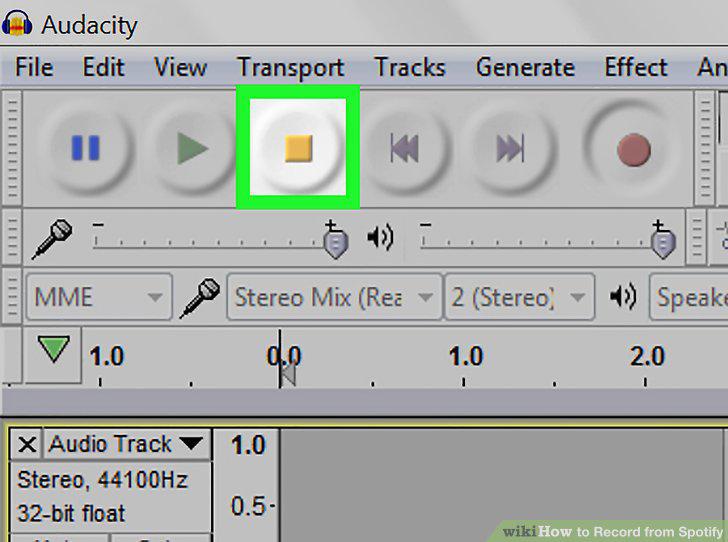
Click the stop button when you're finished recording.
9
Save your recording.
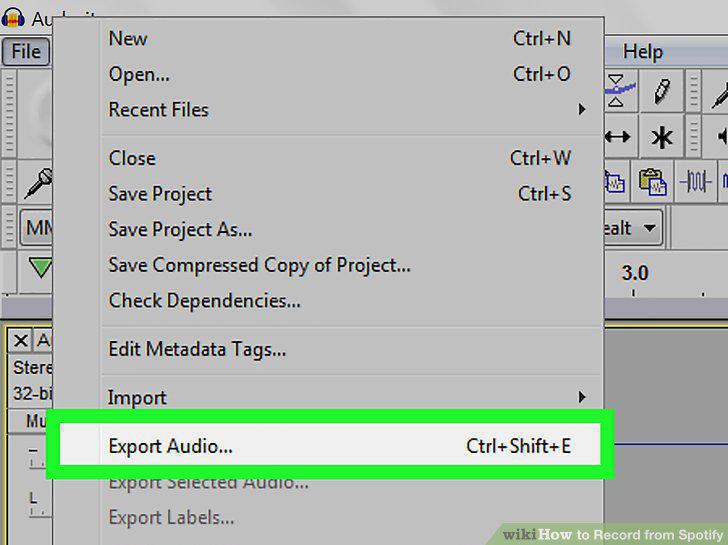
Save your recording.
Comments (0)
No comments yet. Be the first to share your thoughts!