How to Activate Showtime Anytime on Apple TV
Open the Showtime Anytime channel on your Apple TV.. Play any program from the Showtime Anytime channel.. Select your TV provider or streaming service.
Steps
1
Open the Showtime Anytime channel on your Apple TV.

Open the Showtime Anytime channel on your Apple TV.
2
Play any program from the Showtime Anytime channel.

Play any program from the Showtime Anytime channel.
3
Select your TV provider or streaming service.
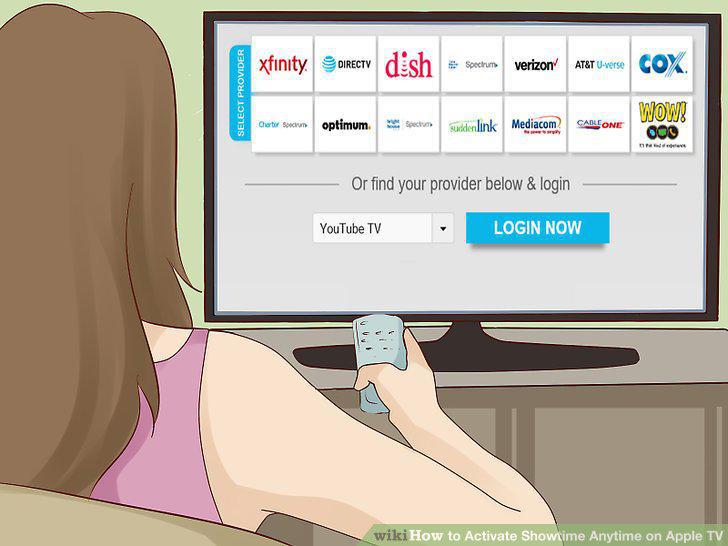
Select your TV provider or streaming service.
4
Note down your activation code from the screen.
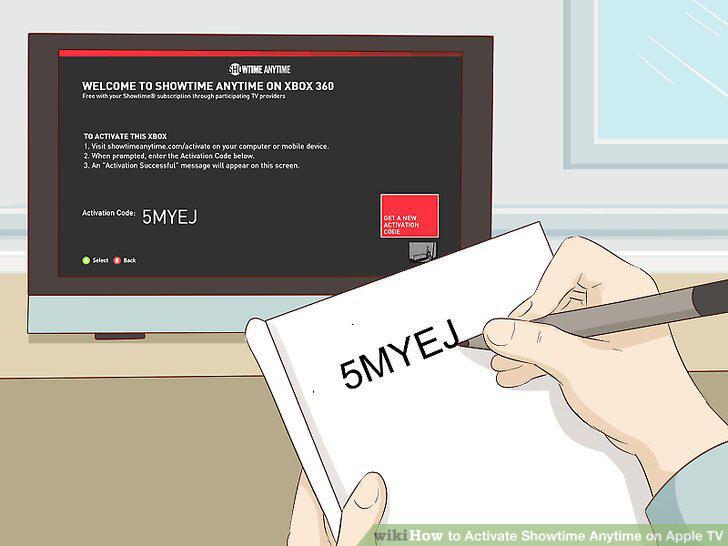
Note down your activation code from the screen.
5
Open www.showtimeanytime.com/activate in an internet browser.
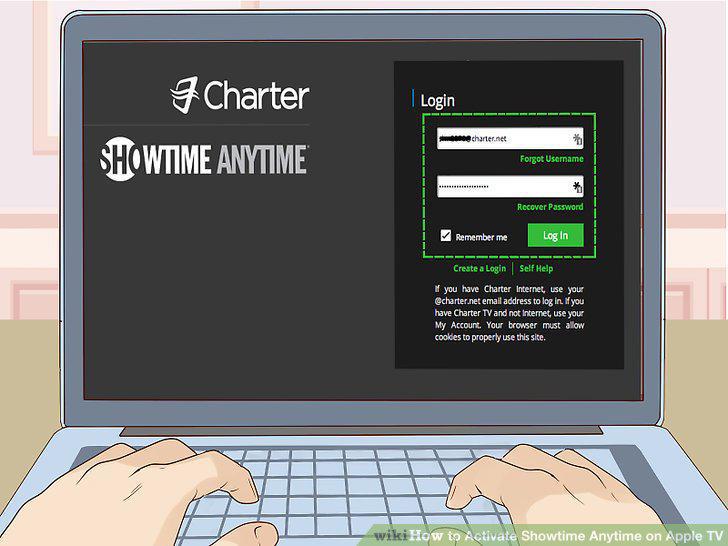
Open www.showtimeanytime.com/activate in an internet browser.
6
Enter your activation code.

Enter your activation code.
Comments (0)
No comments yet. Be the first to share your thoughts!