How to Activate Hulu with Spotify Student
Log in at https://www.spotify.com/us/student/.. Click your profile icon and select Account.. Click Activate Hulu.
Steps
1
Log in at https://www.spotify.com/us/student/.
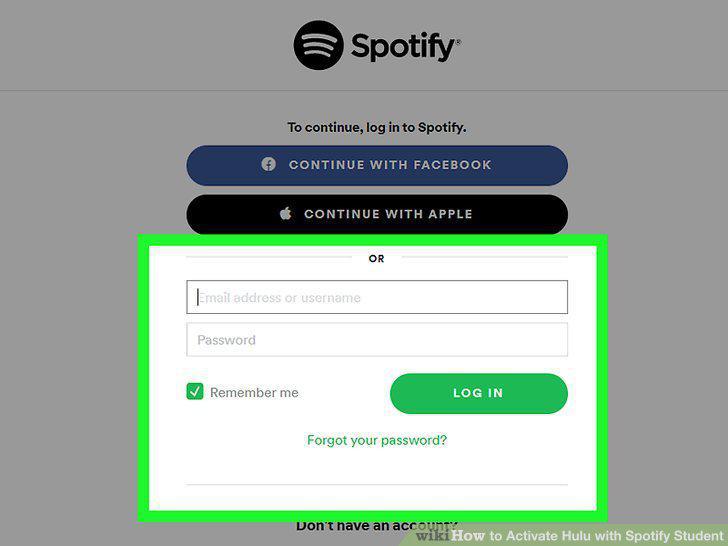
Log in at https://www.spotify.com/us/student/.
2
Click your profile icon and select Account.
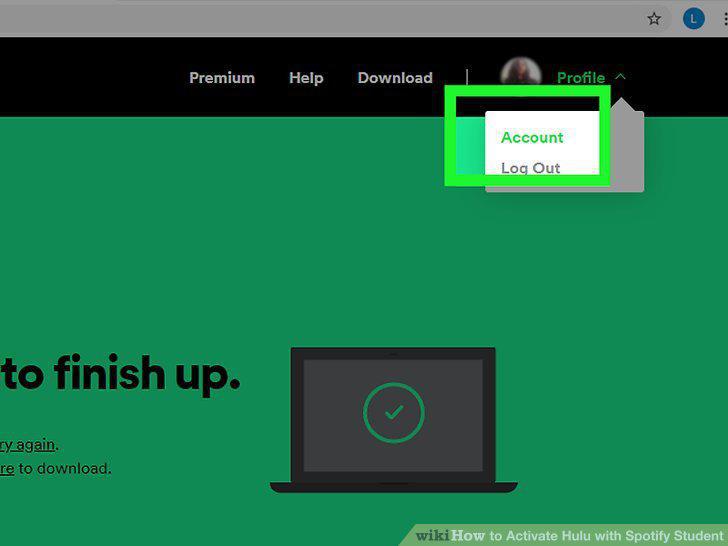
Click your profile icon and select Account.
3
Click Activate Hulu.

Click Activate Hulu.
4
Complete the required fields to activate your Hulu account.
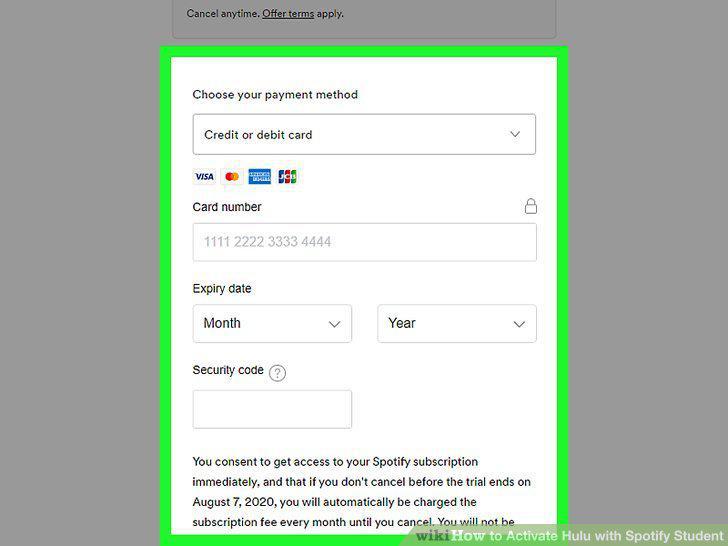
Complete the required fields to activate your Hulu account.
5
Log in at https://www.spotify.com/us/student/.
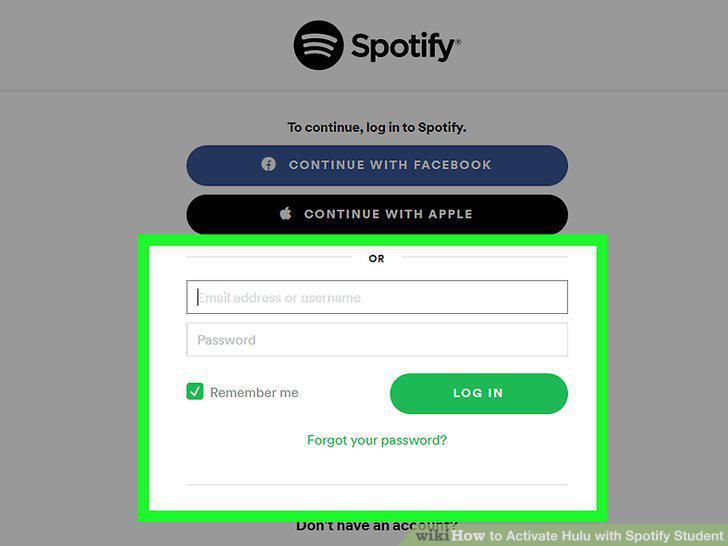
Log in at https://www.spotify.com/us/student/.
6
Click your profile icon and select Account.
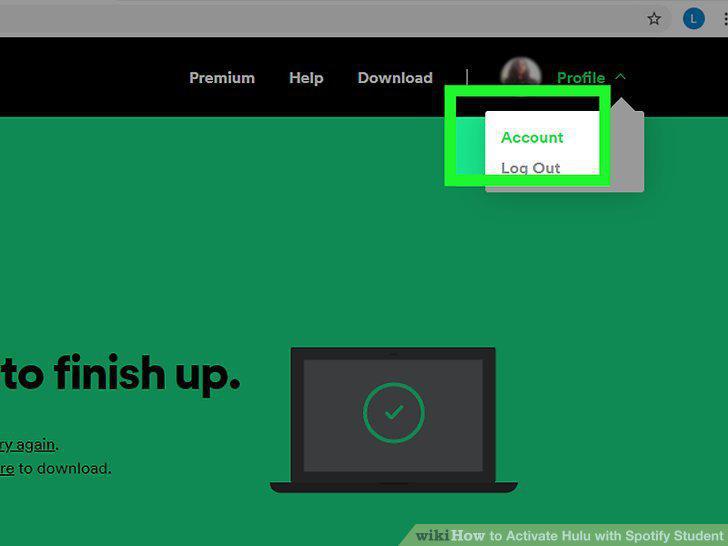
Click your profile icon and select Account.
7
Click Activate Hulu.

Click Activate Hulu.
8
Switch to Spotify Premium for Students + Hulu.
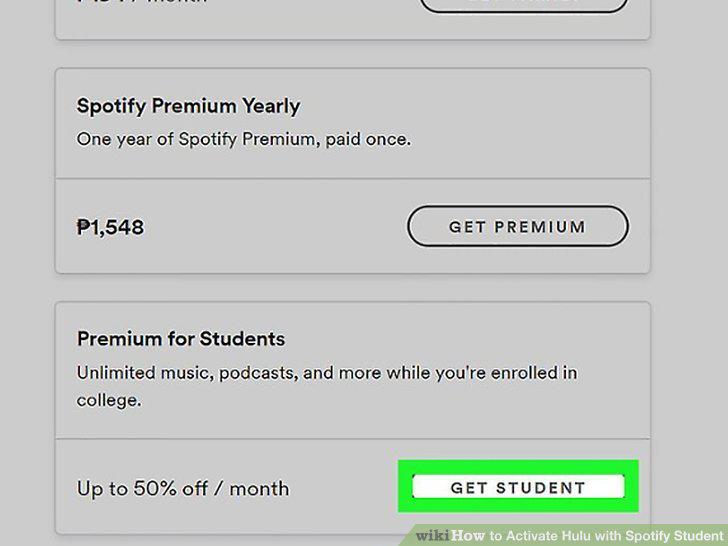
Switch to Spotify Premium for Students + Hulu.
Comments (0)
No comments yet. Be the first to share your thoughts!