How to Buy iBooks on a Mac
Open the Finder .. Click Applications.. Double-click the iBooks app.
Steps
1
Open the Finder .
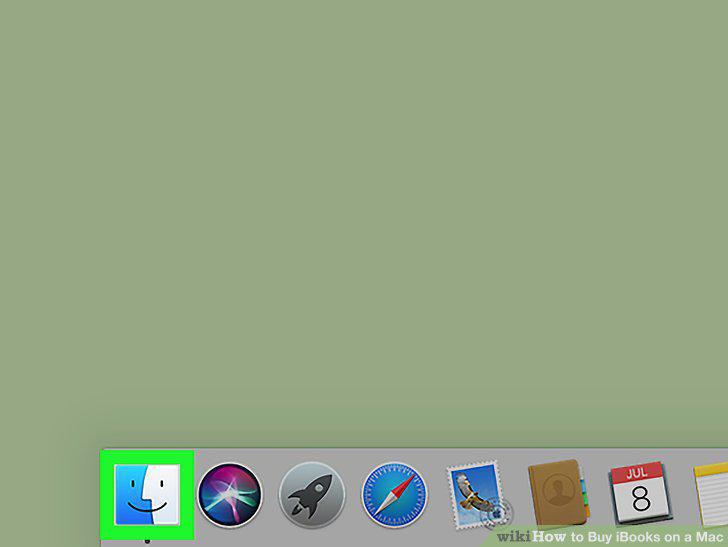
Open the Finder .
2
Click Applications.
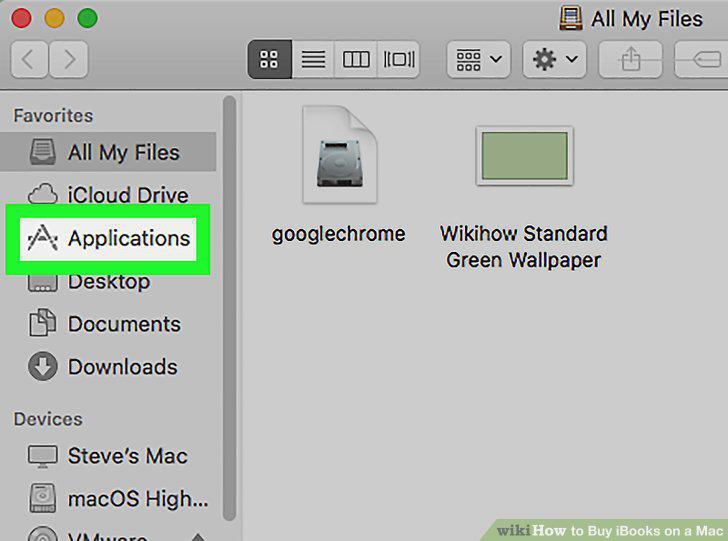
Click Applications.
3
Double-click the iBooks app.
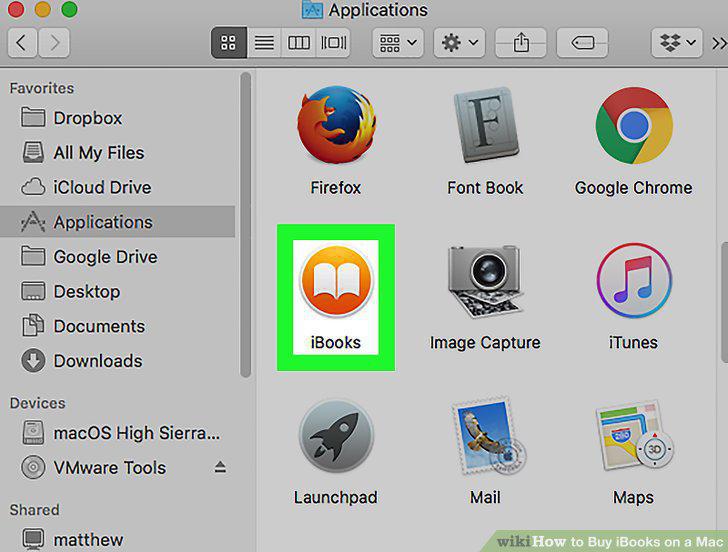
Double-click the iBooks app.
4
Click iBook Store.
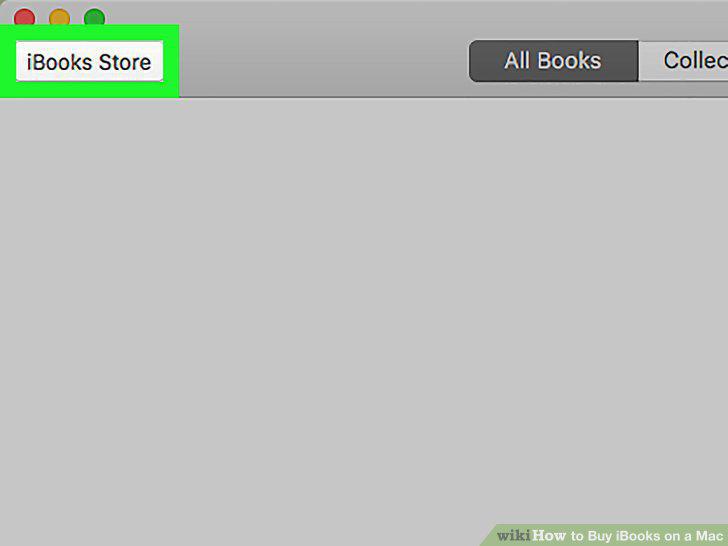
Click iBook Store.
5
Browse or search for a book.

Browse or search for a book.
6
Click the book you want to purchase.
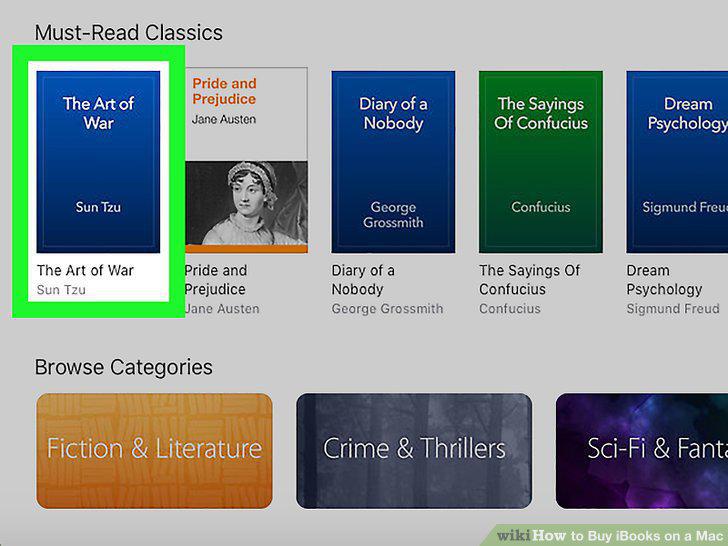
Click the book you want to purchase.
7
Click the price button.
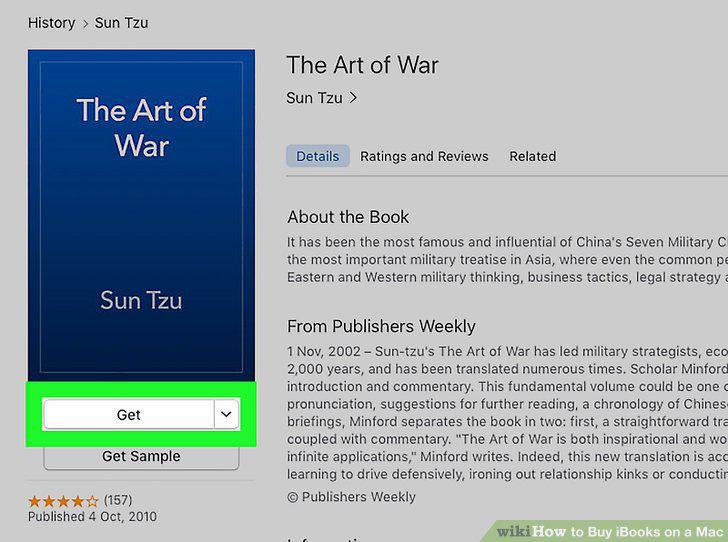
Click the price button.
8
Type your Apple ID password.
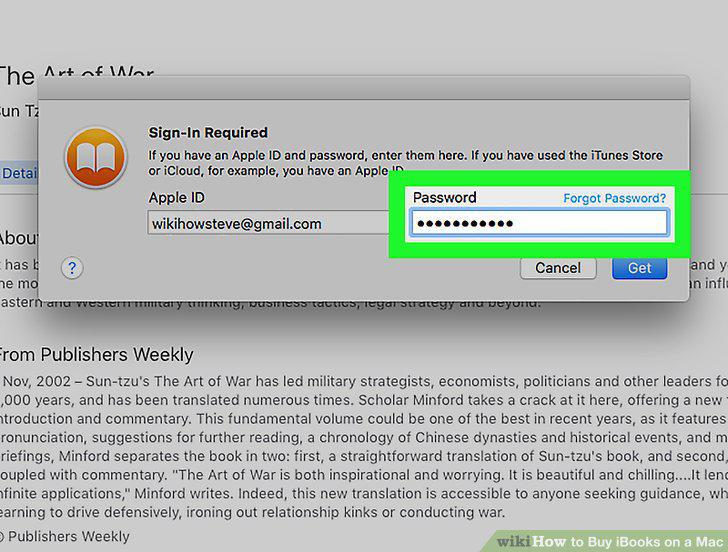
Type your Apple ID password.
9
Click Buy.
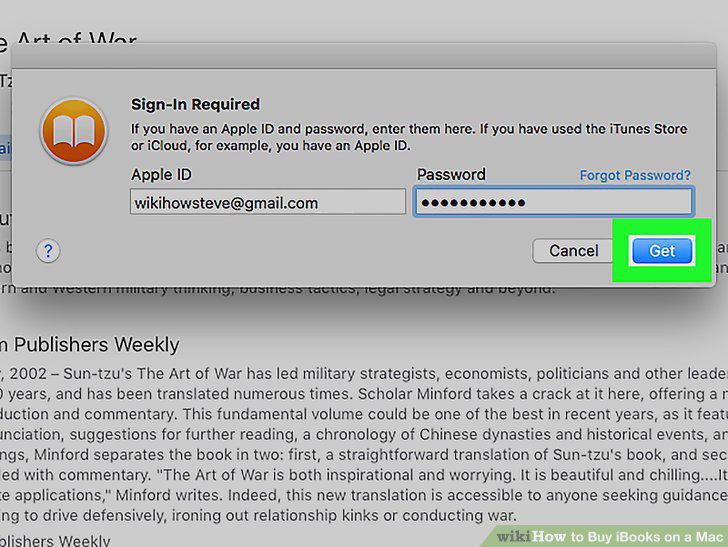
Click Buy.
10
Click Buy to confirm.
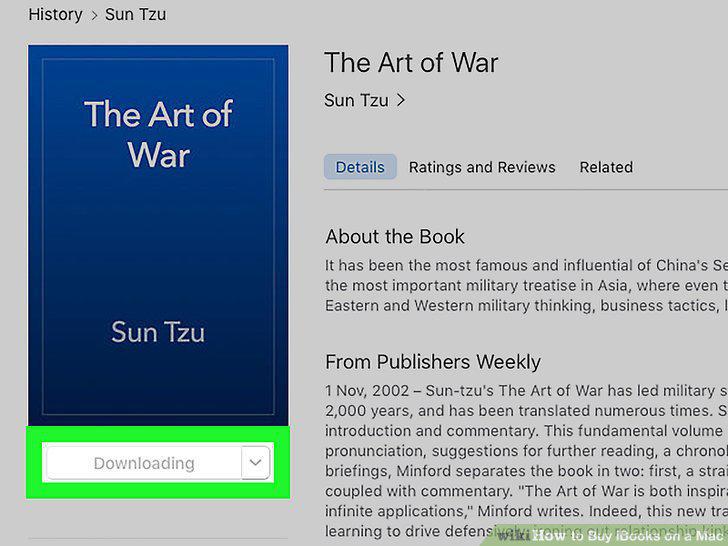
Click Buy to confirm.
Comments (0)
No comments yet. Be the first to share your thoughts!