How to Repeat a Song on SoundCloud on Android
Open the Soundcloud app on your device.. Tap on the picture of a desired song, playlist, or album.. Tap on the play button in the center of the screen.
Steps
1
Open the Soundcloud app on your device.
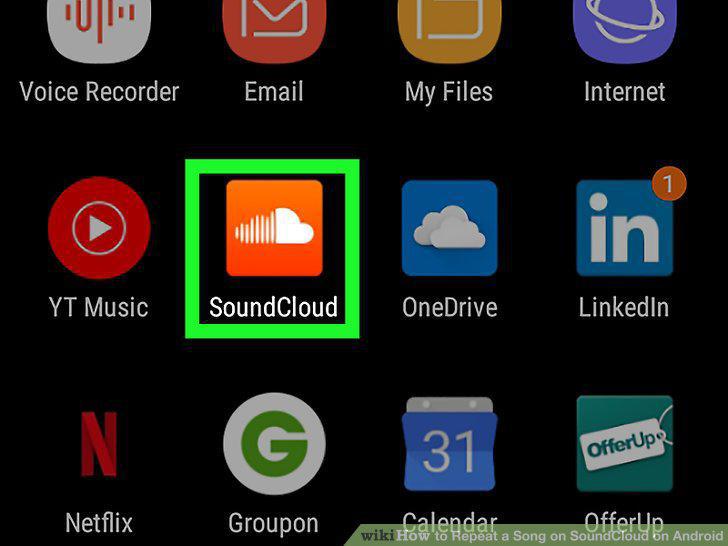
Open the Soundcloud app on your device.
2
Tap on the picture of a desired song, playlist, or album.
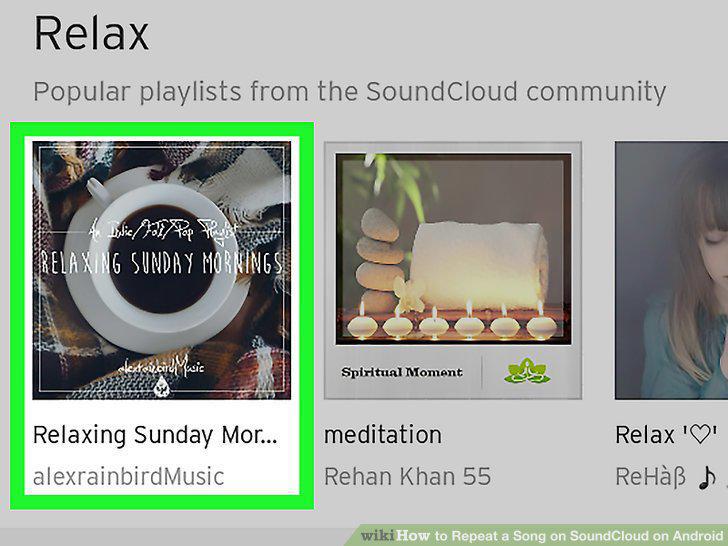
Tap on the picture of a desired song, playlist, or album.
3
Tap on the play button in the center of the screen.
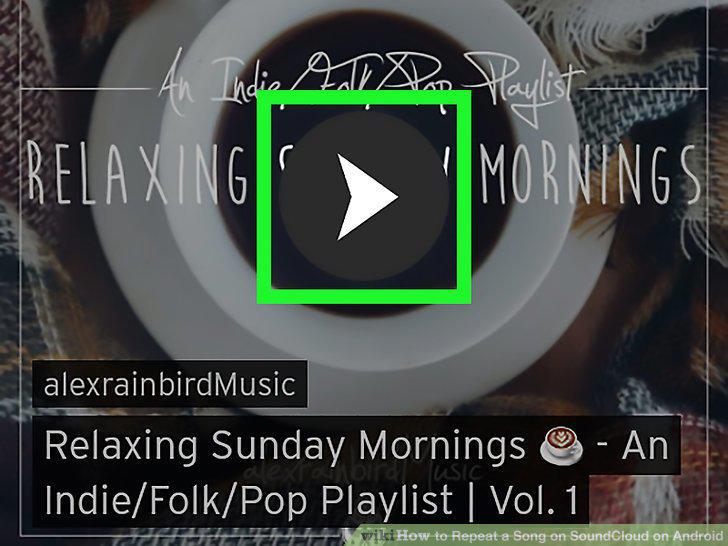
Tap on the play button in the center of the screen.
4
Tap on the name of the song playing at the bottom of the screen.
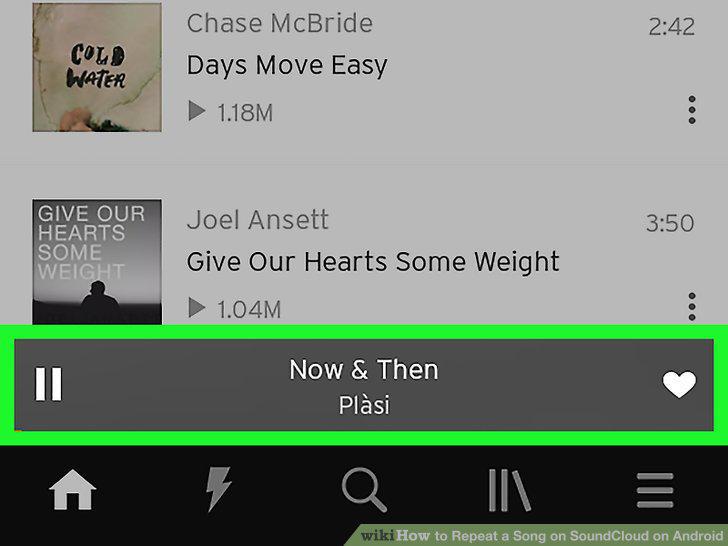
Tap on the name of the song playing at the bottom of the screen.
5
Tap on the music queue button at the bottom of the screen.
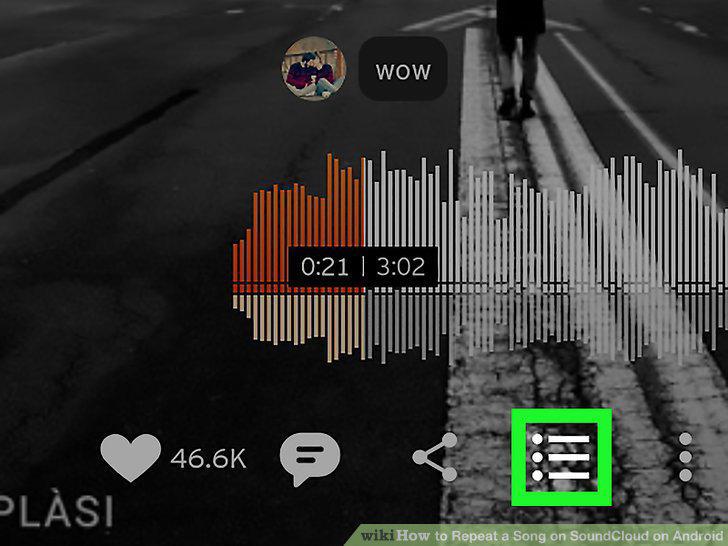
Tap on the music queue button at the bottom of the screen.
6
Tap once on the oval icon with an arrow at the top-right of the screen.
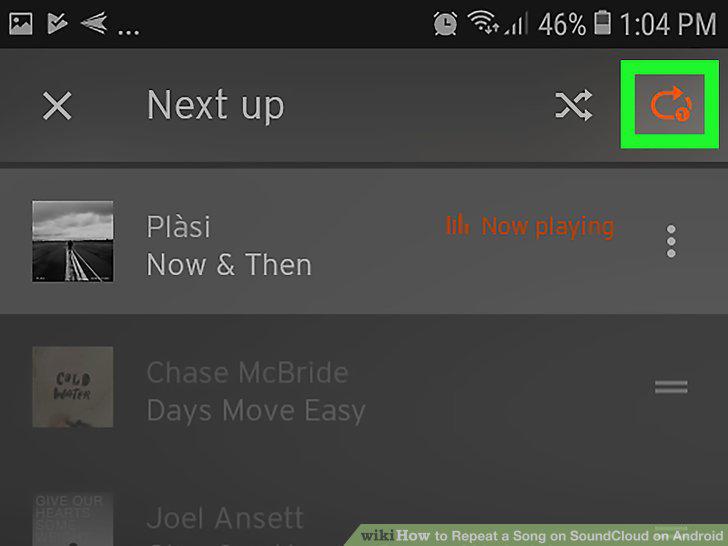
Tap once on the oval icon with an arrow at the top-right of the screen.
Comments (0)
No comments yet. Be the first to share your thoughts!