How to Make Liked Music Private on YouTube Music on iPhone or iPad
Open the YouTube Music app on your iPhone or iPad.. Tap your avatar on the top-right.. Tap Settings on the Account menu.
Steps
1
Open the YouTube Music app on your iPhone or iPad.
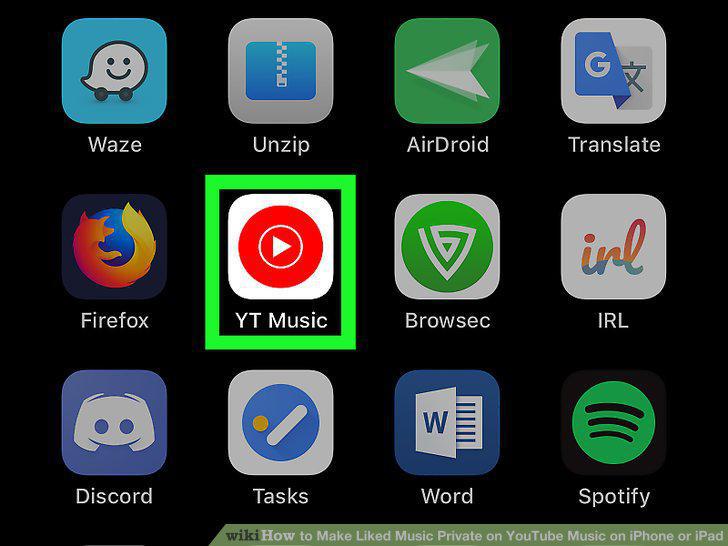
Open the YouTube Music app on your iPhone or iPad.
2
Tap your avatar on the top-right.
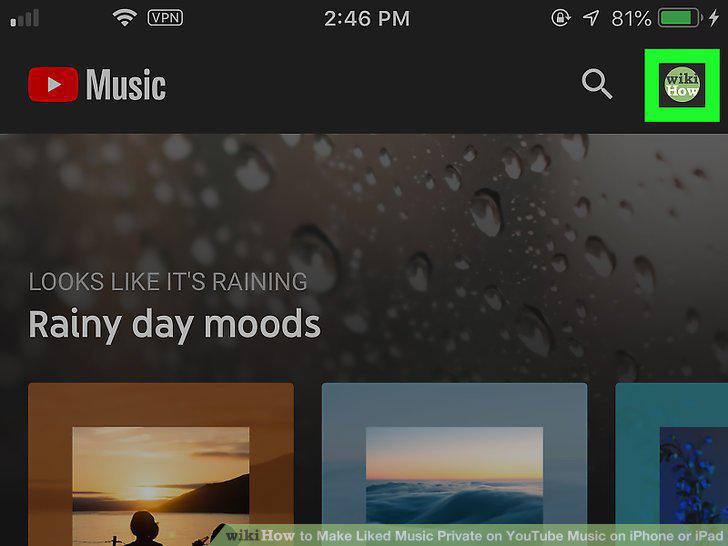
Tap your avatar on the top-right.
3
Tap Settings on the Account menu.
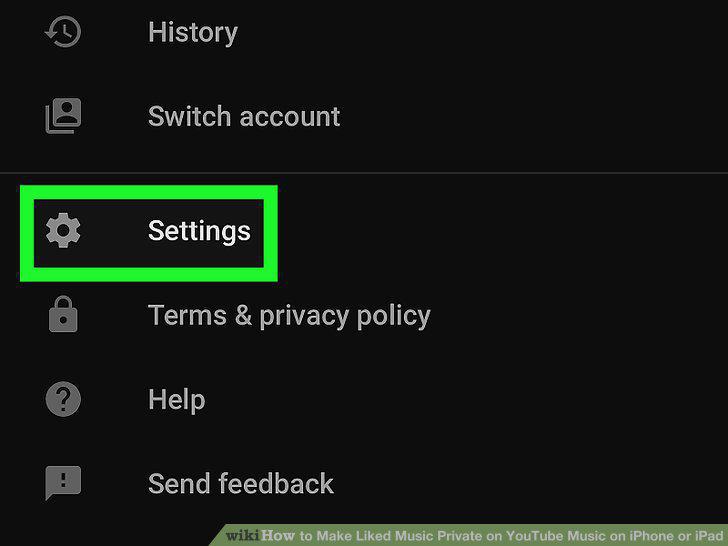
Tap Settings on the Account menu.
4
Tap Privacy & location on the Settings menu.
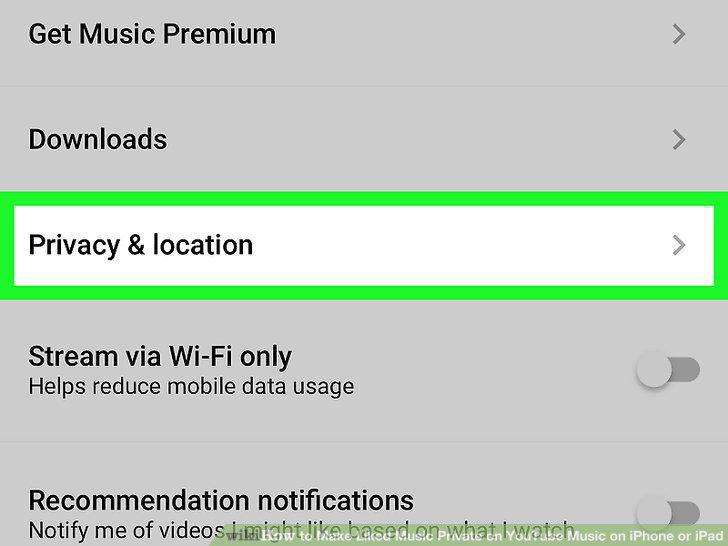
Tap Privacy & location on the Settings menu.
5
Tap Manage account privacy.
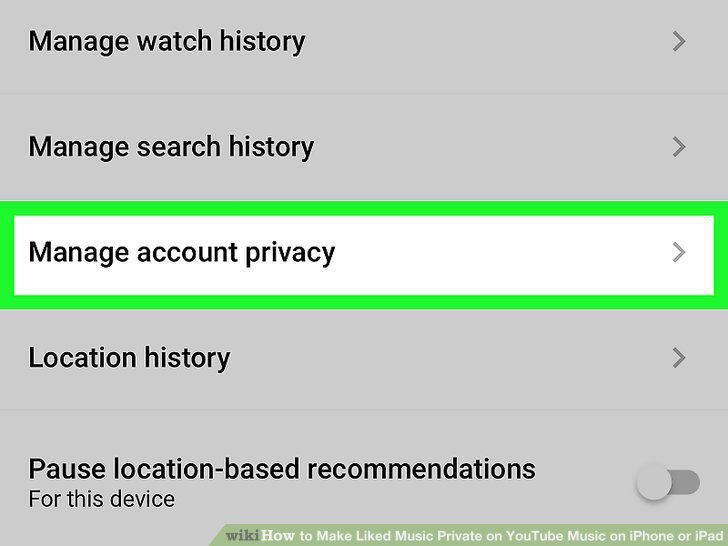
Tap Manage account privacy.
6
Tap and check the box next to "Keep all my Liked Videos private.
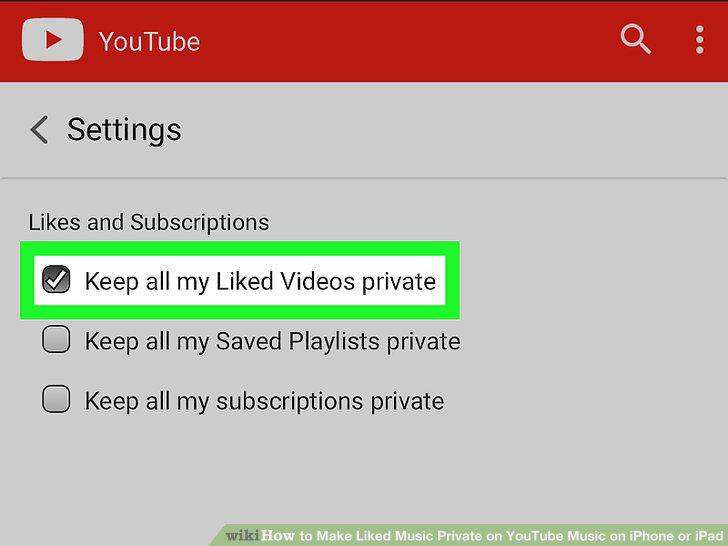
Tap and check the box next to "Keep all my Liked Videos private.
Comments (0)
No comments yet. Be the first to share your thoughts!