How to Create a Spotify Account Without Facebook on a PC or Mac
Open the Spotify website on your internet browser.. Click Sign up.. Enter your email address in the Email field.
Steps
1
Open the Spotify website on your internet browser.
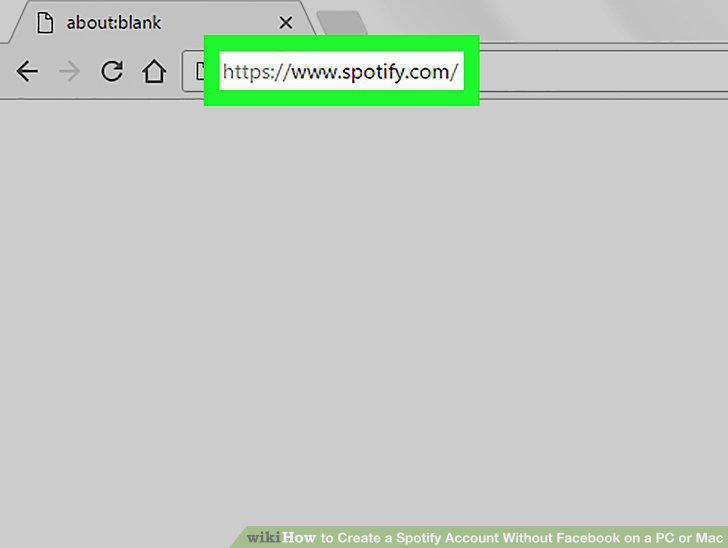
Open the Spotify website on your internet browser.
2
Click Sign up.

Click Sign up.
3
Enter your email address in the Email field.
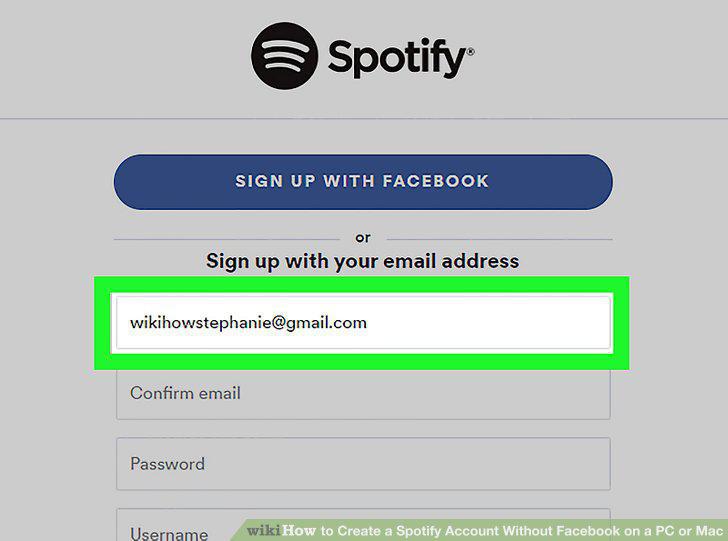
Enter your email address in the Email field.
4
Fill out the rest of the sign-up form.
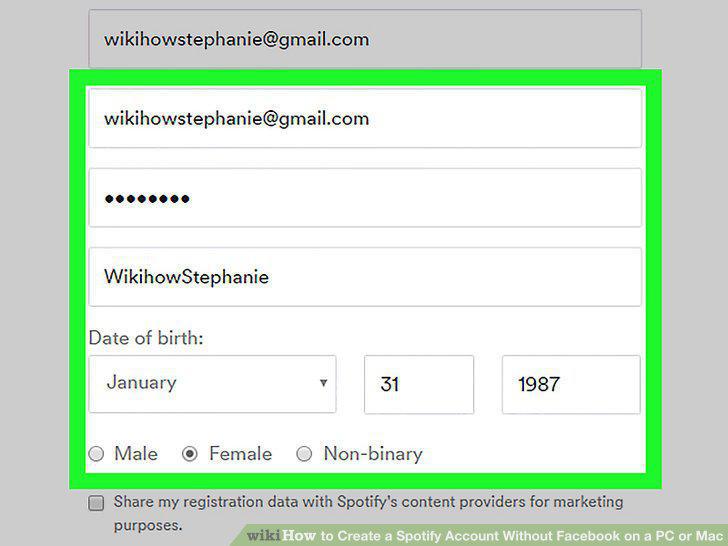
Fill out the rest of the sign-up form.
5
Click and check the box next to the I'm not a robot captcha.
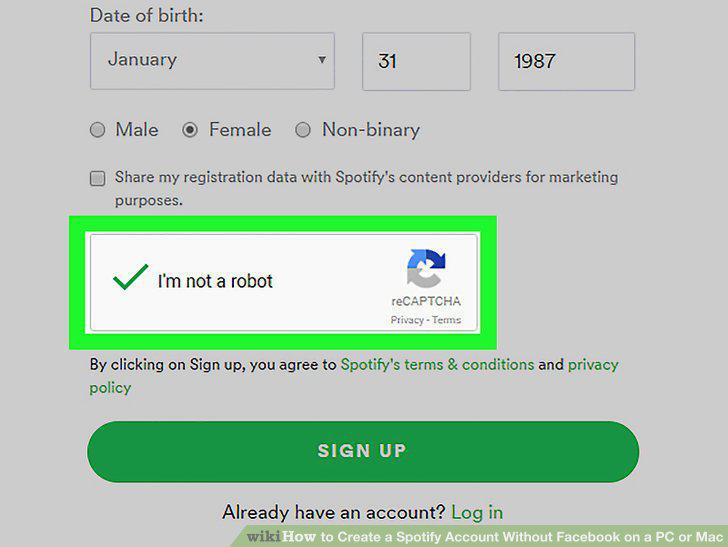
Click and check the box next to the I'm not a robot captcha.
6
Read Spotify's terms & conditions and privacy policy.
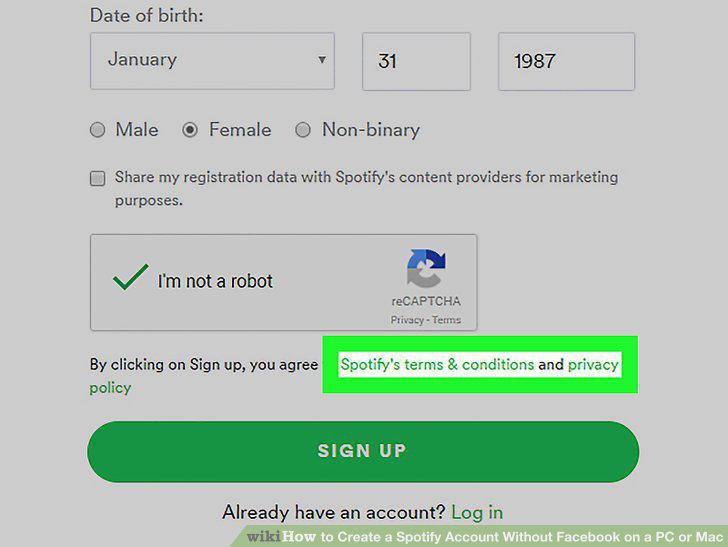
Read Spotify's terms & conditions and privacy policy.
7
Click SIGN UP.
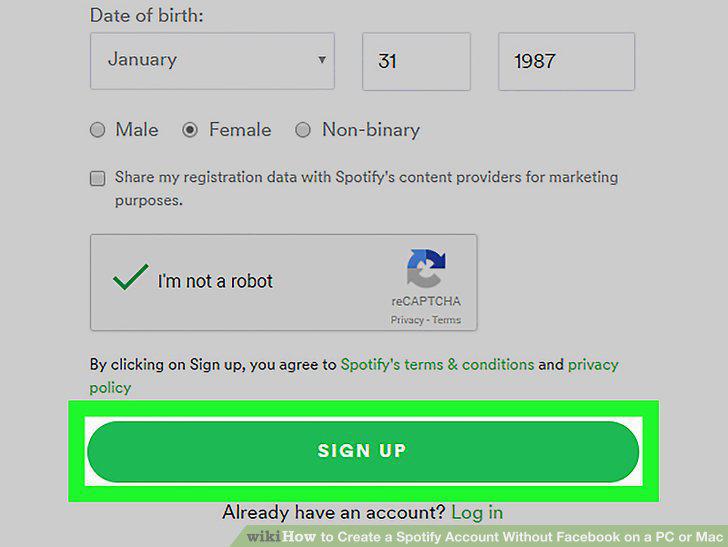
Click SIGN UP.
Comments (0)
No comments yet. Be the first to share your thoughts!