How to Read Google Books
Go to the classic Google Books website or the new one.. Search for a book or magazine's title, author, ISBN, or keywords.. Click a title.
Steps
1
Go to the classic Google Books website or the new one.
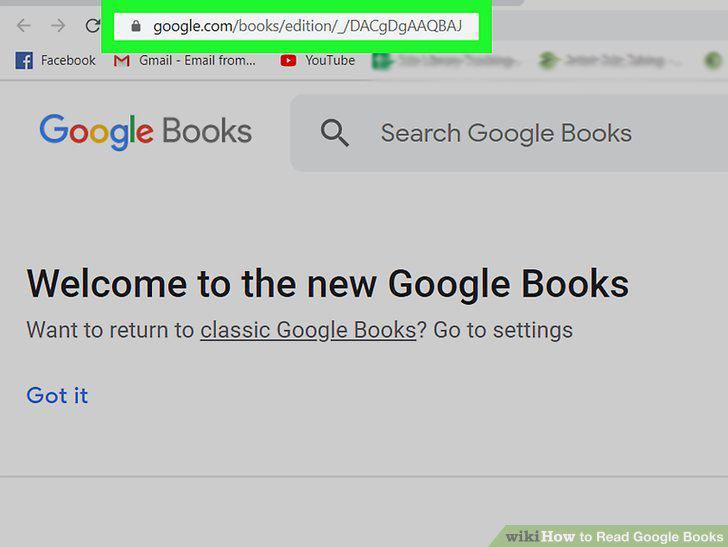
Go to the classic Google Books website or the new one.
2
Search for a book or magazine's title, author, ISBN, or keywords.
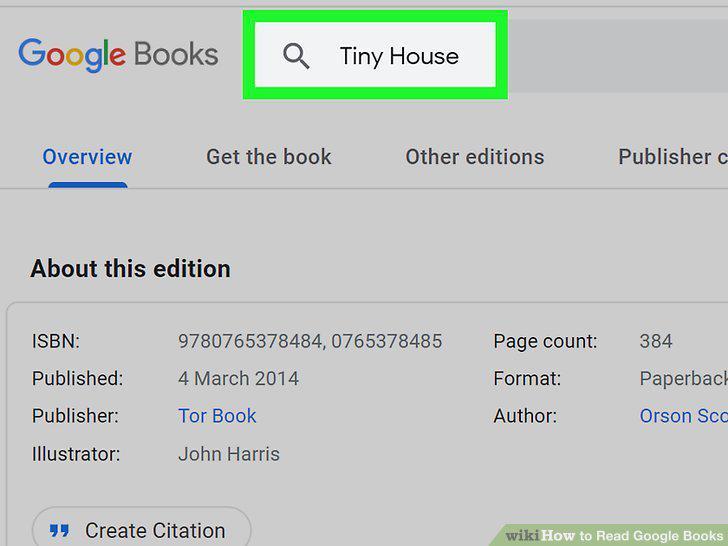
Search for a book or magazine's title, author, ISBN, or keywords.
3
Click a title.
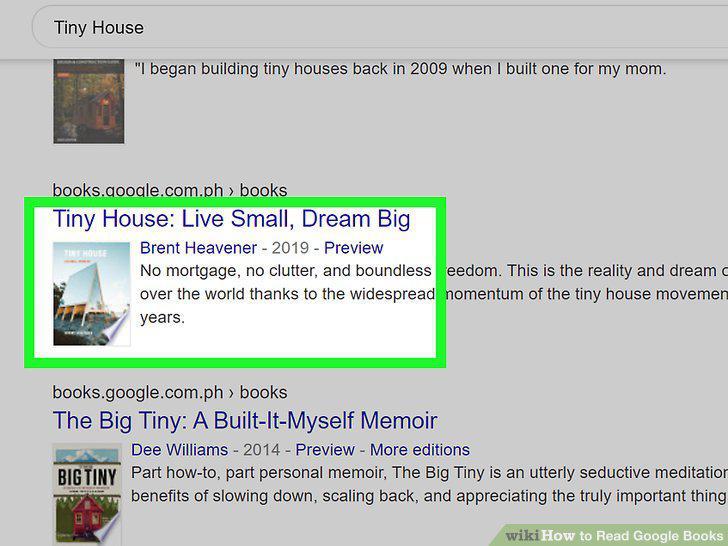
Click a title.
4
Click Read for free or Preview.
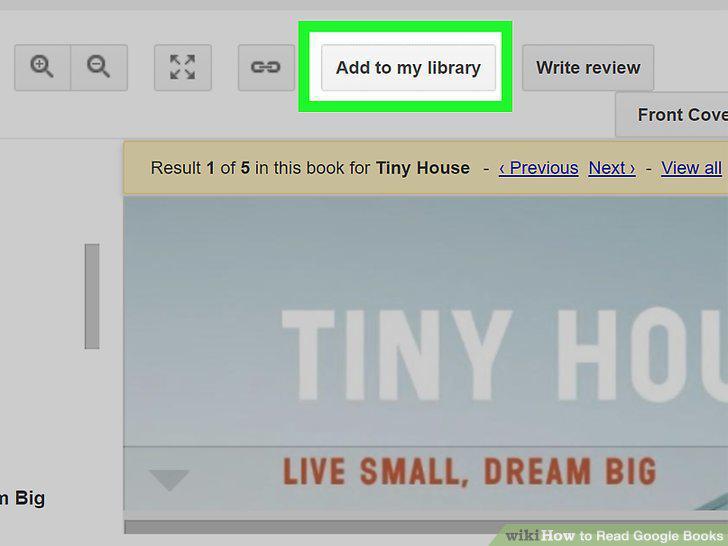
Click Read for free or Preview.
Comments (0)
No comments yet. Be the first to share your thoughts!