How to Transfer an Apple Music Playlist to Spotify
Go to https://www.tunemymusic.com/.. Click Let's Start.. Click to select Apple Music.
Steps
1
Go to https://www.tunemymusic.com/.
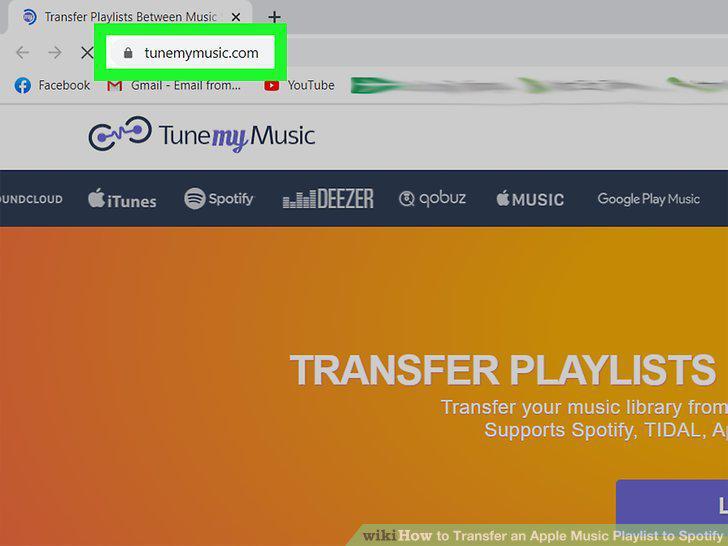
Go to https://www.tunemymusic.com/.
2
Click Let's Start.
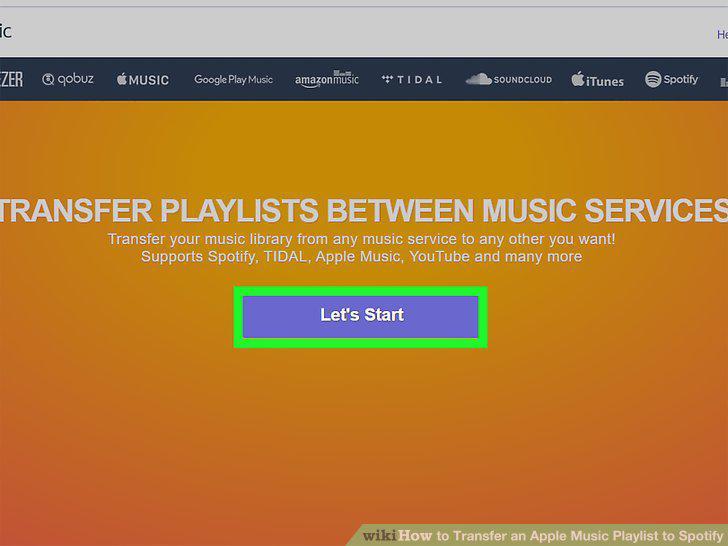
Click Let's Start.
3
Click to select Apple Music.

Click to select Apple Music.
4
Login to your Apple Music account.
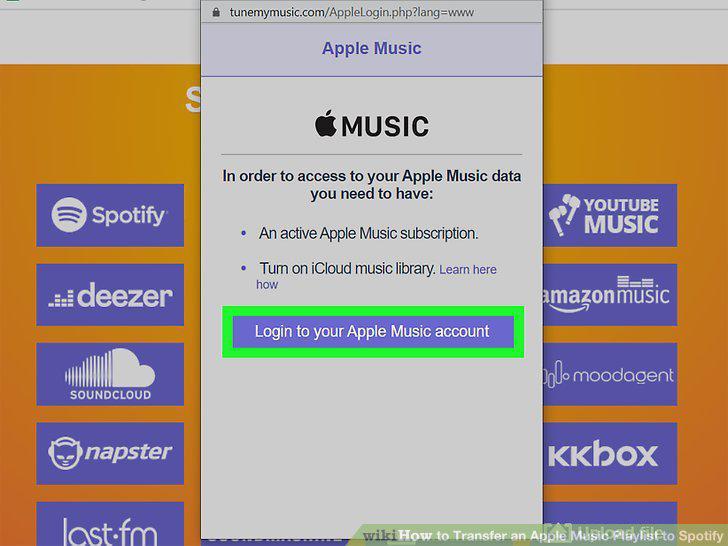
Login to your Apple Music account.
5
Select the playlist you want to transfer.
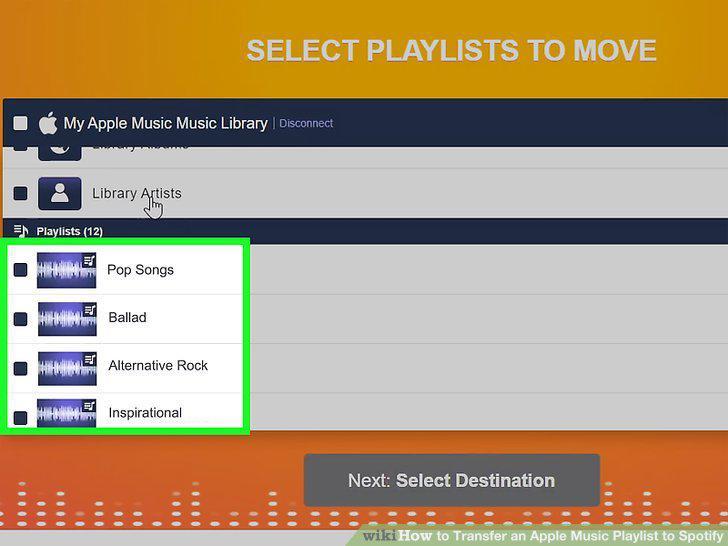
Select the playlist you want to transfer.
6
Click Select Destination.
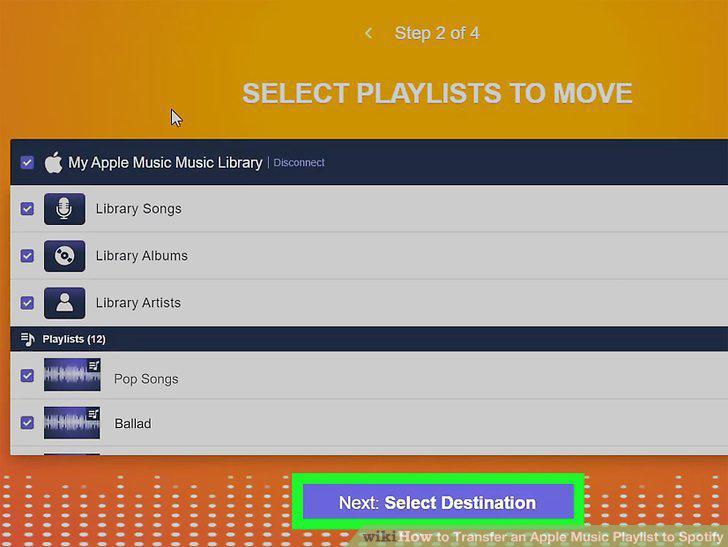
Click Select Destination.
7
Click to select Spotify.

Click to select Spotify.
8
Sign into your Spotify account.
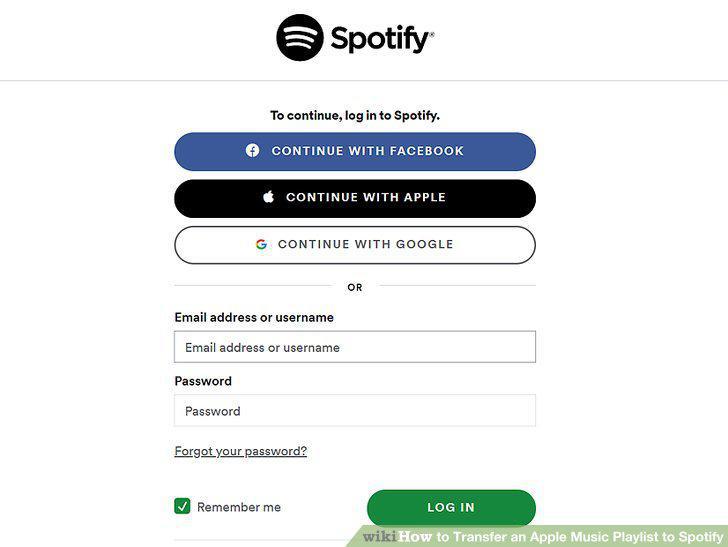
Sign into your Spotify account.
9
Click Start Moving My Music.
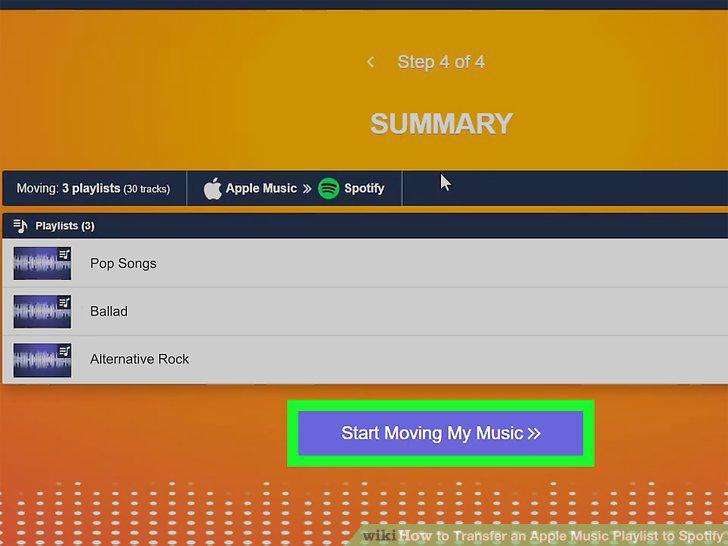
Click Start Moving My Music.
Comments (0)
No comments yet. Be the first to share your thoughts!