How to Upgrade to Family on Spotify on iPhone or iPad
Click Safari to open your web browser.. Navigate to www.spotify.com/family.. Click GET STARTED.
Steps
1
Click Safari to open your web browser.
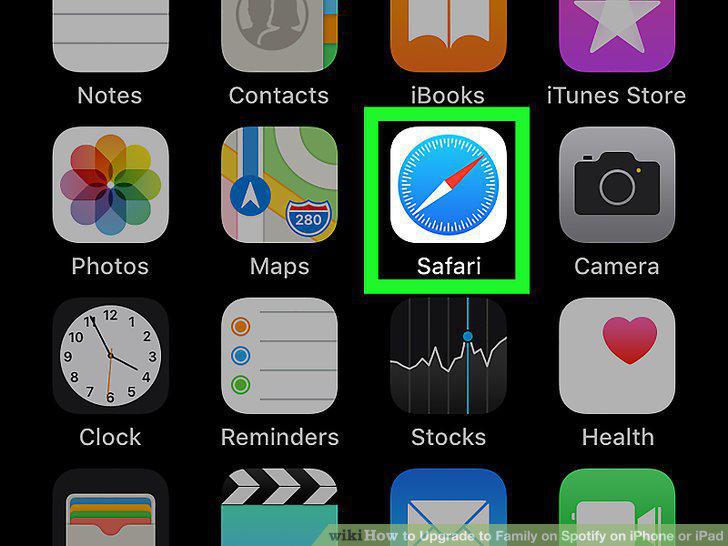
Click Safari to open your web browser.
2
Navigate to www.spotify.com/family.
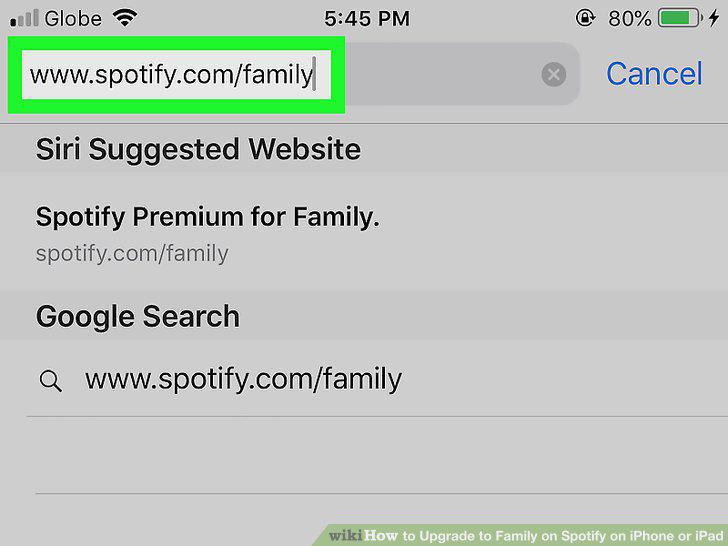
Navigate to www.spotify.com/family.
3
Click GET STARTED.
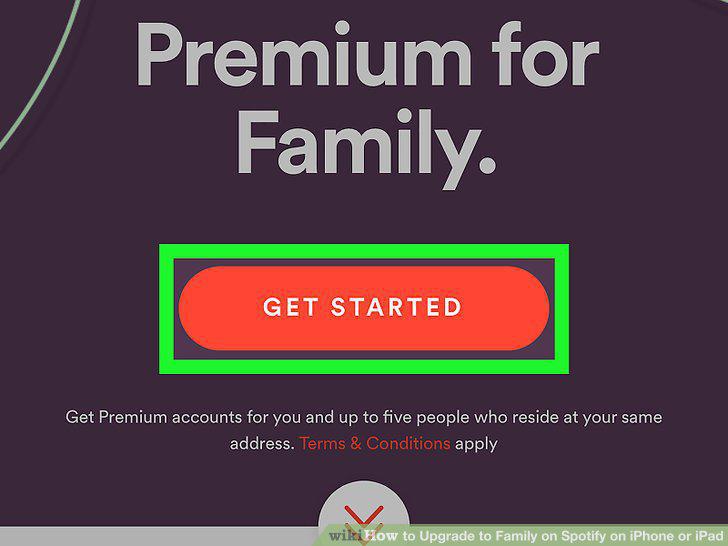
Click GET STARTED.
4
Sign in with your Spotify account.
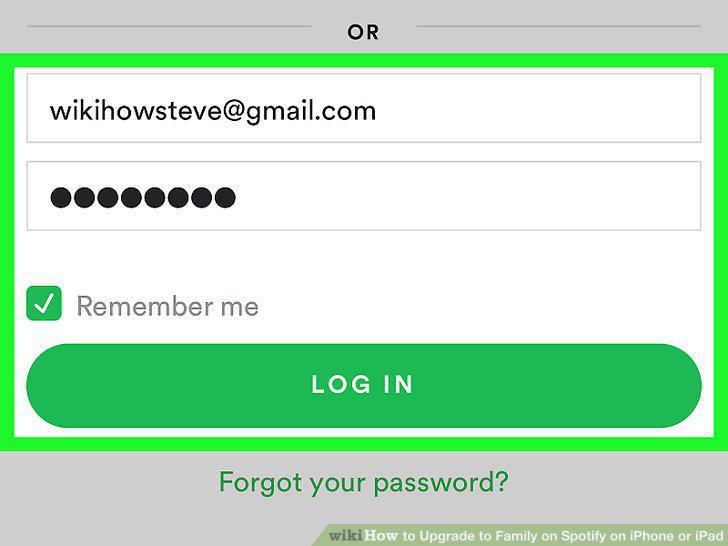
Sign in with your Spotify account.
5
Choose your desired payment method and enter your payment details.
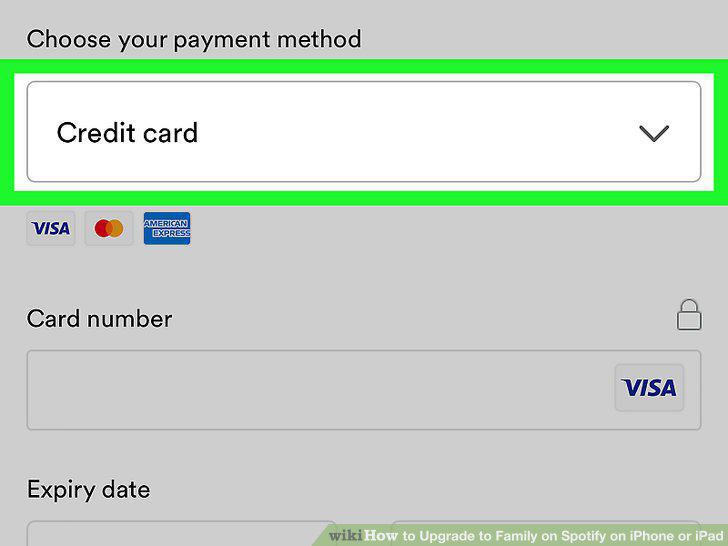
Choose your desired payment method and enter your payment details.
6
Click Start My Premium For Family.
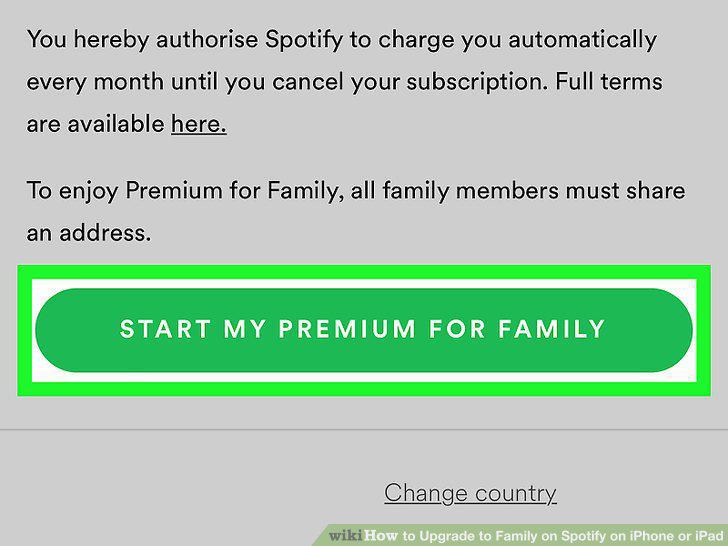
Click Start My Premium For Family.
Comments (0)
No comments yet. Be the first to share your thoughts!