How to Create Symbols in Sketch
Open your project in Sketch.. Select the object(s) you want to turn into a symbol.. Click the Create icon.
Steps
1
Open your project in Sketch.
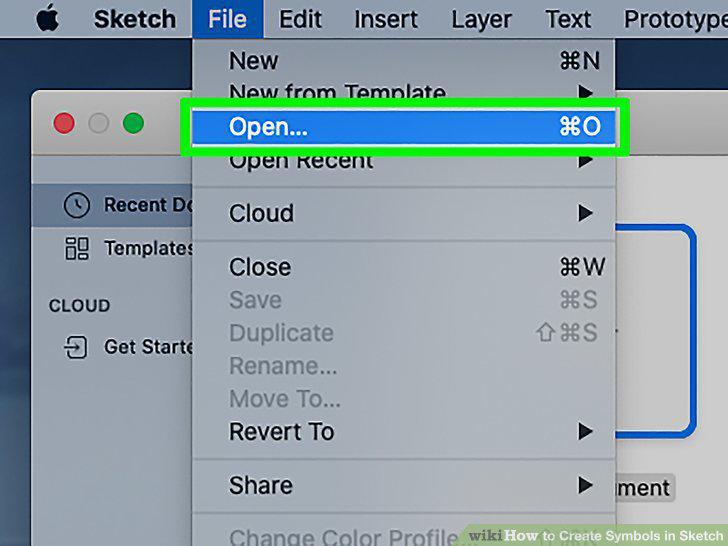
Open your project in Sketch.
2
Select the object(s) you want to turn into a symbol.
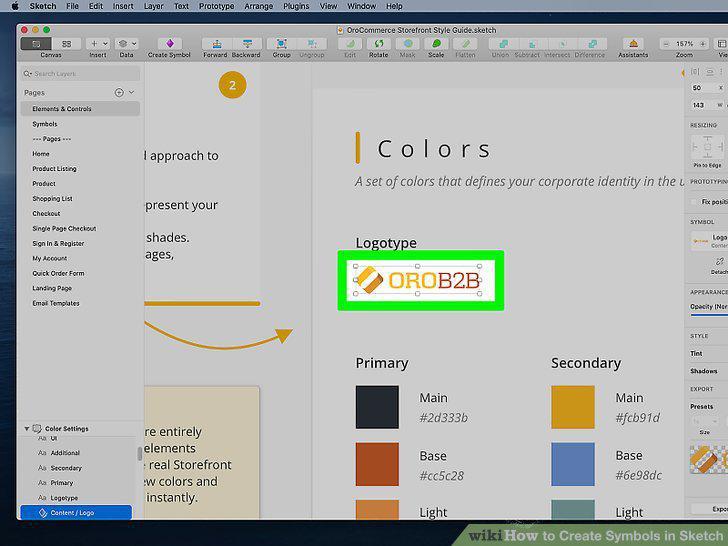
Select the object(s) you want to turn into a symbol.
3
Click the Create icon.
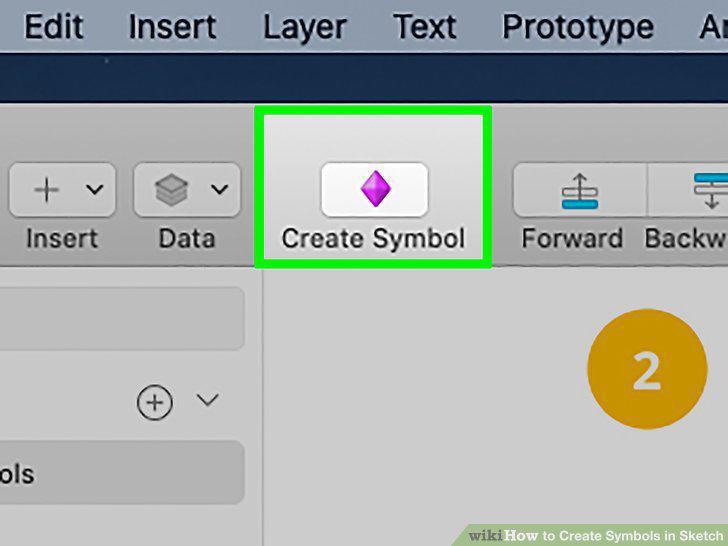
Click the Create icon.
4
Enter a name for the symbol.
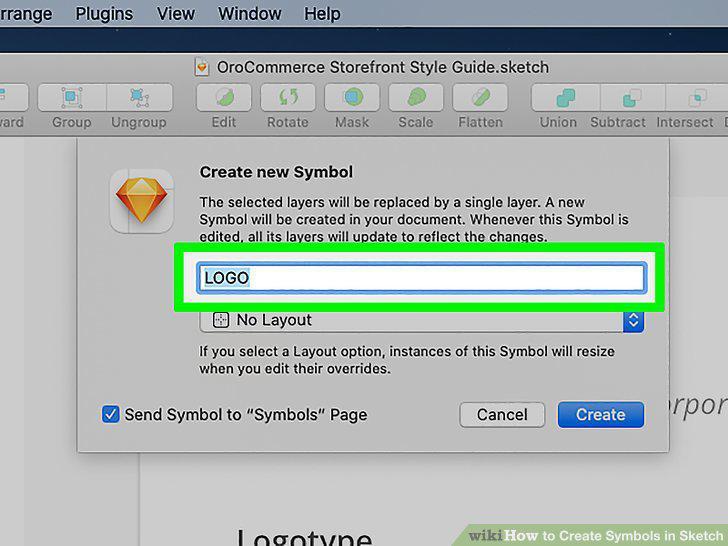
Enter a name for the symbol.
5
Choose whether to send the source to a separate Symbols page.
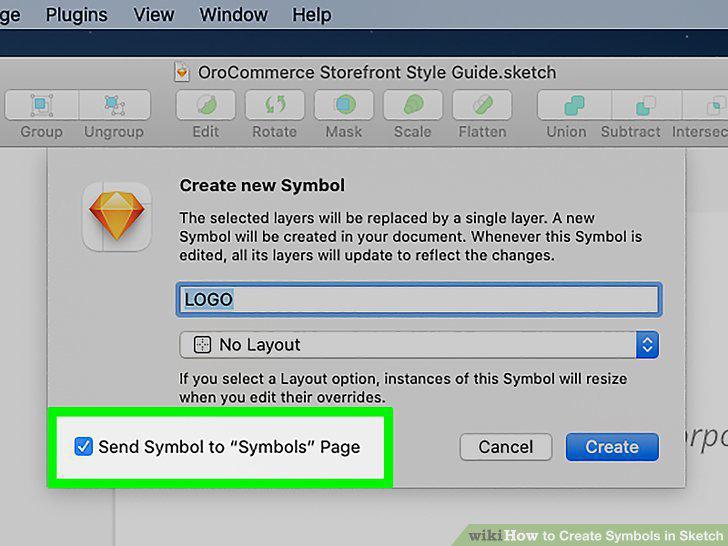
Choose whether to send the source to a separate Symbols page.
6
Click the Create button.
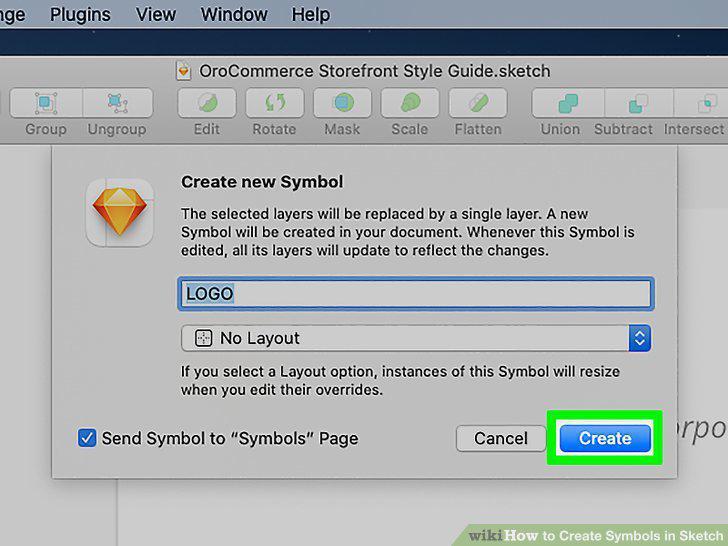
Click the Create button.
7
Open your project in Sketch.
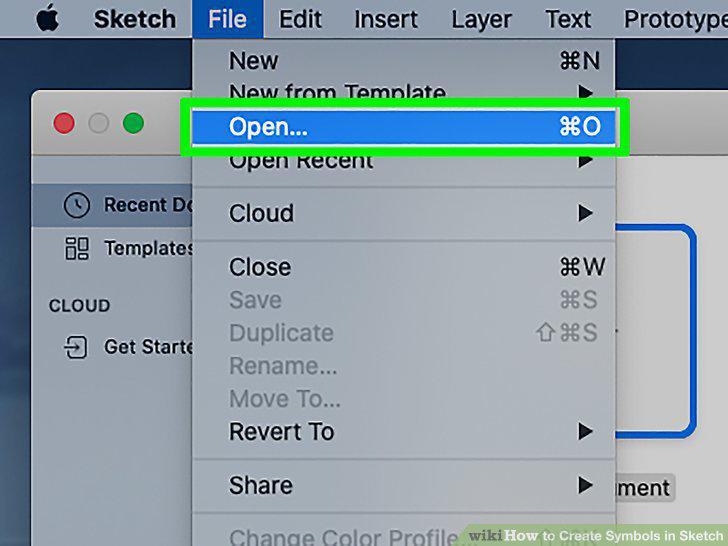
Open your project in Sketch.
8
Press the C on your keyboard.
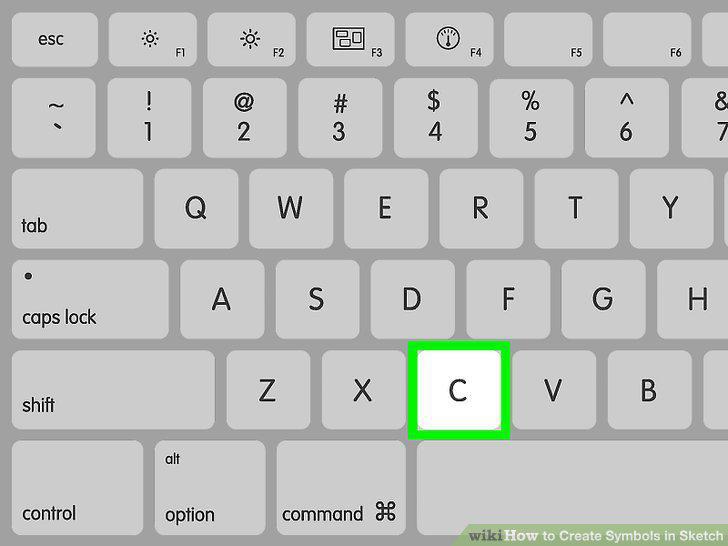
Press the C on your keyboard.
9
Browse for the symbol you want to insert.
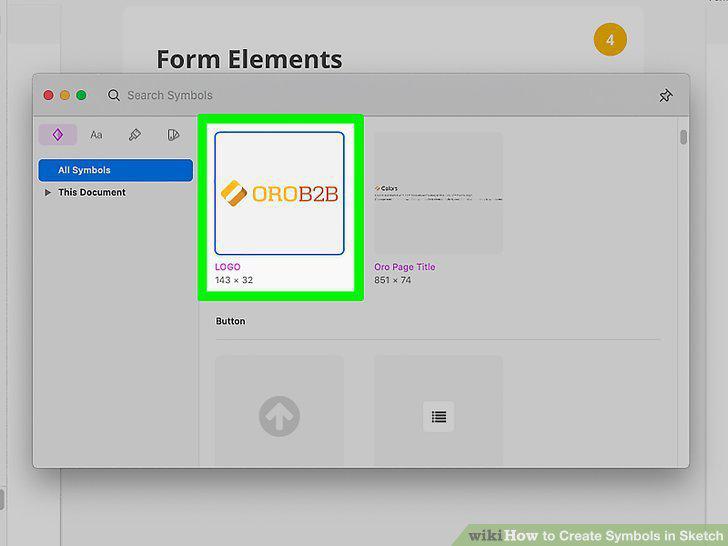
Browse for the symbol you want to insert.
10
Drag the symbol to the desired location.
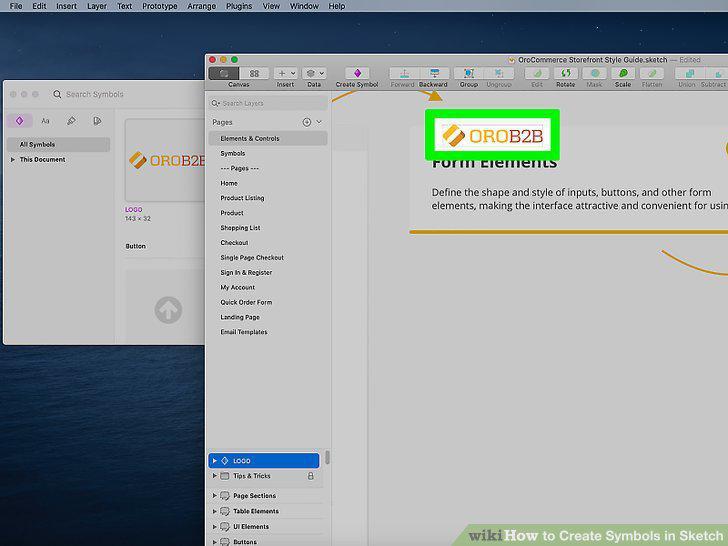
Drag the symbol to the desired location.
Comments (0)
No comments yet. Be the first to share your thoughts!