How to Access Your Electronic Medical Records
Format your request in letter form.. Specify the dates where you were treated by the healthcare provider.. Identify the type of information you need to access on your medical records.
Steps
Format your request in letter form.

Format your request in letter form.
Specify the dates where you were treated by the healthcare provider.

Specify the dates where you were treated by the healthcare provider.
Identify the type of information you need to access on your medical records.

Identify the type of information you need to access on your medical records.
Decide how you want to receive your electronic medical records.
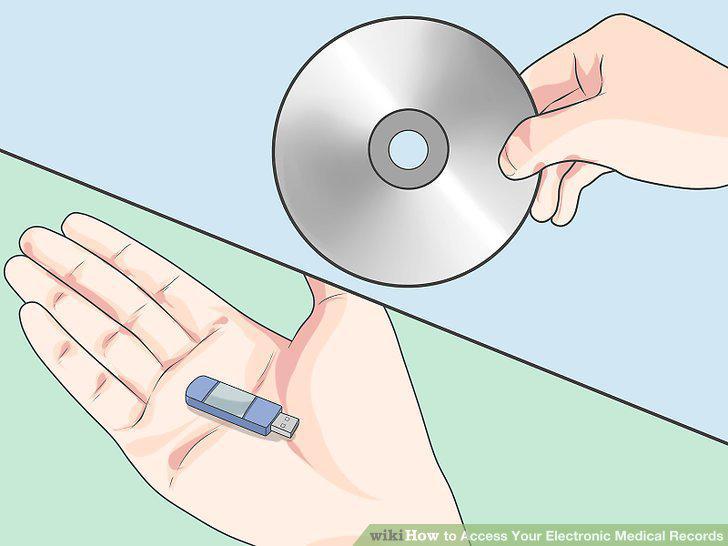
Decide how you want to receive your electronic medical records.
Note the thirty day response period legally established by the HIPAA.

Note the thirty day response period legally established by the HIPAA.
Submit the request to your health provider's office.

Submit the request to your health provider's office.
Be prepared to pay a small fee for access to your records.

Be prepared to pay a small fee for access to your records.
Clarify any unfamiliar medical terminology in your records with your doctor.

Clarify any unfamiliar medical terminology in your records with your doctor.
Correct any discrepancies or mistakes on your records with your doctor.

Correct any discrepancies or mistakes on your records with your doctor.
Use your records to understand your health.

Use your records to understand your health.
Comments (0)
No comments yet. Be the first to share your thoughts!