How to Use a Flash Pass at Six Flags
Be prepared for the cost of the Flash Pass.. Decide what kind of flash pass you would like.. Purchase your Six Flags Flash Pass online.
Steps
1
Be prepared for the cost of the Flash Pass.
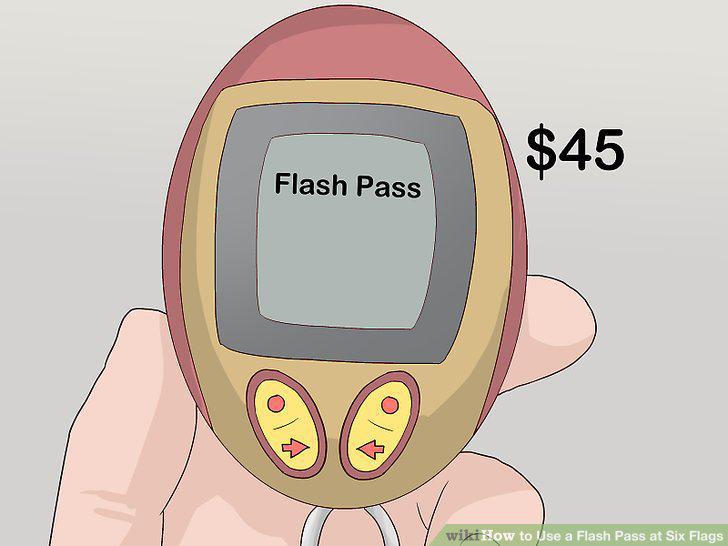
Be prepared for the cost of the Flash Pass.
2
Decide what kind of flash pass you would like.
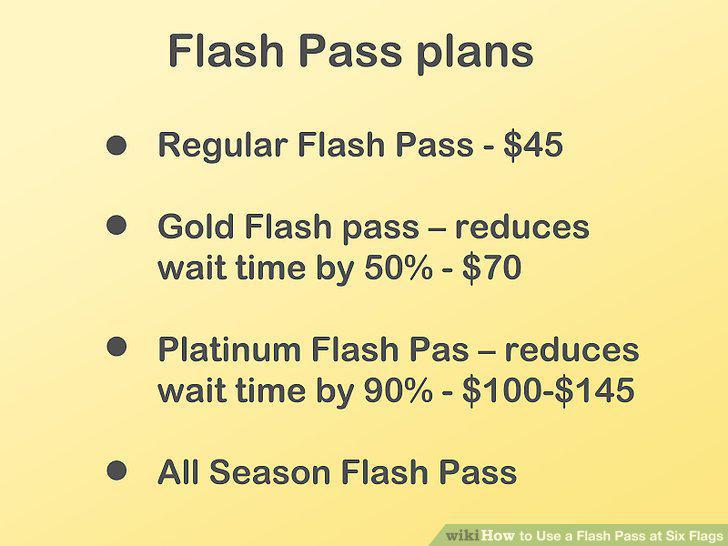
Decide what kind of flash pass you would like.
3
Purchase your Six Flags Flash Pass online.
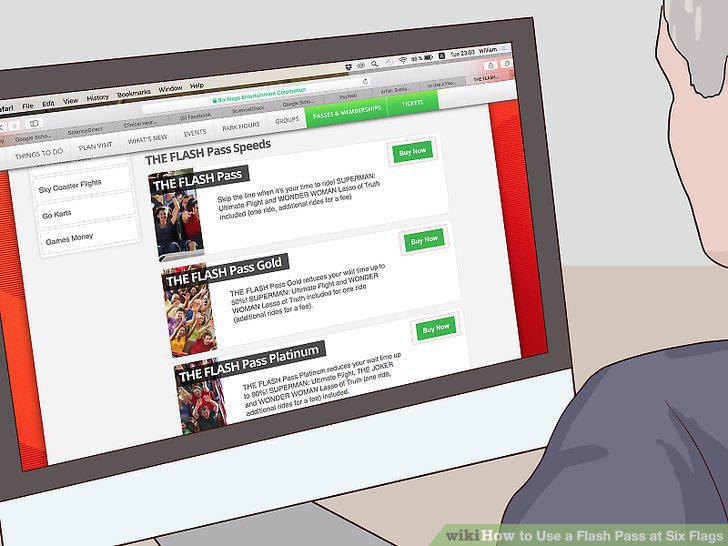
Purchase your Six Flags Flash Pass online.
4
Buy the pass at the park.
Buy the pass at the park.
5
Pick up the Flash Pass.
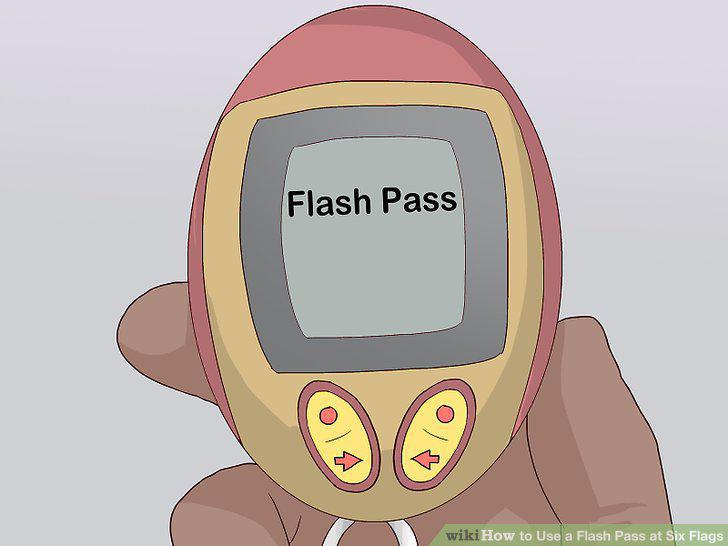
Pick up the Flash Pass.
6
Choose a roller coaster you want to ride.
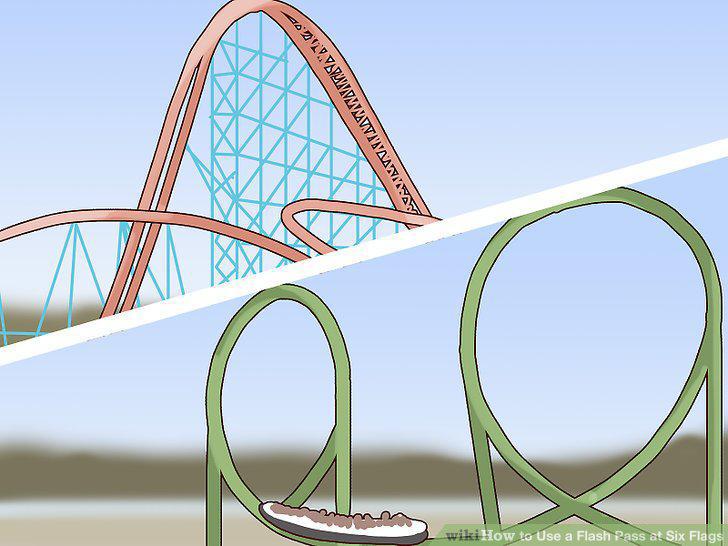
Choose a roller coaster you want to ride.
7
Make a ride reservation.
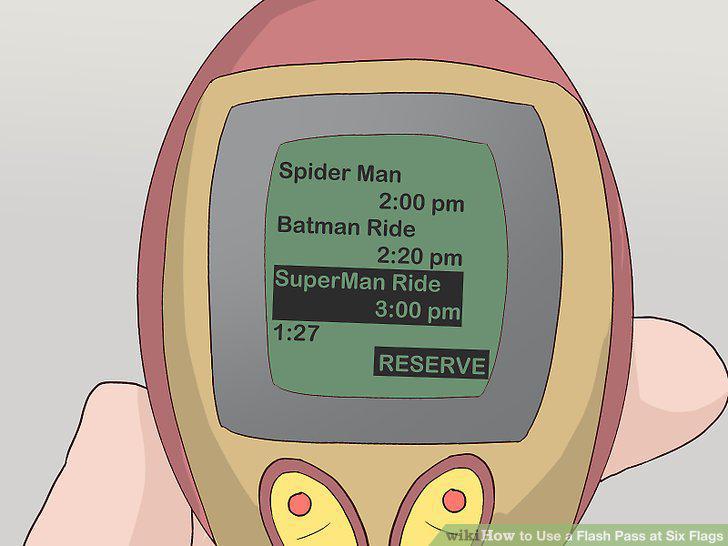
Make a ride reservation.
8
Keep the Flash Pass in a safe spot.
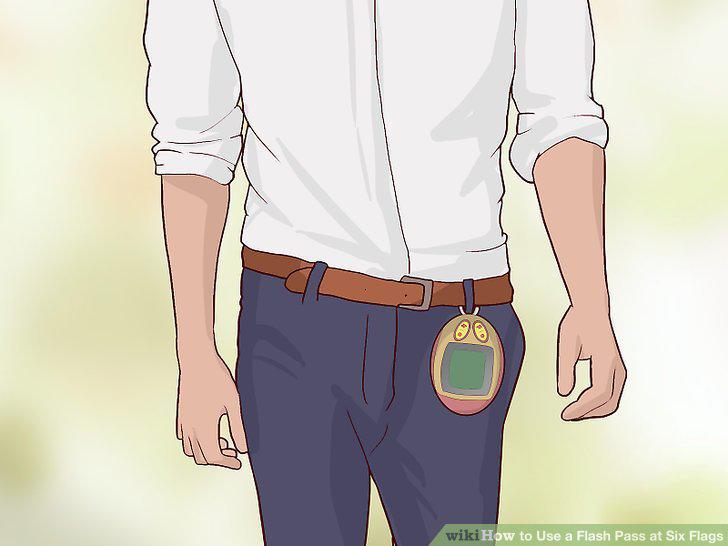
Keep the Flash Pass in a safe spot.
9
Enjoy other attractions while you wait.
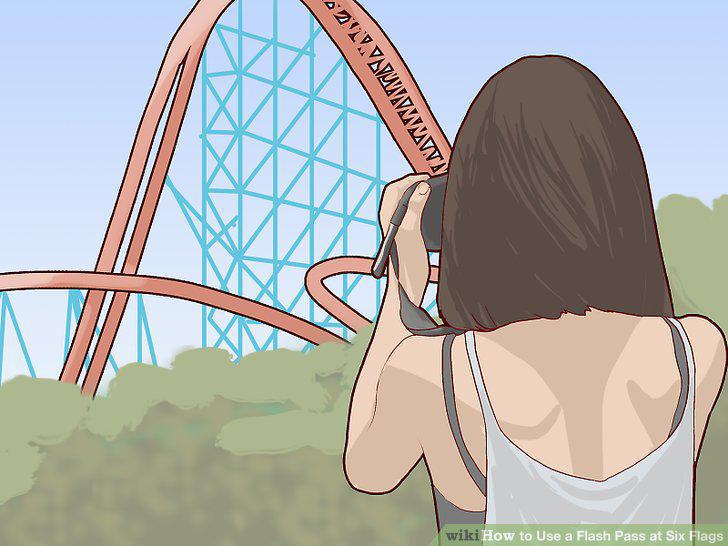
Enjoy other attractions while you wait.
10
Locate the Flash Pass entrance.
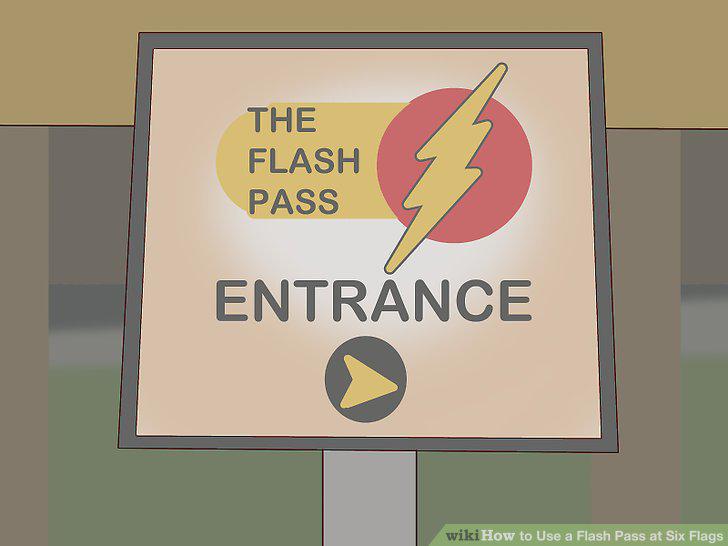
Locate the Flash Pass entrance.
11
Cancel ride reservations if you change your mind.
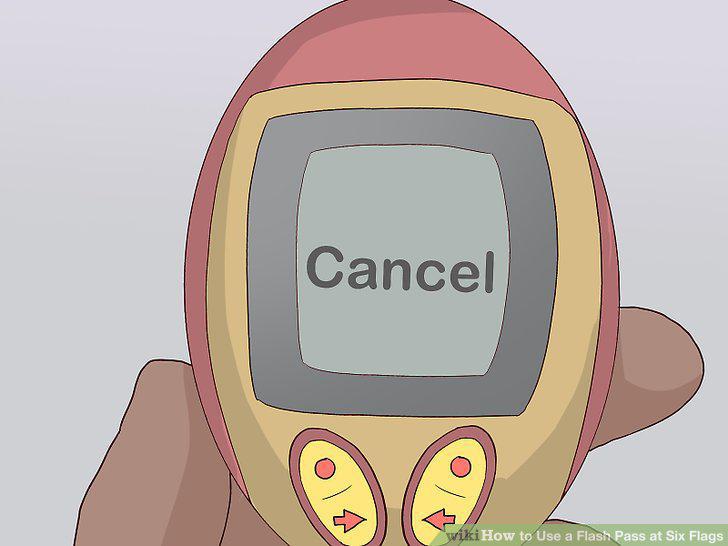
Cancel ride reservations if you change your mind.
12
Return the Q-Bot.
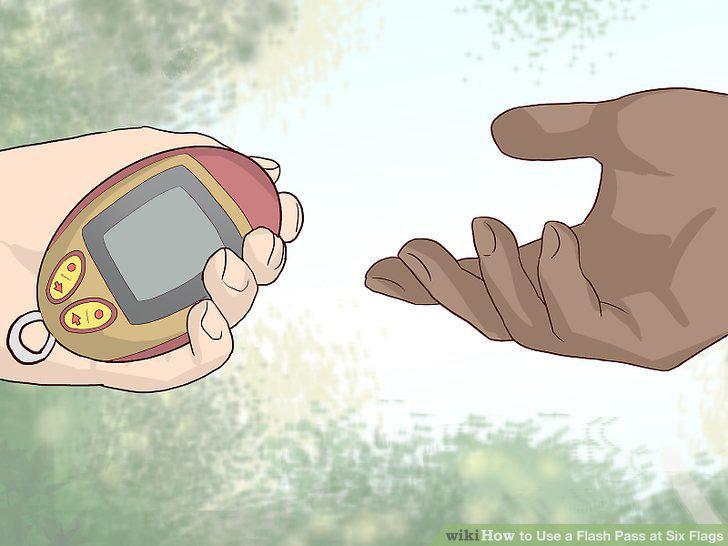
Return the Q-Bot.
Comments (0)
No comments yet. Be the first to share your thoughts!