How to Put Your Music Online
Sign up for a SoundCloud account.. Click "upload" on the top menu bar.. Give your track a title and description.
Steps
Sign up for a SoundCloud account.
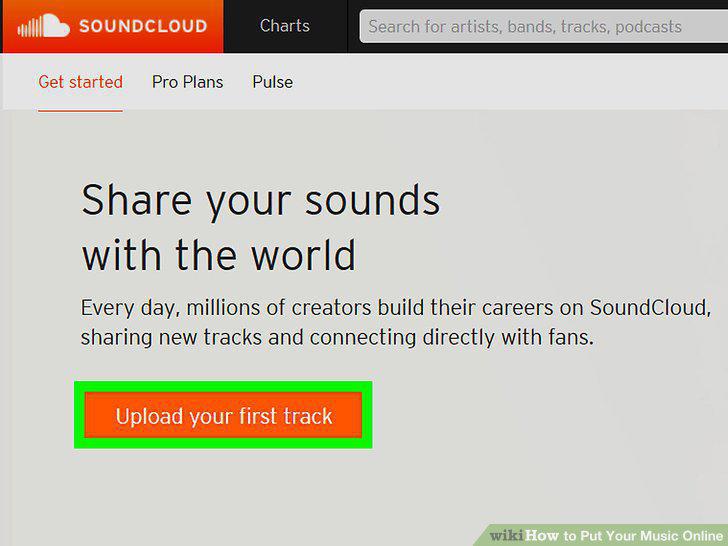
Sign up for a SoundCloud account.
Click "upload" on the top menu bar.
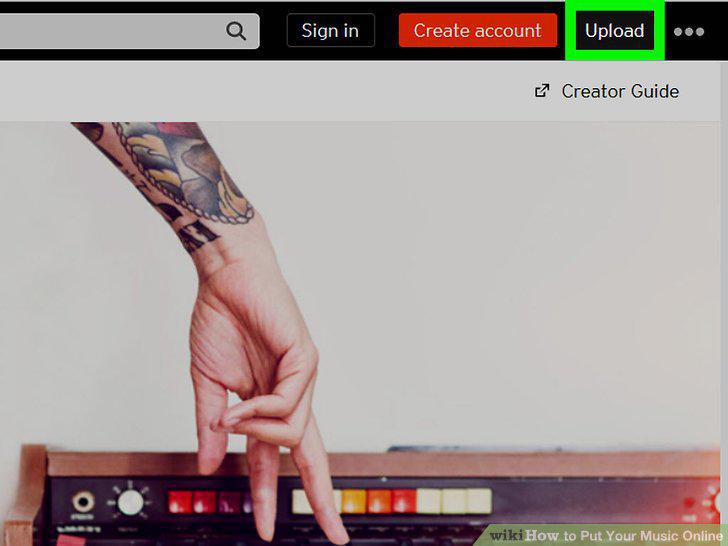
Click "upload" on the top menu bar.
Give your track a title and description.
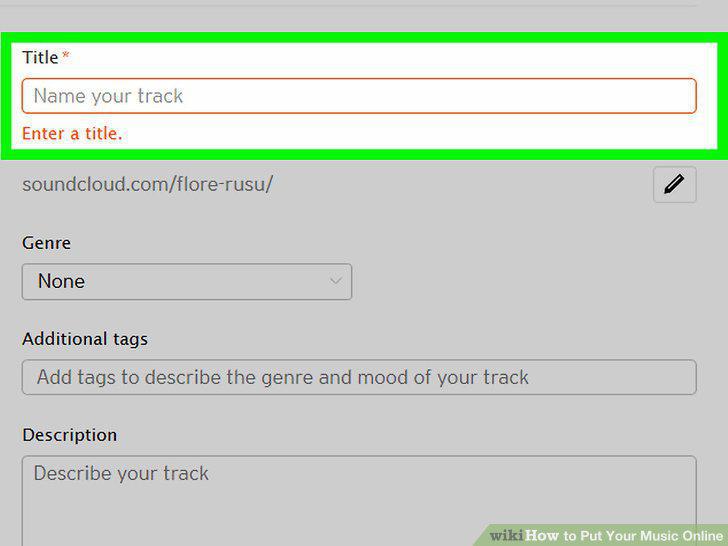
Give your track a title and description.
Enable downloads if you want people to download your track.
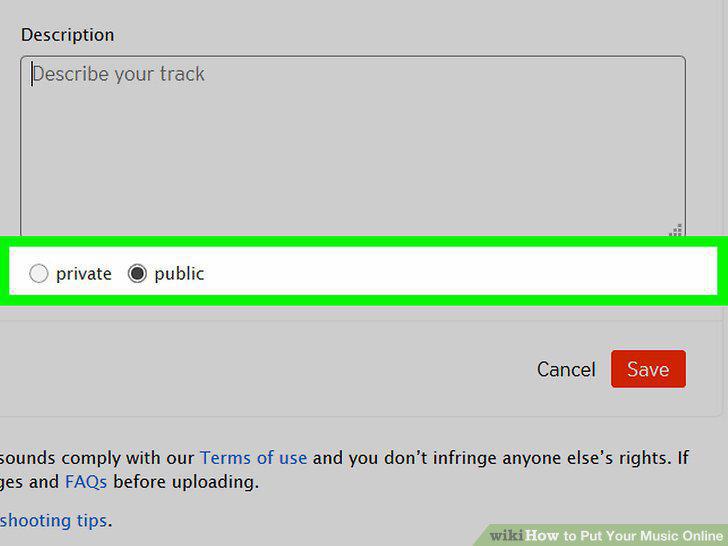
Enable downloads if you want people to download your track.
Publish your track.
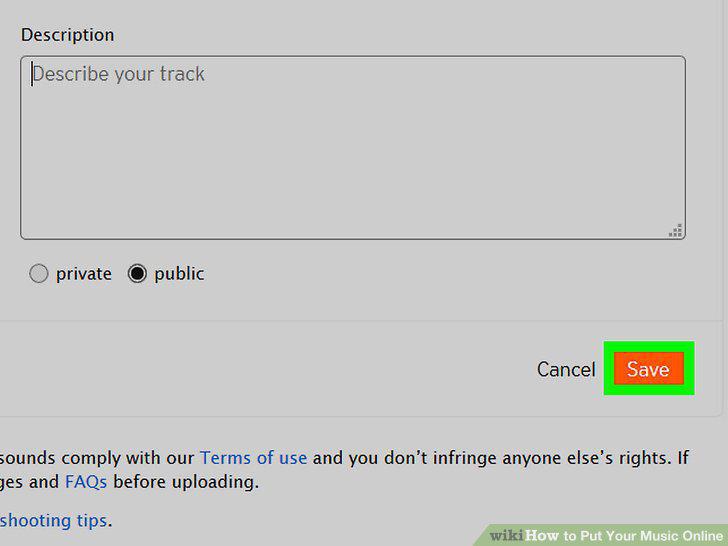
Publish your track.
Share your track on social media.
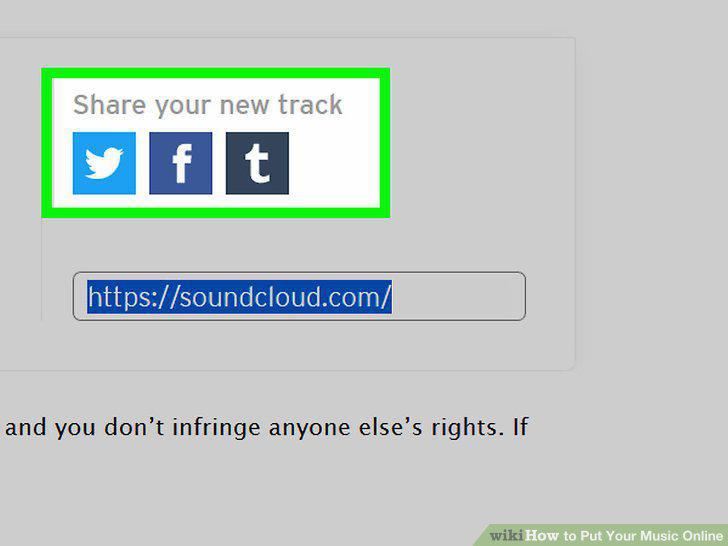
Share your track on social media.
Review your music stats.
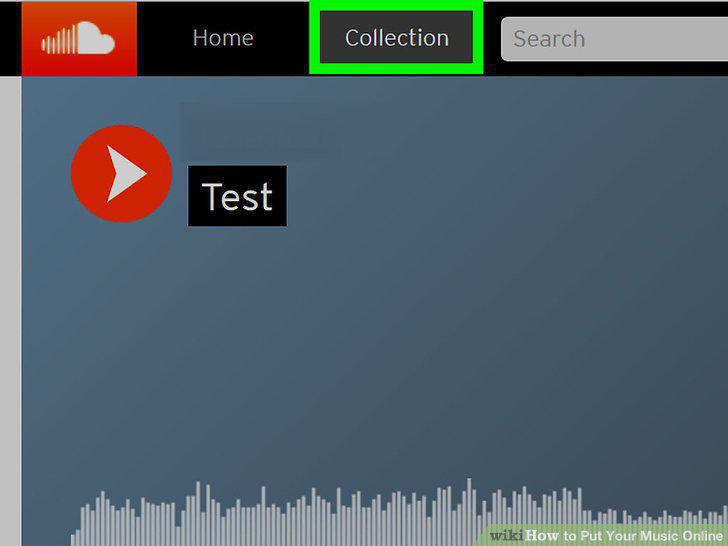
Review your music stats.
Convert your audio file to a .WMV video file if you're using Windows.
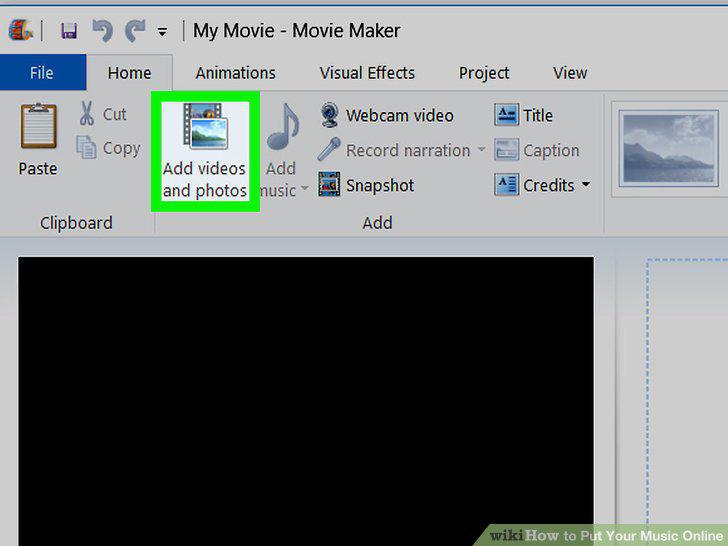
Convert your audio file to a .WMV video file if you're using Windows.
Convert your audio file to a .MOV video file if you're using a Mac.
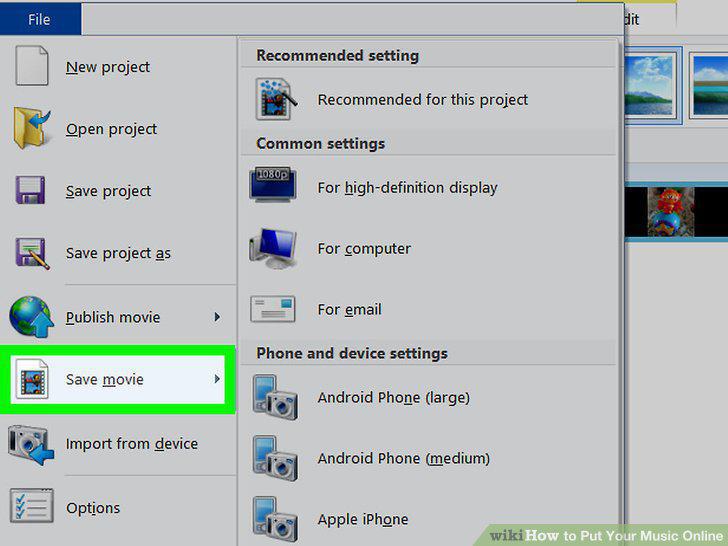
Convert your audio file to a .MOV video file if you're using a Mac.
Sign up for a YouTube account.
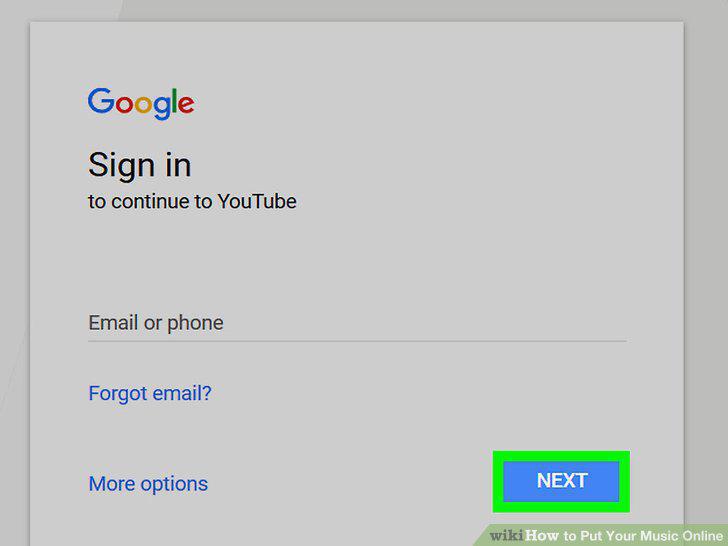
Sign up for a YouTube account.
Click the upload button to the right of the top menu bar.
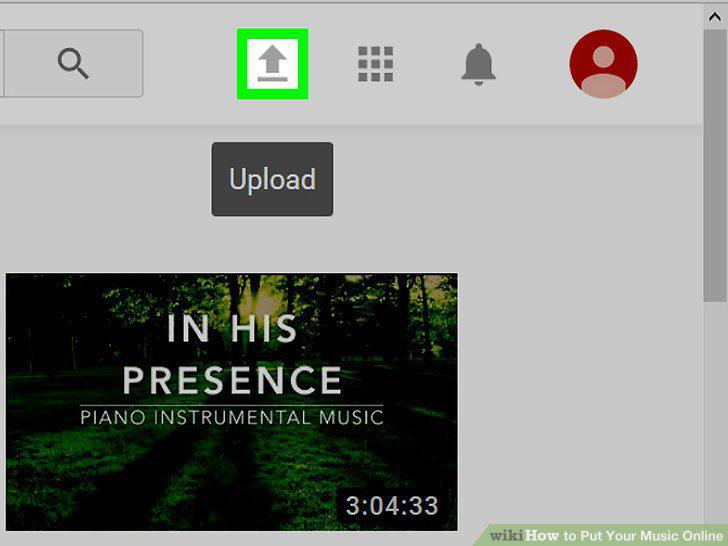
Click the upload button to the right of the top menu bar.
Give your video a title and description.
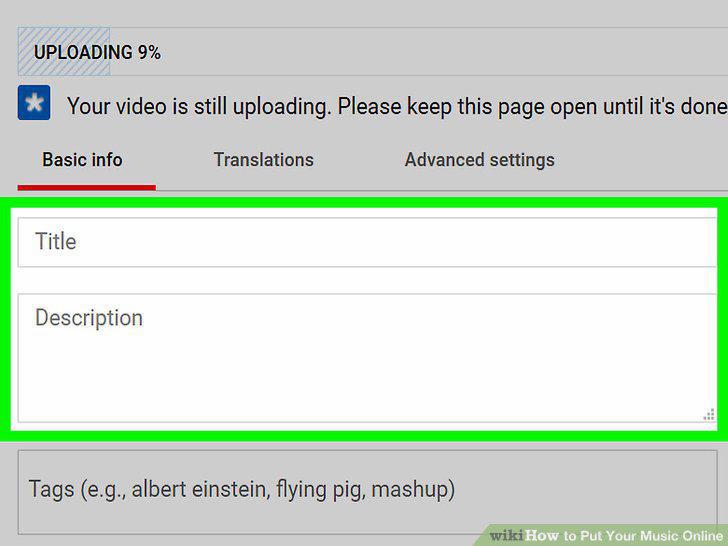
Give your video a title and description.
Check your YouTube analytics.
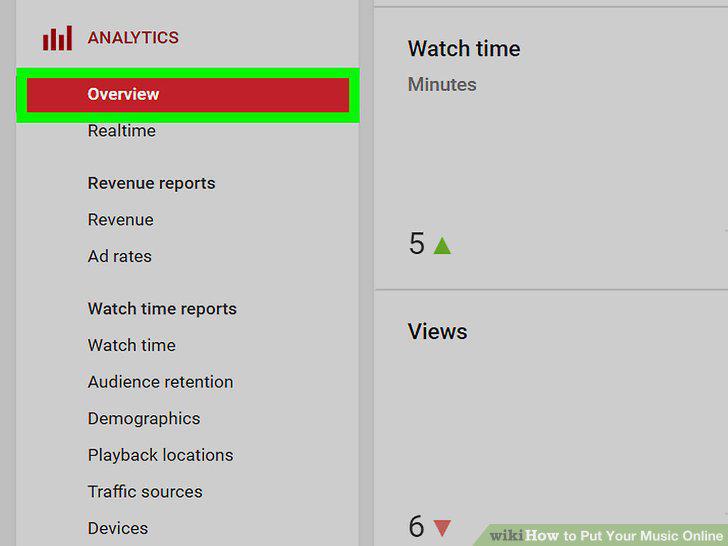
Check your YouTube analytics.
Sign up for a PayPal account.
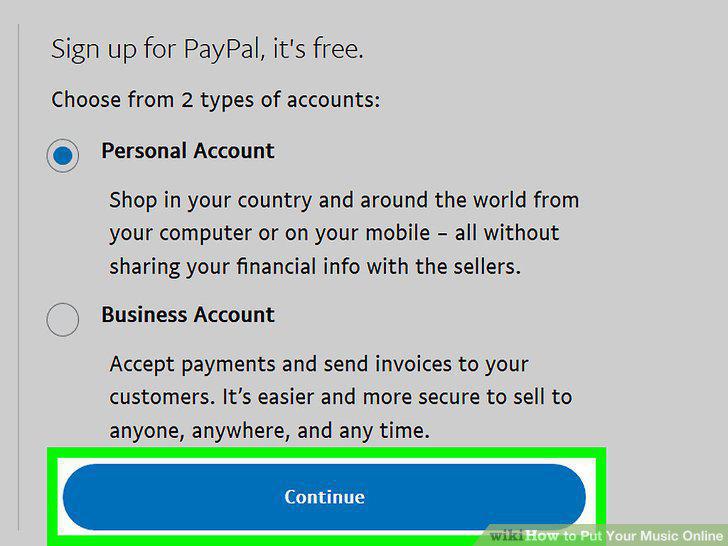
Sign up for a PayPal account.
Sign up for a Bandcamp account.
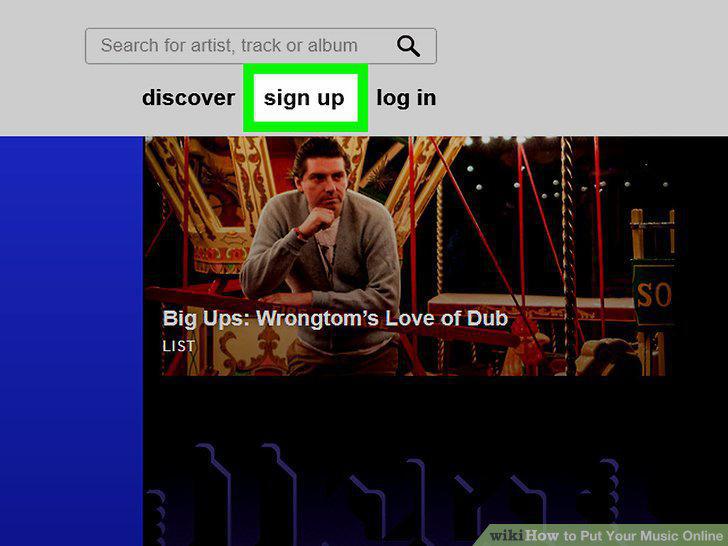
Sign up for a Bandcamp account.
Click the "add a track" button on your home page.
Click the "add a track" button on your home page.
Enter in your track information.
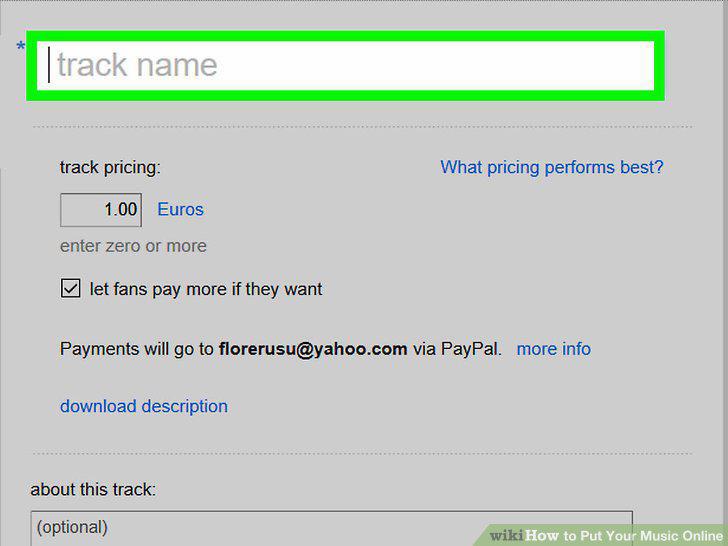
Enter in your track information.
Enter a price for your track in the "track pricing" field.
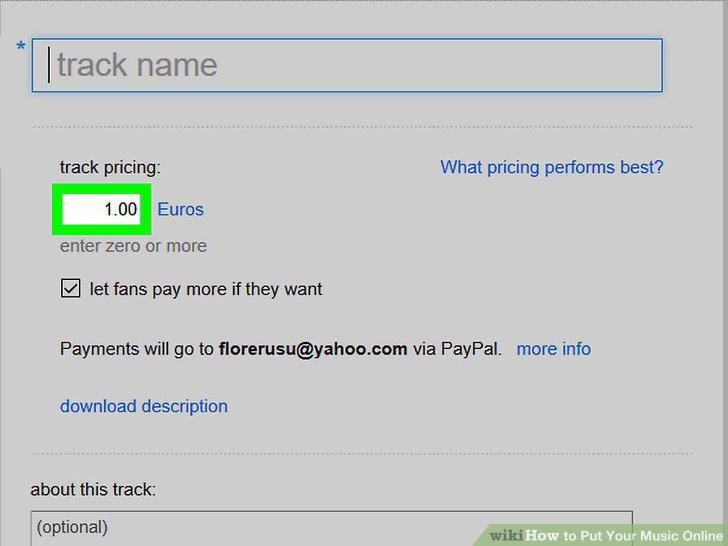
Enter a price for your track in the "track pricing" field.
Publish your track.
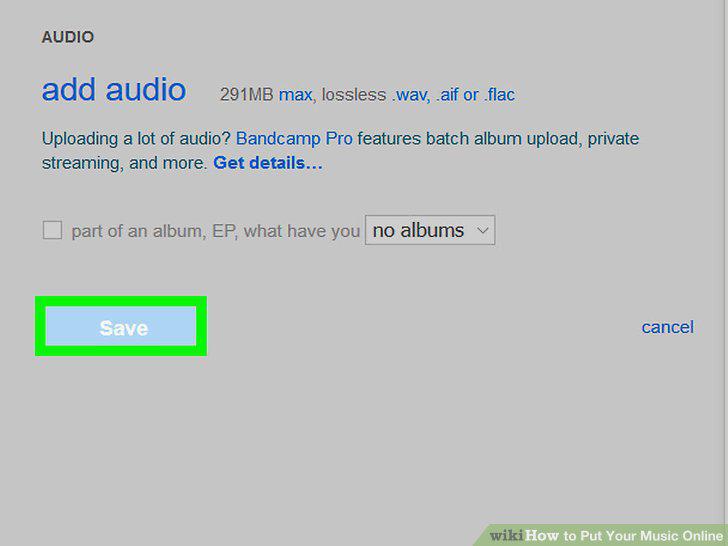
Publish your track.
View your Bandcamp stats to see what people think of your music.
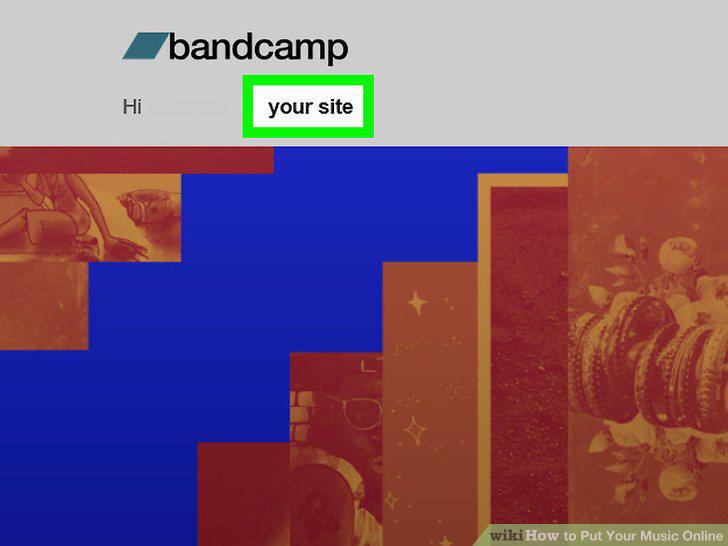
View your Bandcamp stats to see what people think of your music.
Comments (0)
No comments yet. Be the first to share your thoughts!