How to Verify a Student Account on Spotify on Android
Open your Android's browser and go to https://spotify.sheerid.com.. Enter your information on the manual verification page.. Tap Next Step.
Steps
1
Open your Android's browser and go to https://spotify.sheerid.com.
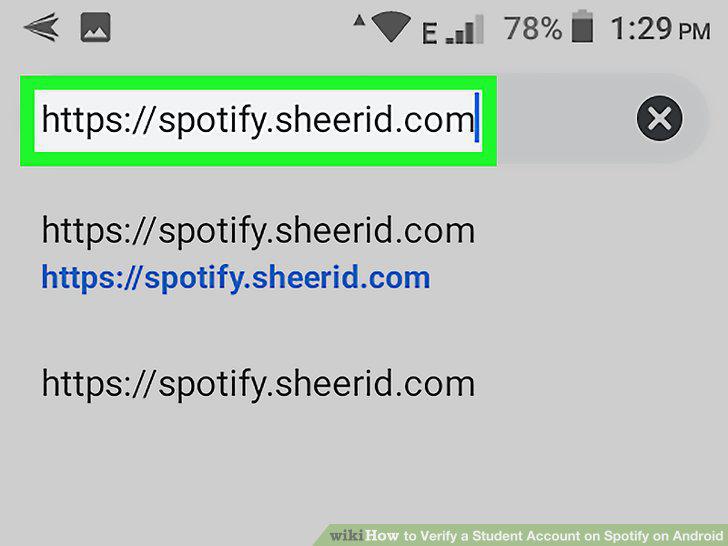
Open your Android's browser and go to https://spotify.sheerid.com.
2
Enter your information on the manual verification page.
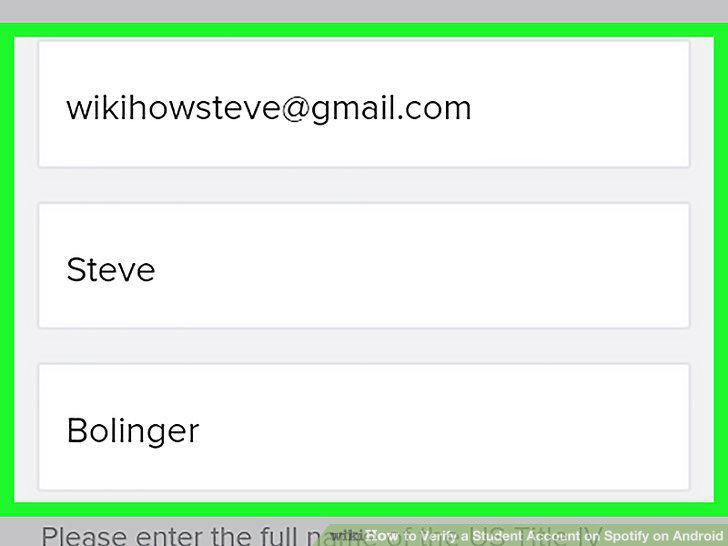
Enter your information on the manual verification page.
3
Tap Next Step.
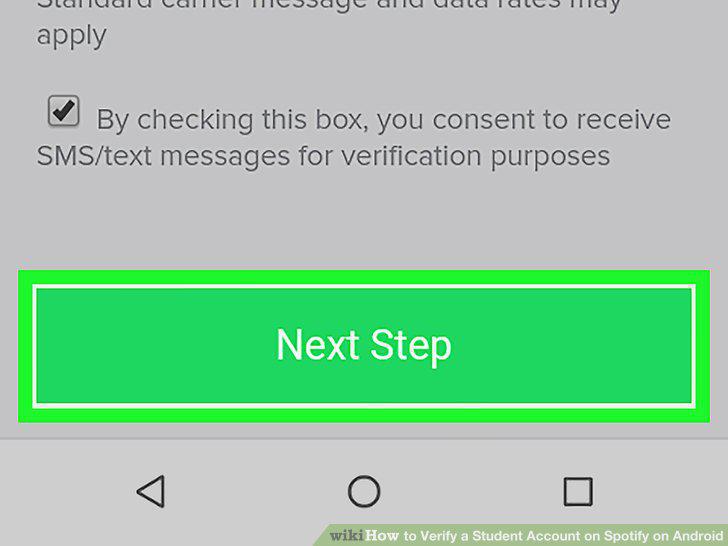
Tap Next Step.
4
Browse for a document verifying your current college enrollment.
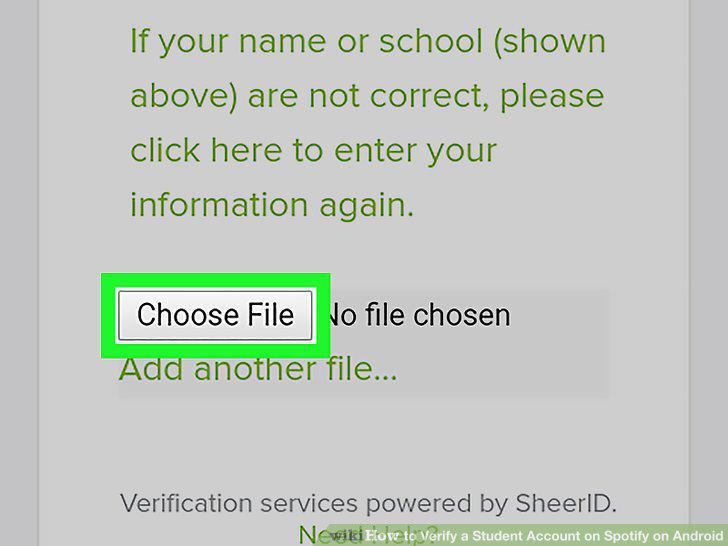
Browse for a document verifying your current college enrollment.
5
Tap Upload Document.
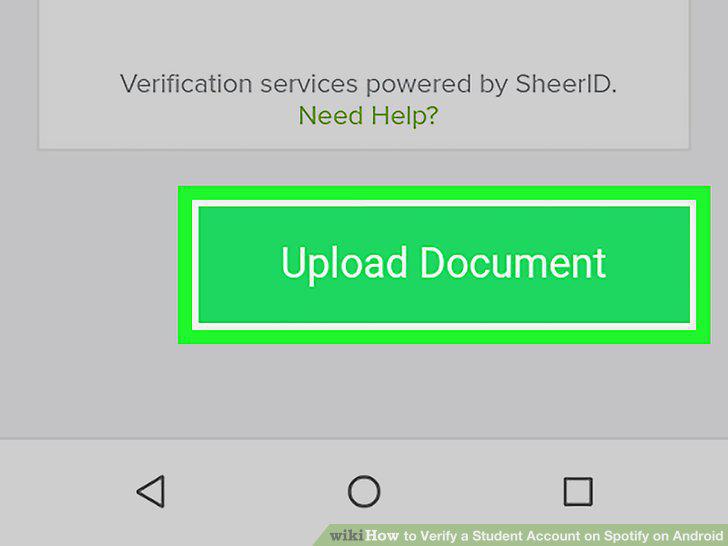
Tap Upload Document.
Comments (0)
No comments yet. Be the first to share your thoughts!