How to Get Ebooks to Read Aloud on iPhone or iPad
Open your iPhone or iPad's Settings .. Scroll down and tap General.. Tap Accessibility.
Steps
1
Open your iPhone or iPad's Settings .
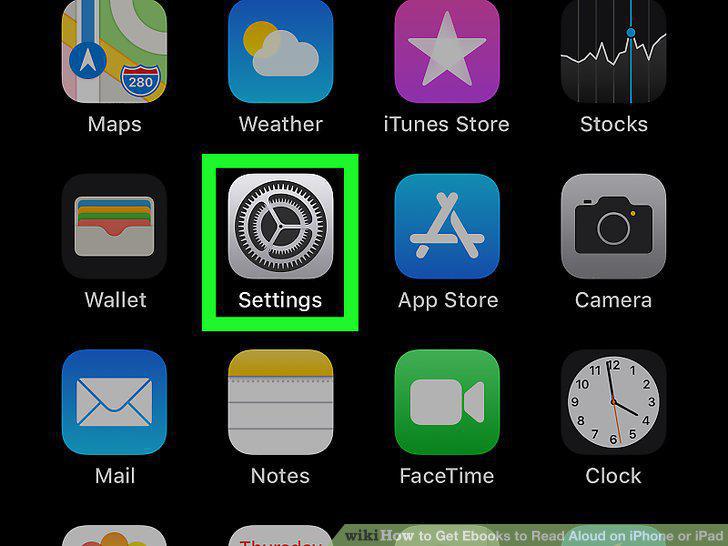
Open your iPhone or iPad's Settings .
2
Scroll down and tap General.
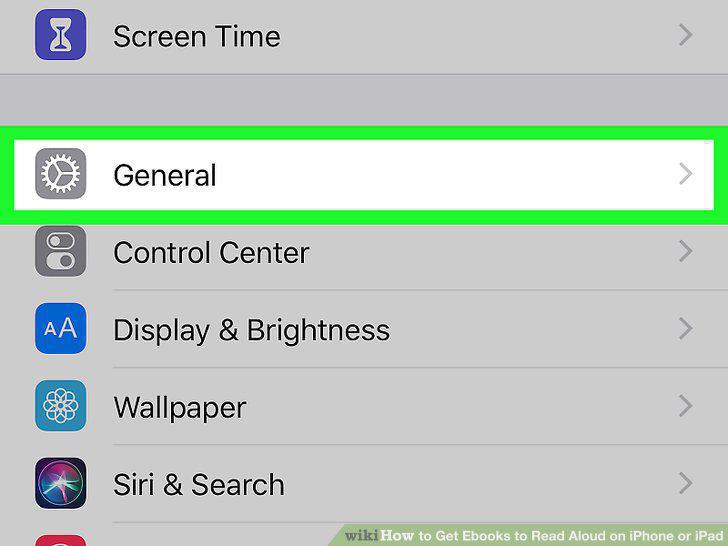
Scroll down and tap General.
3
Tap Accessibility.
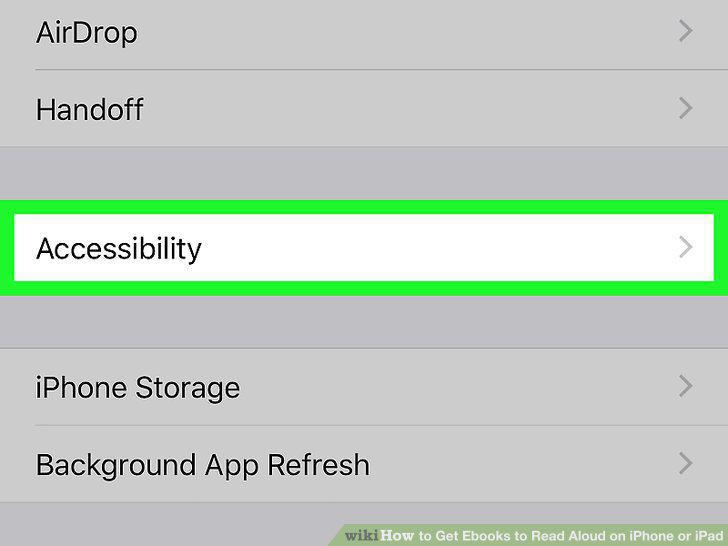
Tap Accessibility.
4
Tap Speech.
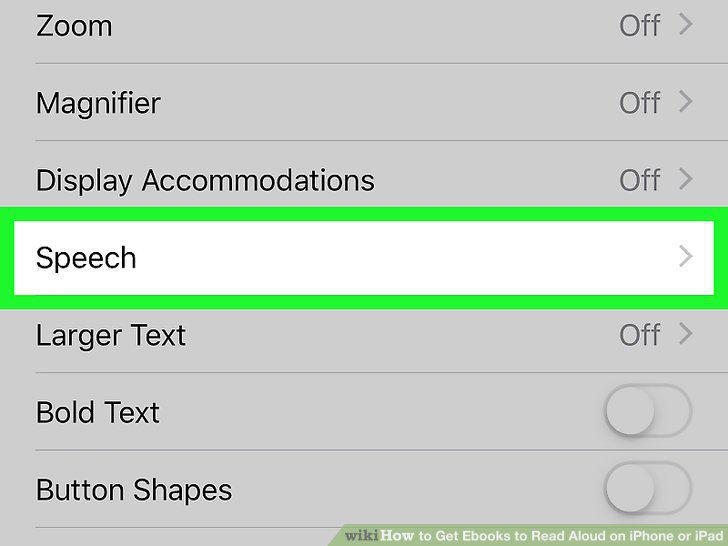
Tap Speech.
5
Slide the "Speak Screen" switch to On .
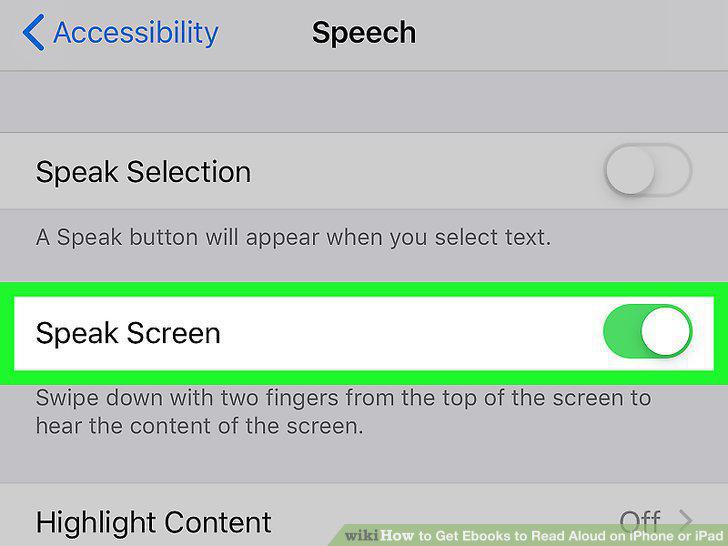
Slide the "Speak Screen" switch to On .
6
Turn off Auto-Lock temporarily.
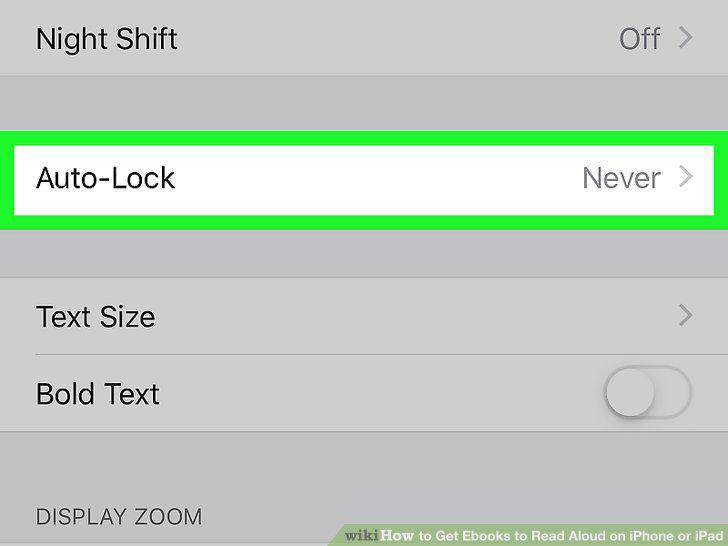
Turn off Auto-Lock temporarily.
7
Open the ebook in your reader.
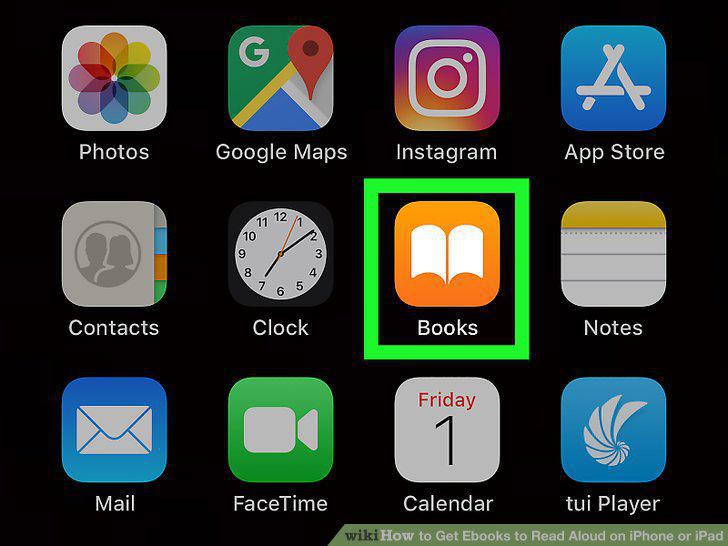
Open the ebook in your reader.
8
Open the ebook.
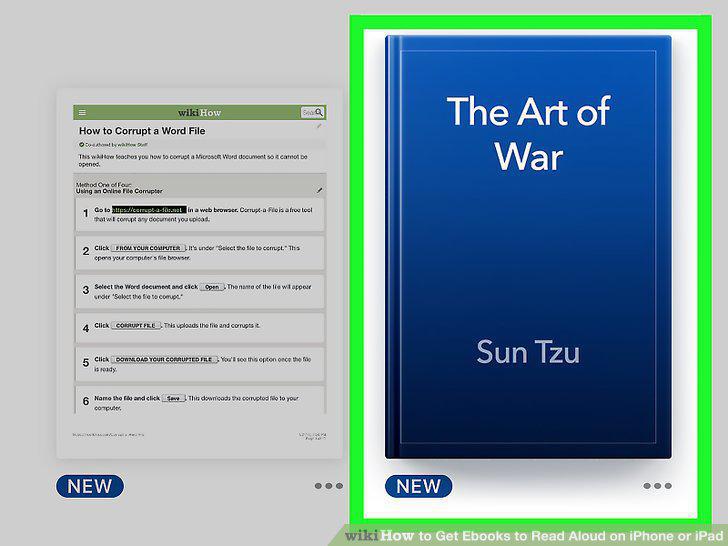
Open the ebook.
9
Use two fingers to swipe down from the top of the screen.

Use two fingers to swipe down from the top of the screen.
10
Use the Speak Screen panel to adjust your settings as you read.
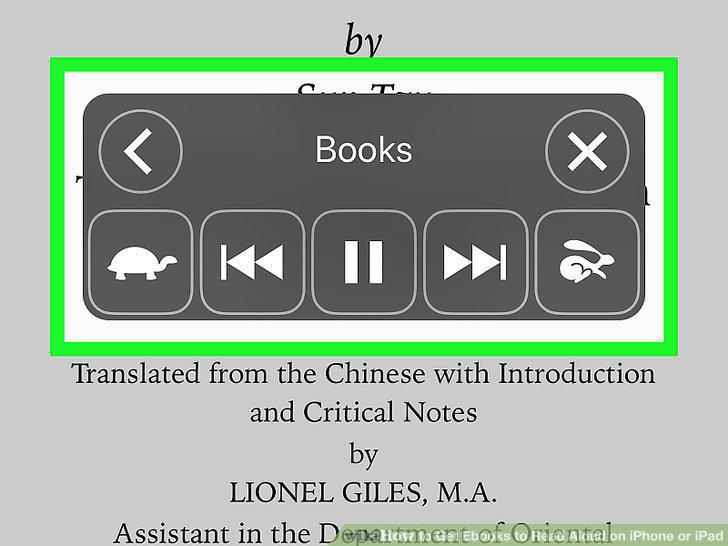
Use the Speak Screen panel to adjust your settings as you read.
11
Tap X on the panel when you're finished.
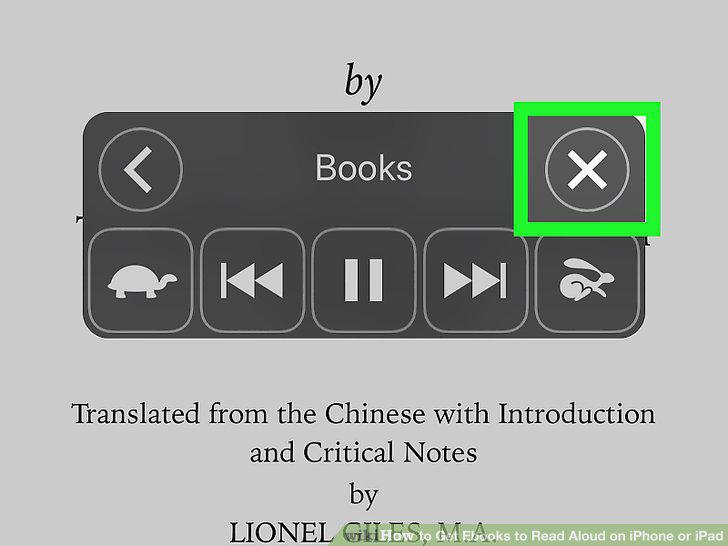
Tap X on the panel when you're finished.
12
Turn Auto-Lock back on.
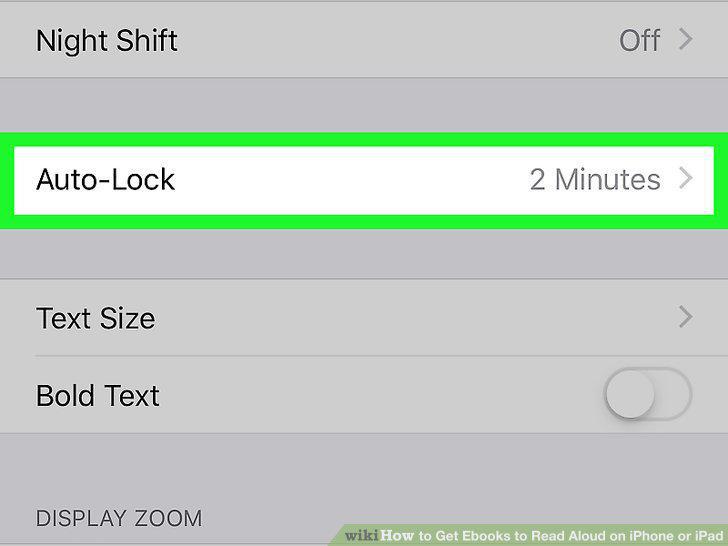
Turn Auto-Lock back on.
Comments (0)
No comments yet. Be the first to share your thoughts!