How to Delete Followers on Instagram
Tap the Instagram app to open Instagram.. Access your profile page.. Tap or click the "Followers" option.
Steps
1
Tap the Instagram app to open Instagram.
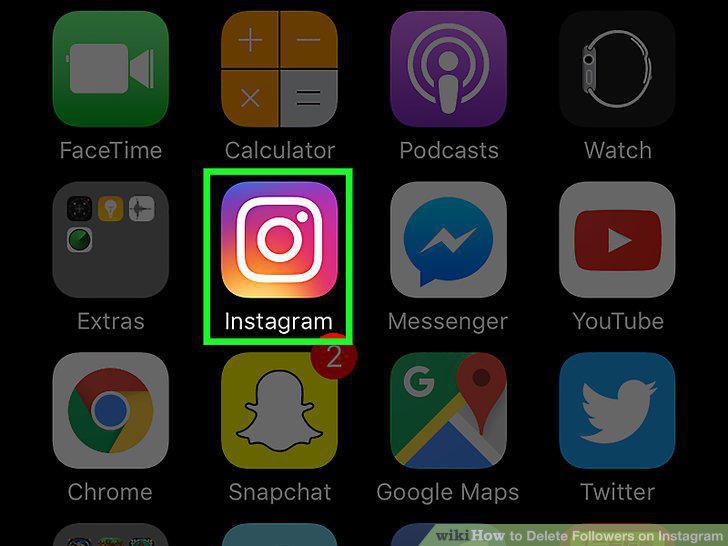
Tap the Instagram app to open Instagram.
2
Access your profile page.
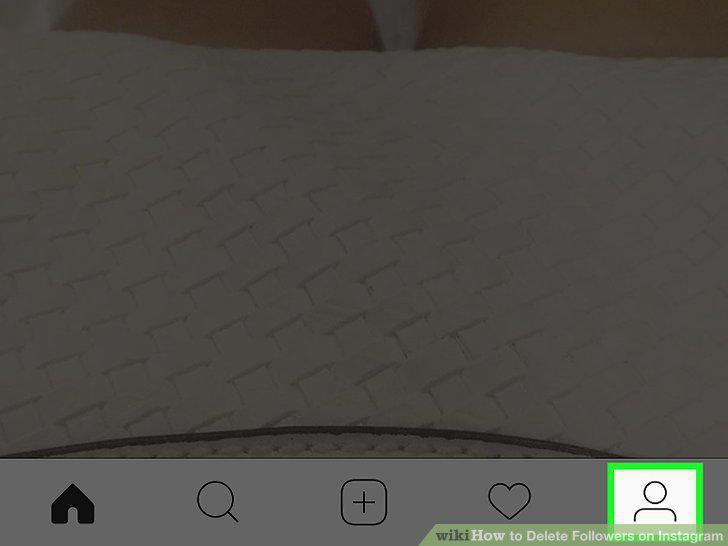
Access your profile page.
3
Tap or click the "Followers" option.
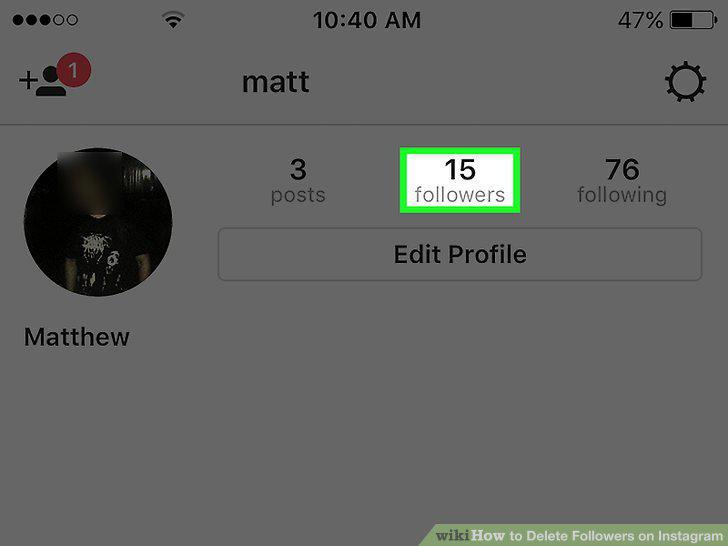
Tap or click the "Followers" option.
4
Review your list of followers.
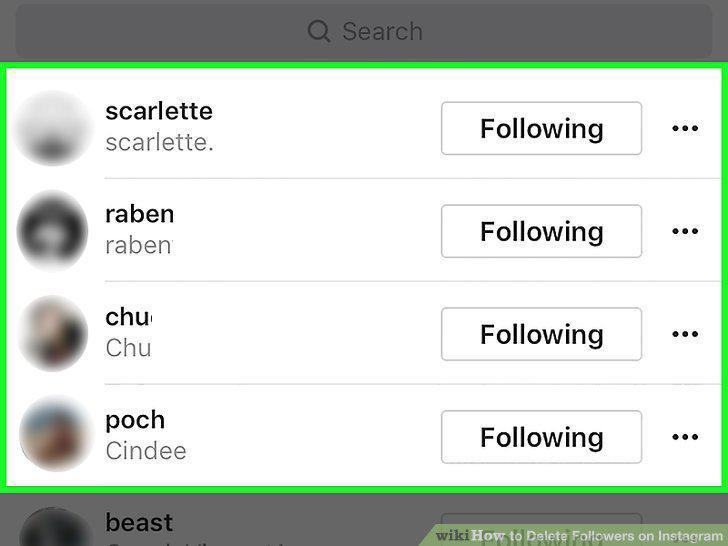
Review your list of followers.
5
Click or tap a follower you want to delete.
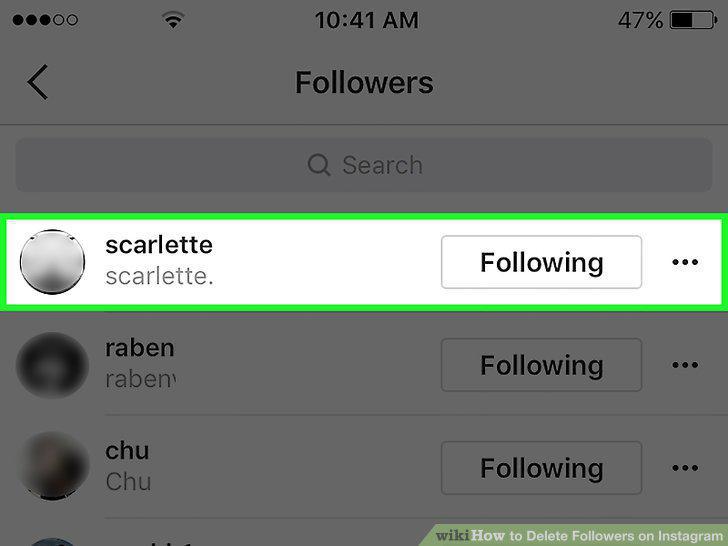
Click or tap a follower you want to delete.
6
Tap the three-dot menu.
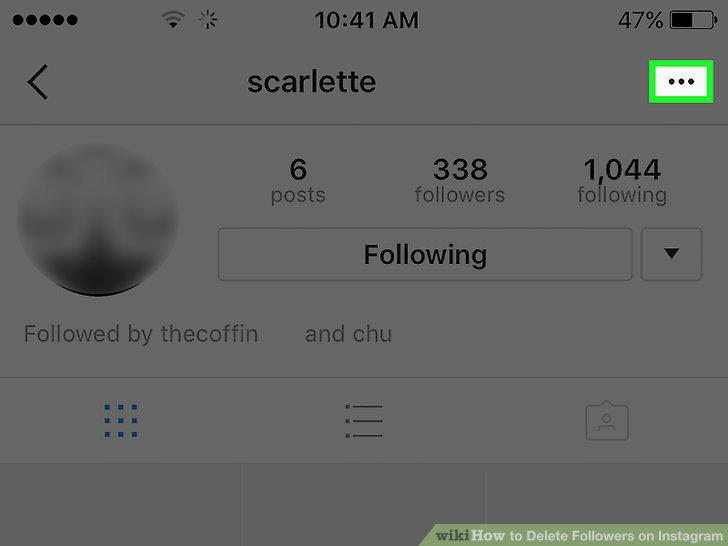
Tap the three-dot menu.
7
Click or tap the "Block User" option.
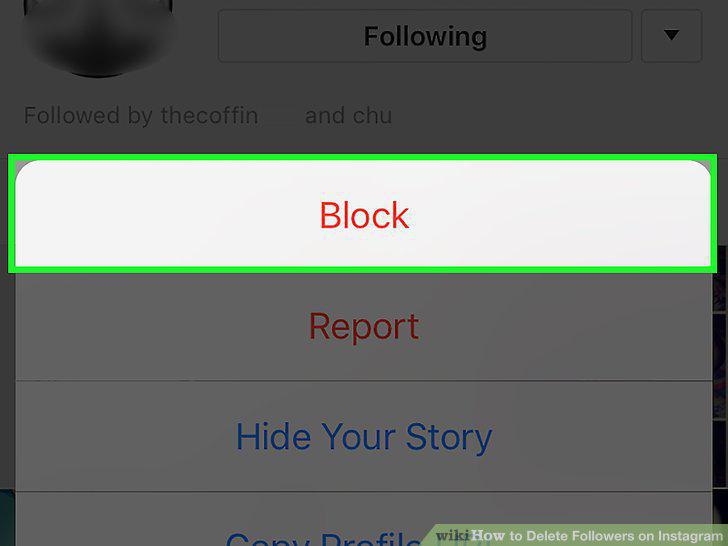
Click or tap the "Block User" option.
8
Click or tap "Yes, I'm sure".
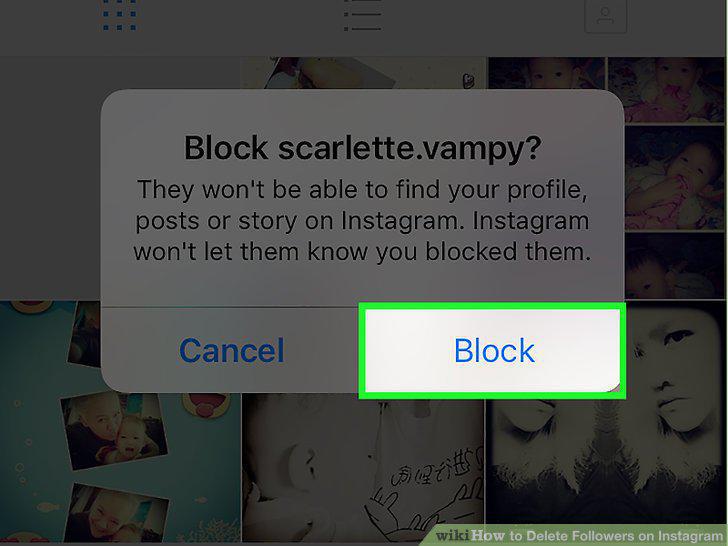
Click or tap "Yes, I'm sure".
9
Repeat this process for every follower you wish to block.
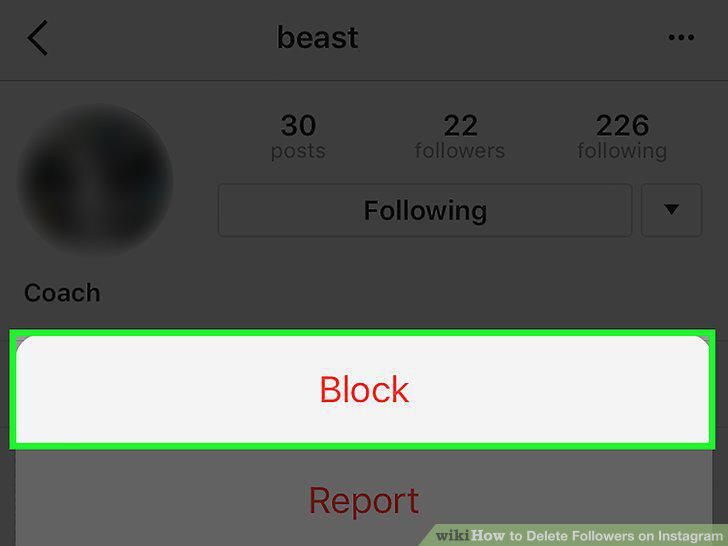
Repeat this process for every follower you wish to block.
10
Open the Instagram app on your smartphone.
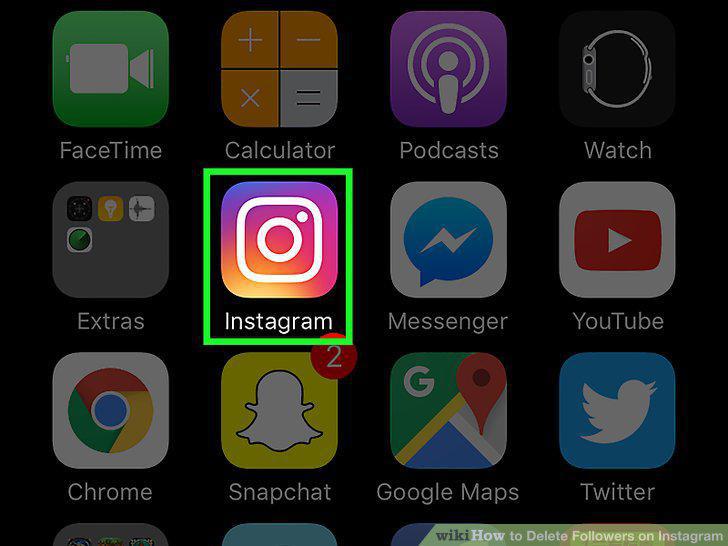
Open the Instagram app on your smartphone.
11
Open your profile if it isn't already open.
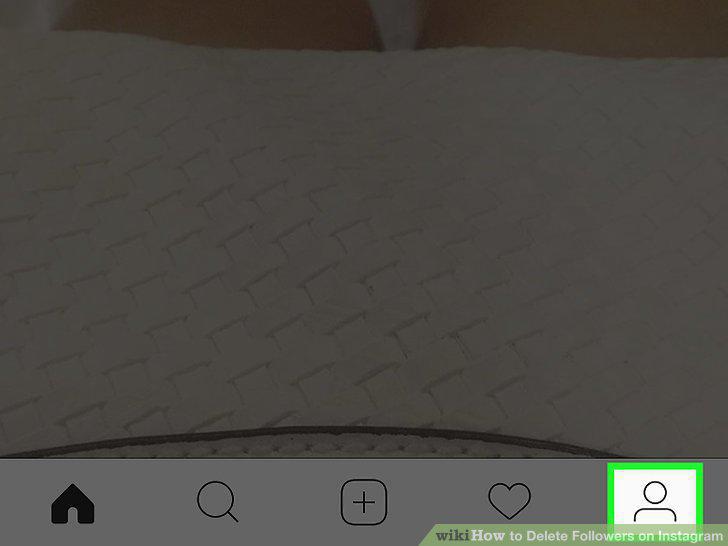
Open your profile if it isn't already open.
12
Open your account's settings menu.
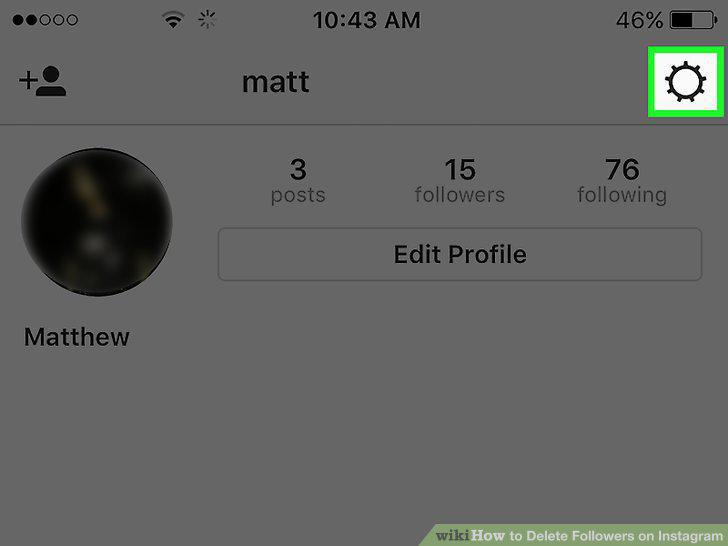
Open your account's settings menu.
13
Scroll down to the "Account" group.
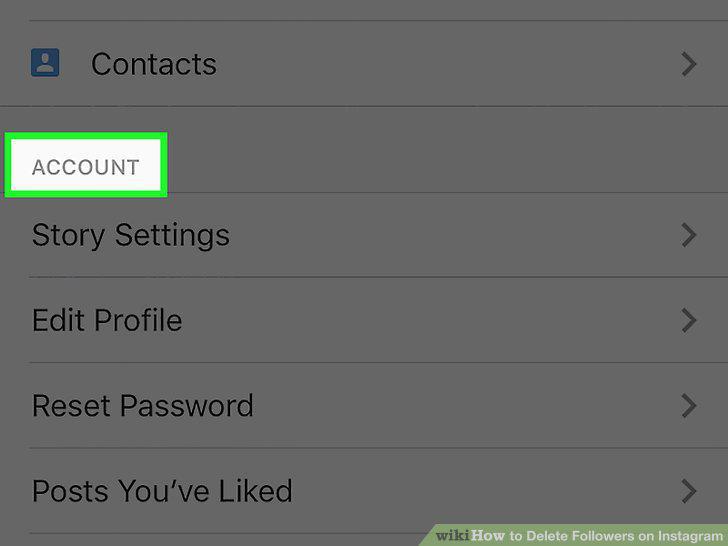
Scroll down to the "Account" group.
14
Swipe the switch next to "Private Account" on.
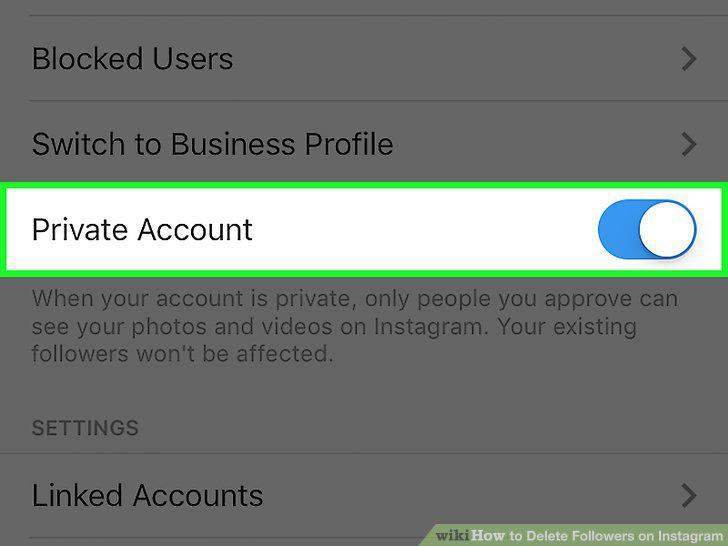
Swipe the switch next to "Private Account" on.
Comments (0)
No comments yet. Be the first to share your thoughts!