How to Replace an Apple TV Remote Battery
Locate the battery compartment on the underside of the remote.. Place a coin in the groove and turn it counterclockwise.. Remove the dead battery.
Steps
1
Locate the battery compartment on the underside of the remote.
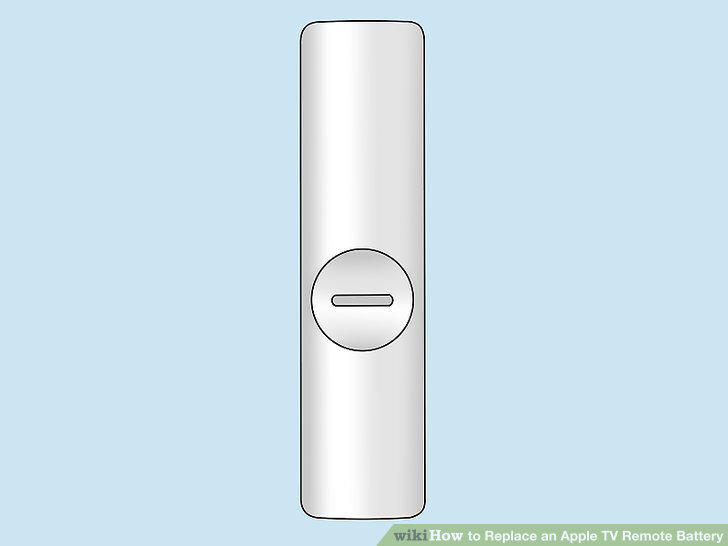
Locate the battery compartment on the underside of the remote.
2
Place a coin in the groove and turn it counterclockwise.
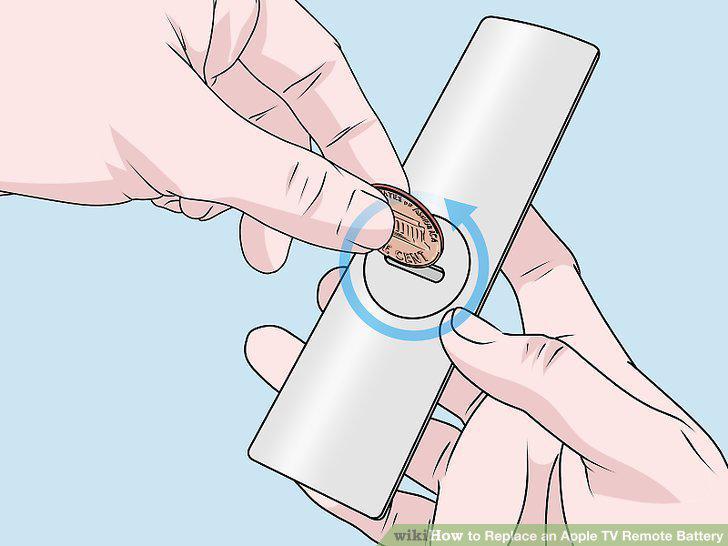
Place a coin in the groove and turn it counterclockwise.
3
Remove the dead battery.
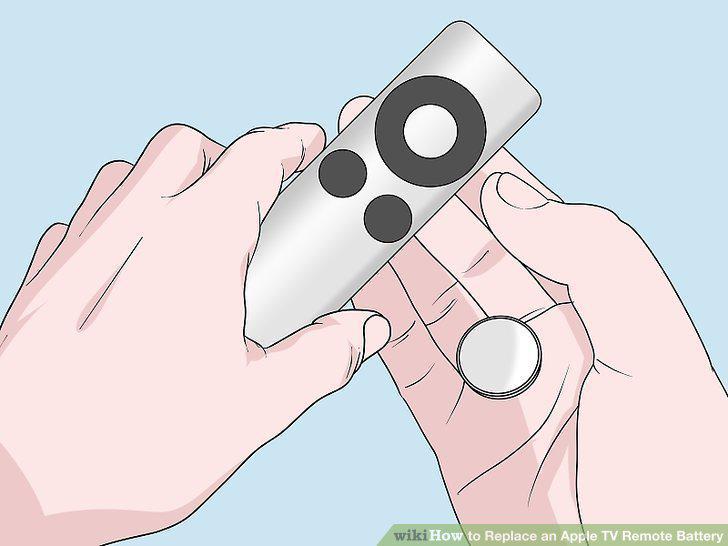
Remove the dead battery.
4
Insert a new CR2032 3V coin battery, with the positive side facing up.
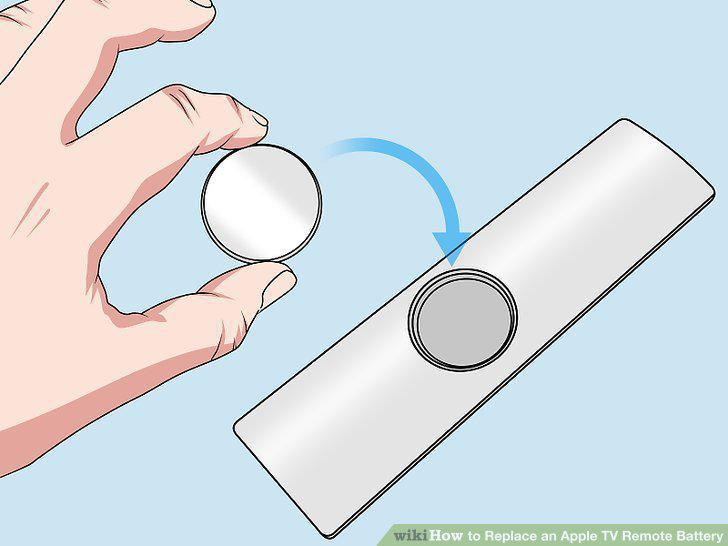
Insert a new CR2032 3V coin battery, with the positive side facing up.
5
Twist the door back onto the remote.
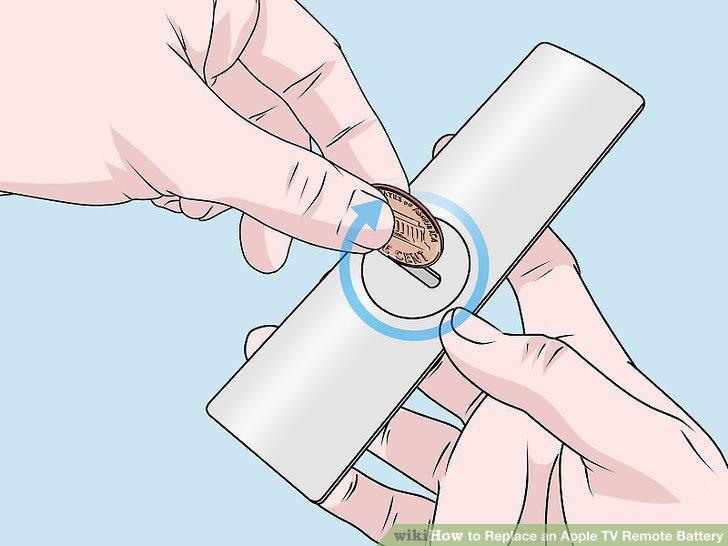
Twist the door back onto the remote.
6
Look for the battery compartment on the back end of the remote.
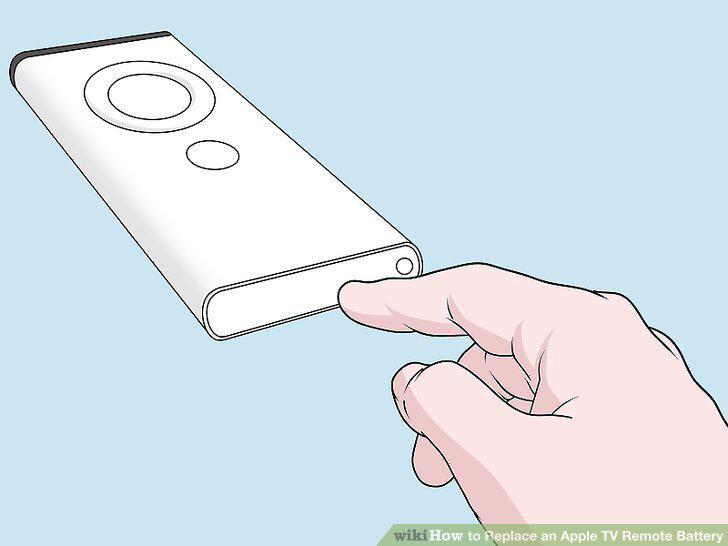
Look for the battery compartment on the back end of the remote.
7
Insert a paperclip into the release button hole.
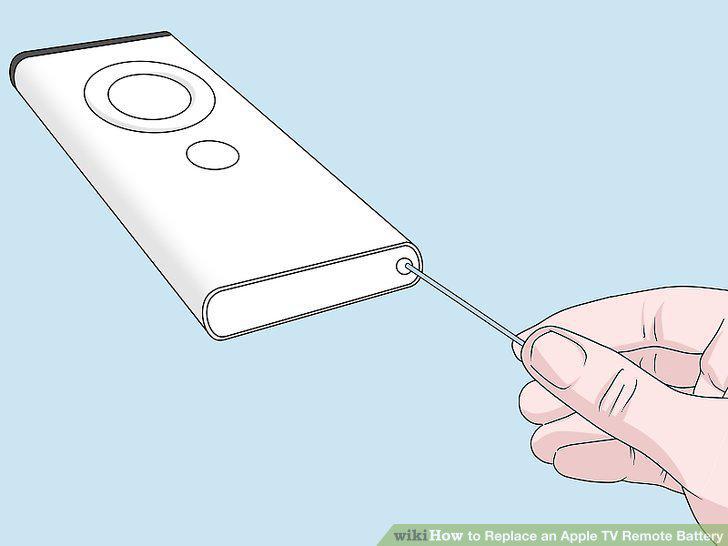
Insert a paperclip into the release button hole.
8
Slide the battery tray out.
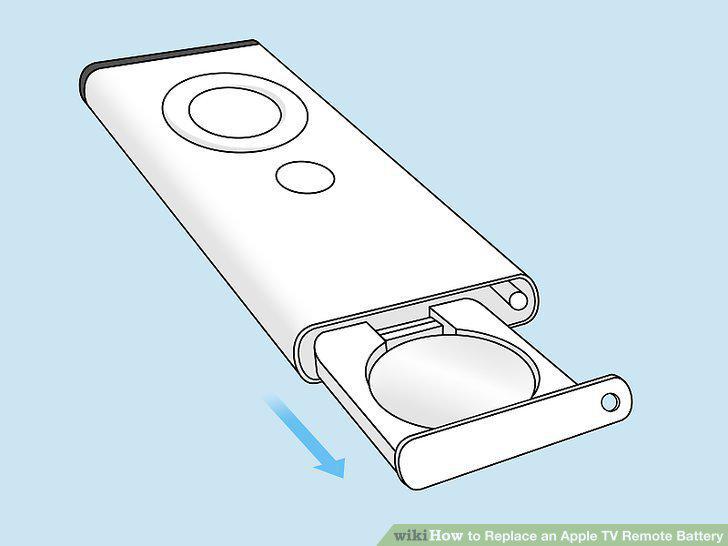
Slide the battery tray out.
9
Remove the dead battery.
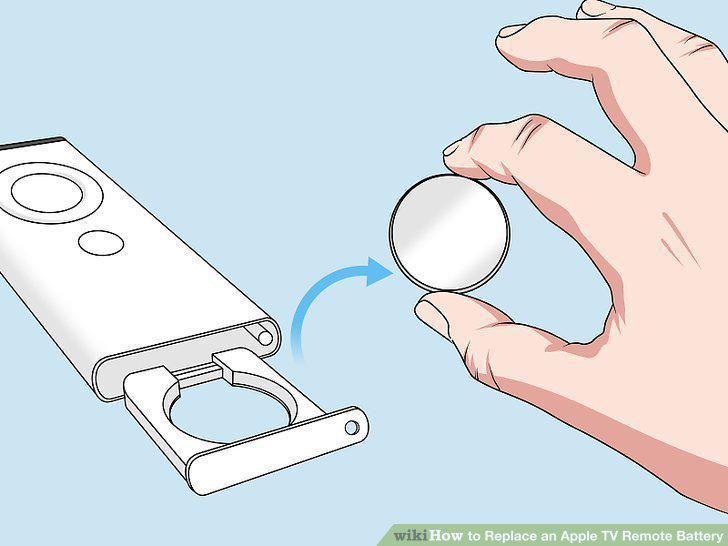
Remove the dead battery.
10
Set a new CR2032 battery into the circular tray, positive side up.
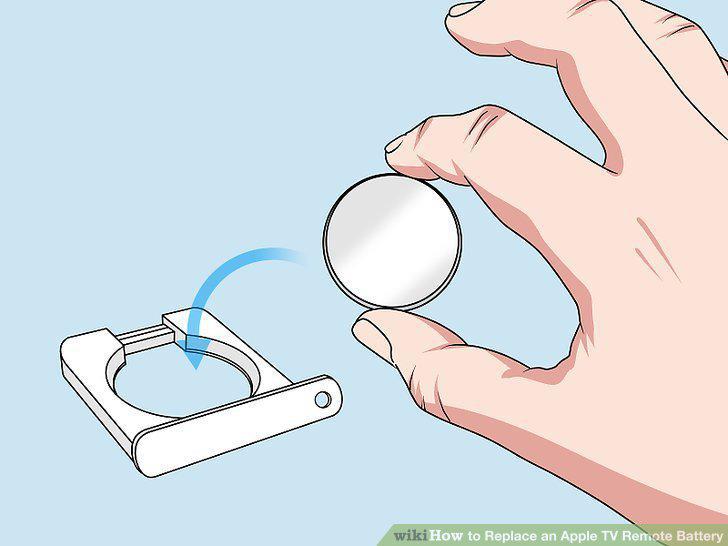
Set a new CR2032 battery into the circular tray, positive side up.
11
Re-insert the battery tray.
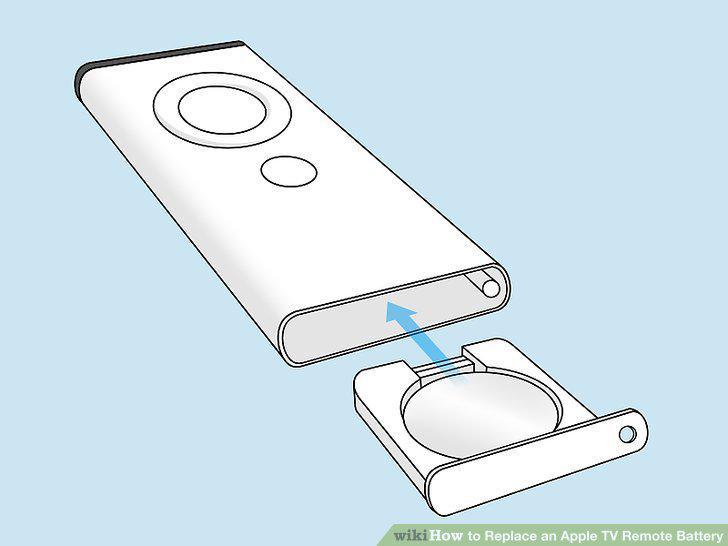
Re-insert the battery tray.
Comments (0)
No comments yet. Be the first to share your thoughts!