How to Watch Videos on Spotify on Android
Open the Spotify app.. Tap on Search in the bottom navigation menu.. Scroll down to Videos under Browse all.
Steps
1
Open the Spotify app.
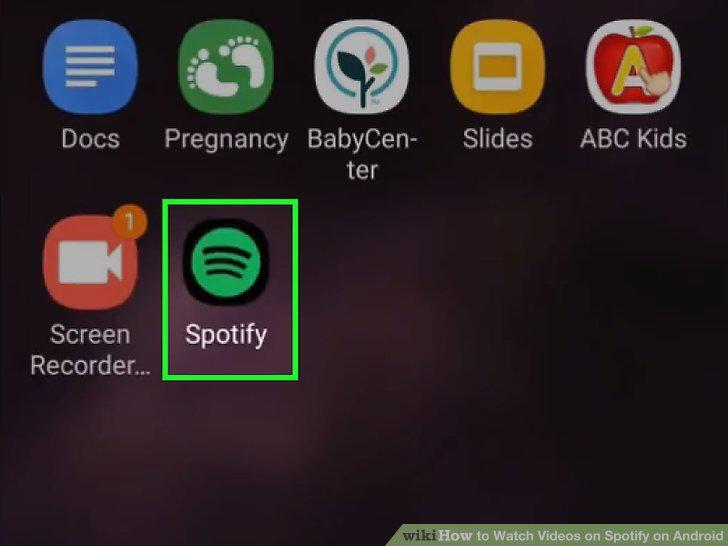
Open the Spotify app.
2
Tap on Search in the bottom navigation menu.
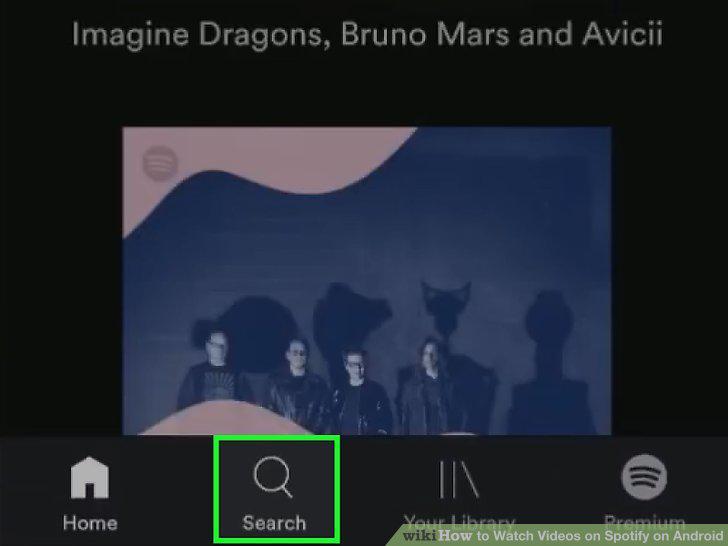
Tap on Search in the bottom navigation menu.
3
Scroll down to Videos under Browse all.
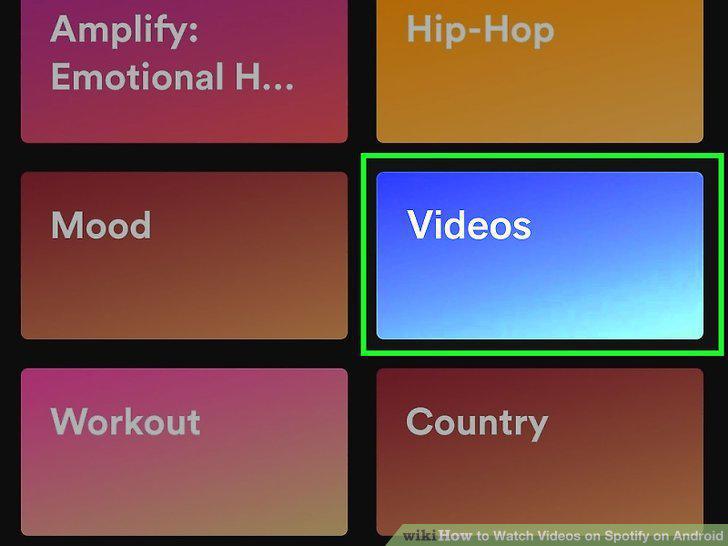
Scroll down to Videos under Browse all.
4
Scroll through the Featured shows to find one that interests you.

Scroll through the Featured shows to find one that interests you.
5
Tap on an episode from the All videos list to watch it.
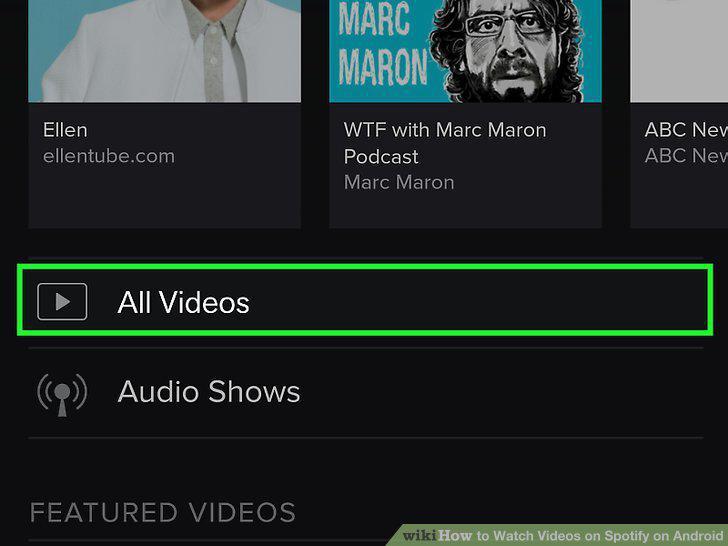
Tap on an episode from the All videos list to watch it.
6
Search for a specific video by typing a search term into the search bar.
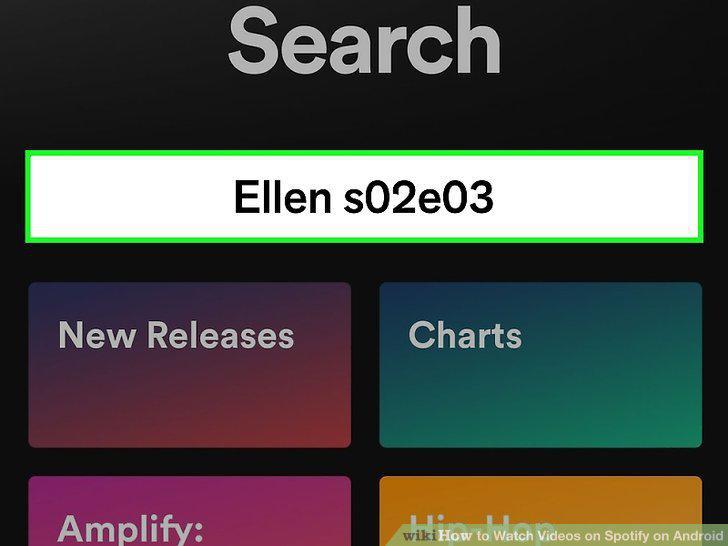
Search for a specific video by typing a search term into the search bar.
7
Tap the up arrow to expand the video.

Tap the up arrow to expand the video.
Comments (0)
No comments yet. Be the first to share your thoughts!