How to Make a Presentation Poster
Place an interesting title at the top of your poster.. Start with an introduction in the top left corner of the poster.. Detail your research methods next.
Steps
Place an interesting title at the top of your poster.
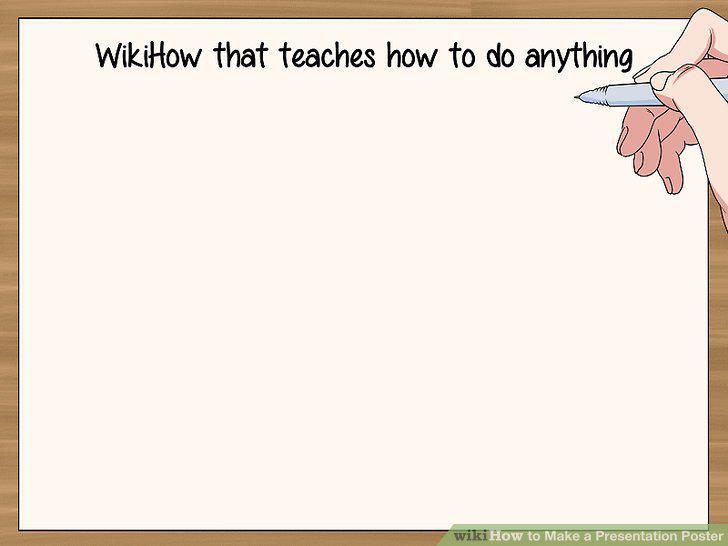
Place an interesting title at the top of your poster.
Start with an introduction in the top left corner of the poster.
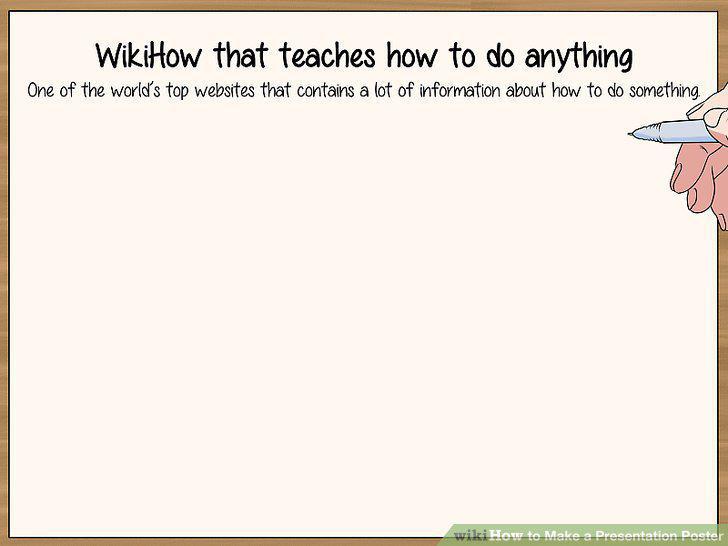
Start with an introduction in the top left corner of the poster.
Detail your research methods next.
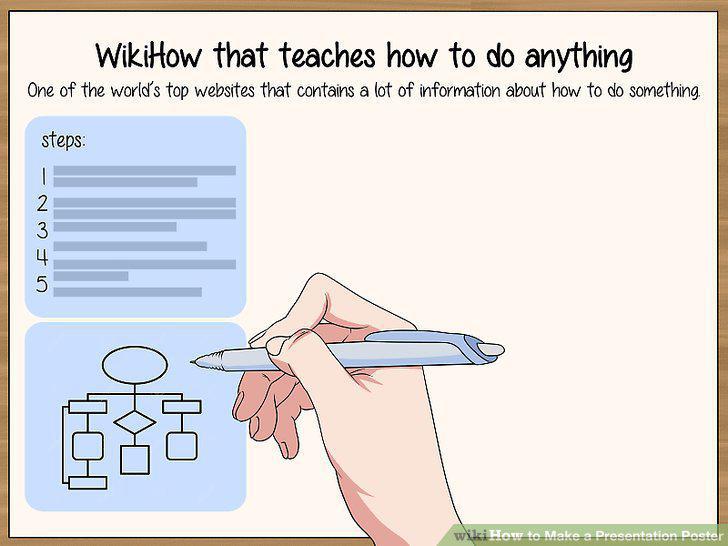
Detail your research methods next.
Use the centre of the poster to display your results or main points.
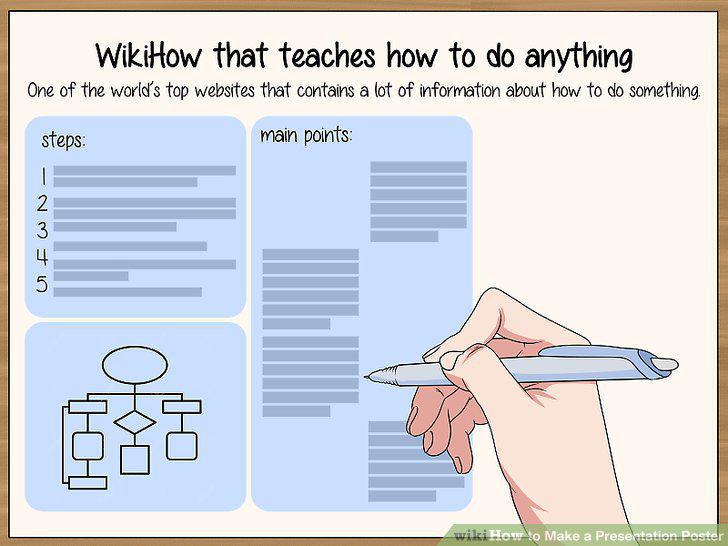
Use the centre of the poster to display your results or main points.
Write a short conclusion to summarise your findings.
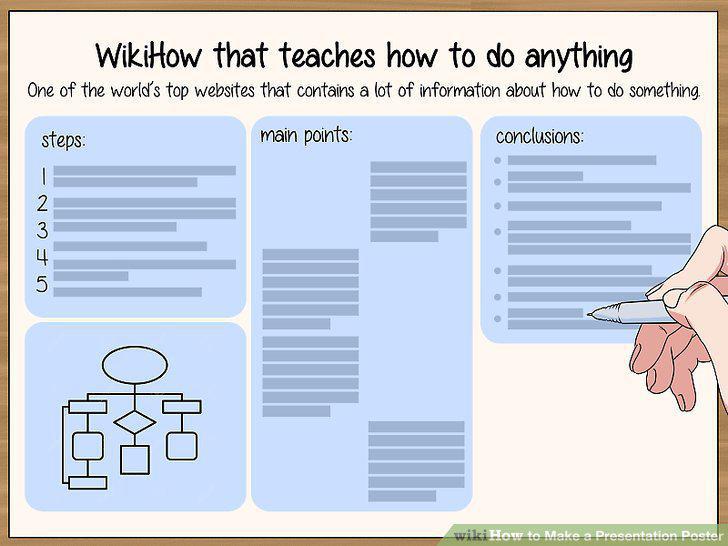
Write a short conclusion to summarise your findings.
Include references and acknowledgments in the bottom right corner.
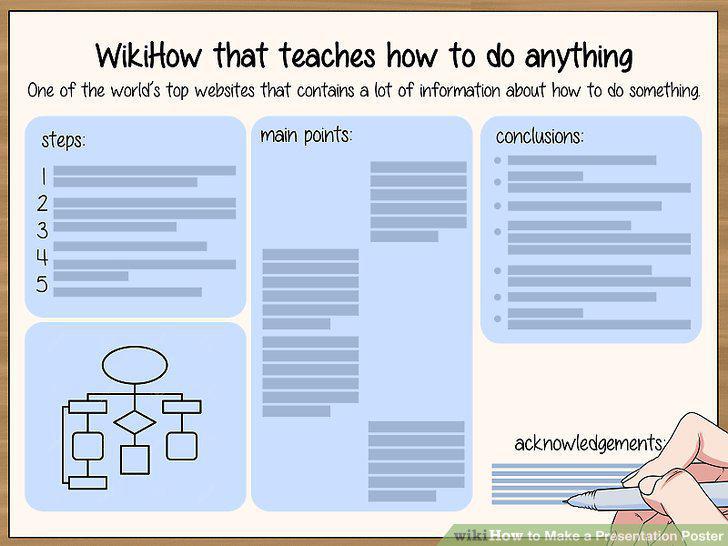
Include references and acknowledgments in the bottom right corner.
Add visuals to make your poster stand out.
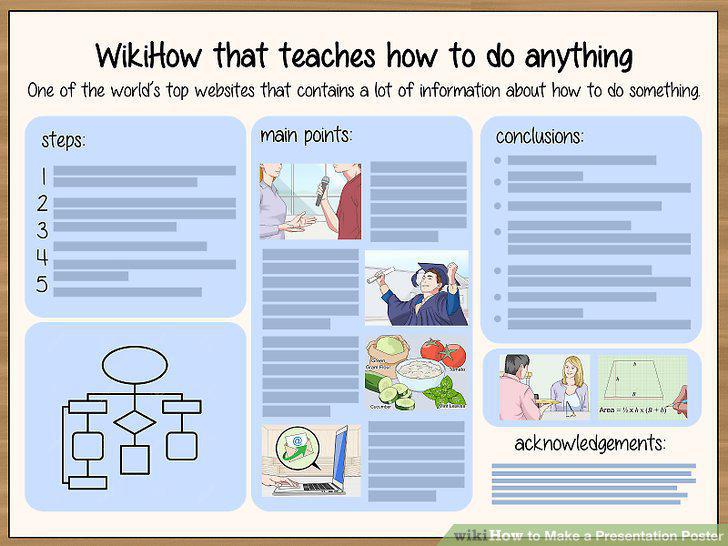
Add visuals to make your poster stand out.
Use at least 16 pt font in your poster to make it easy to read.
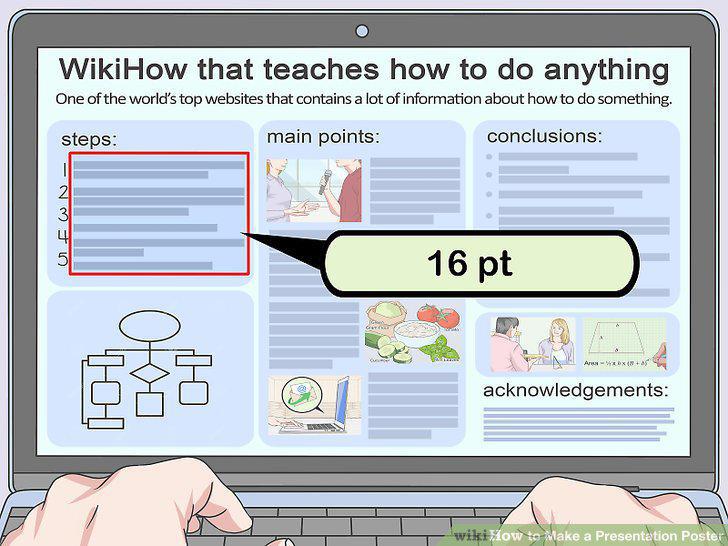
Use at least 16 pt font in your poster to make it easy to read.
Make headings big so that they can be easily viewed from 10 ft (3 m) away.
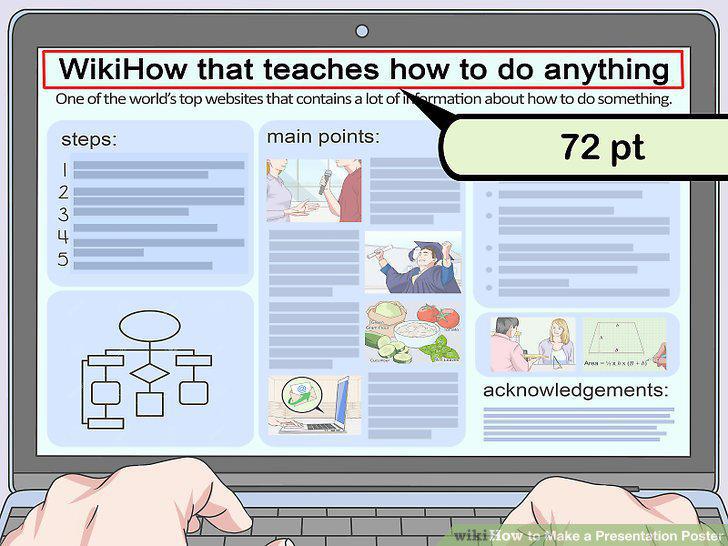
Make headings big so that they can be easily viewed from 10 ft (3 m) away.
Use easily legible fonts.
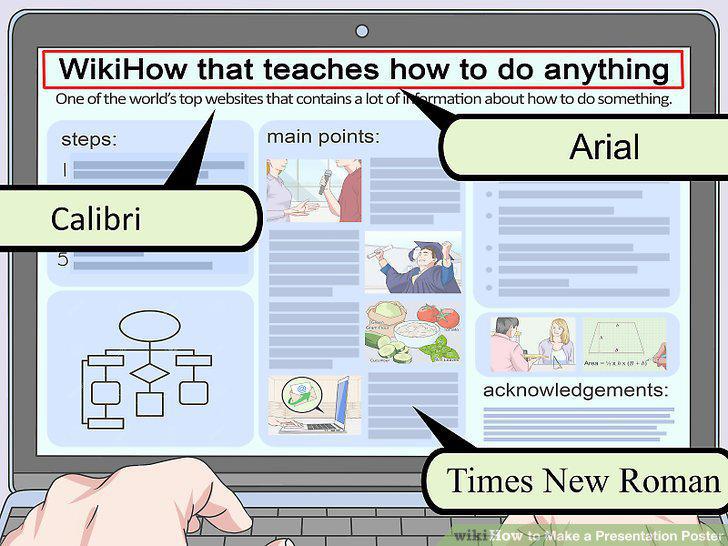
Use easily legible fonts.
Choose 1 font for all of the body text in your poster.
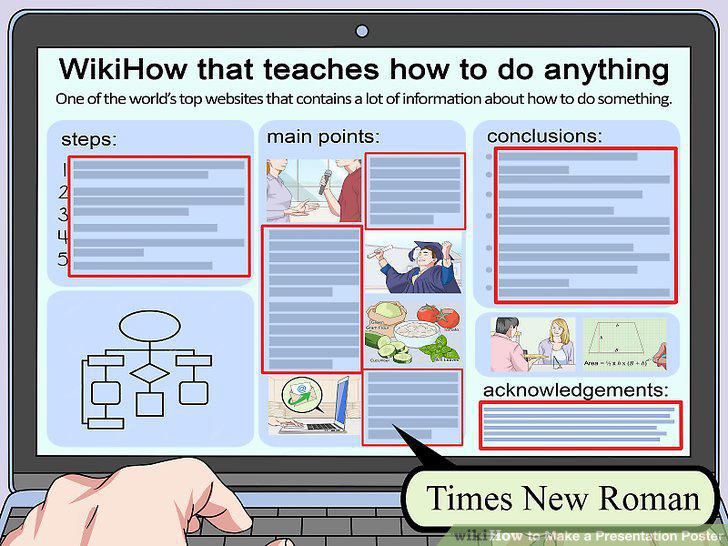
Choose 1 font for all of the body text in your poster.
Space out visuals and text to create a balanced poster.
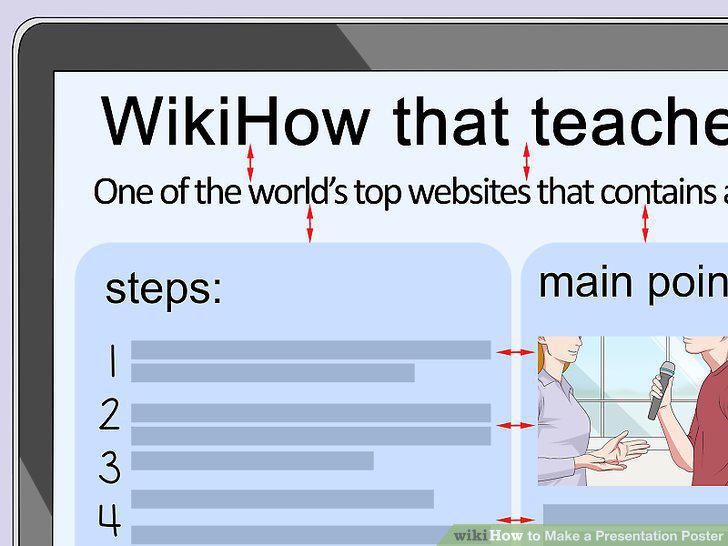
Space out visuals and text to create a balanced poster.
Follow the traditional reading layout of left to right and top to bottom.
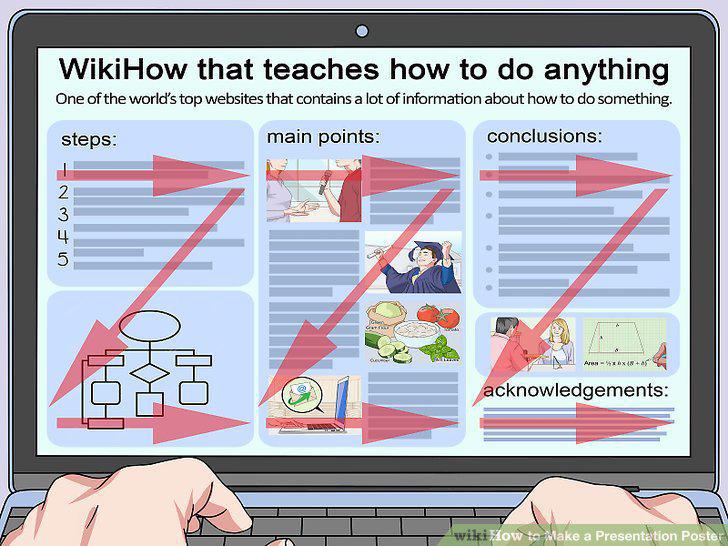
Follow the traditional reading layout of left to right and top to bottom.
Use the Page Setup toolbar to set the size of your poster.
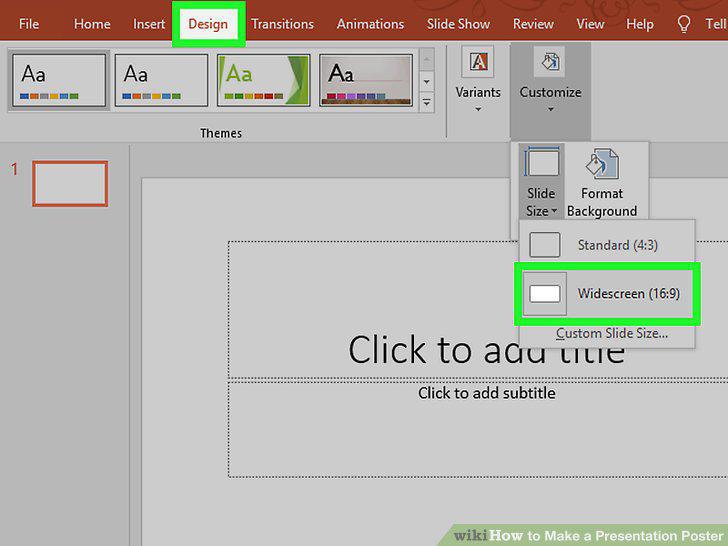
Use the Page Setup toolbar to set the size of your poster.
Select the correct page orientation in the Design toolbar.
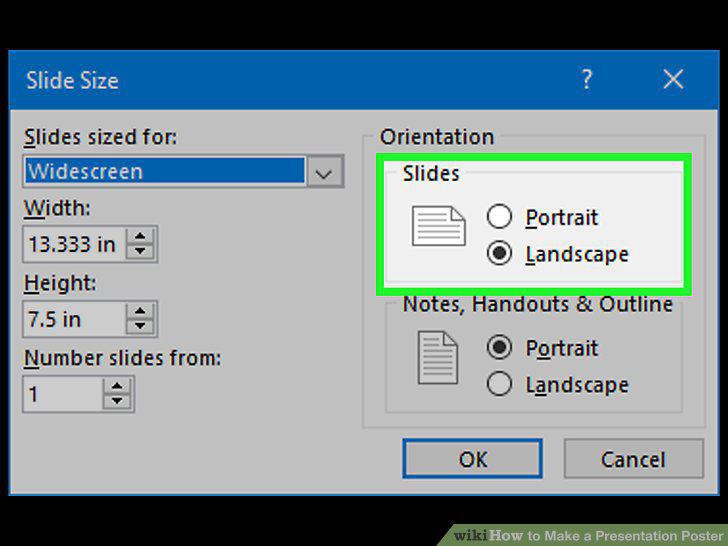
Select the correct page orientation in the Design toolbar.
Utilize the poster templates in the PowerPoint templates toolbar.
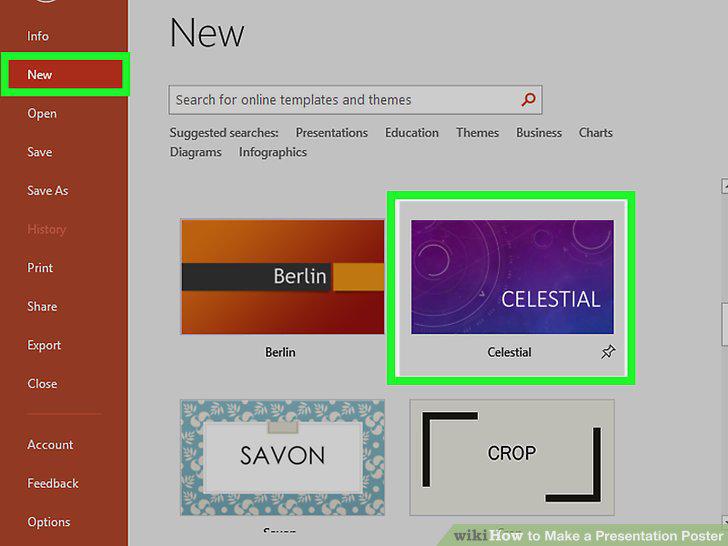
Utilize the poster templates in the PowerPoint templates toolbar.
Click on the textbox icon in the main menu to add text to the poster.
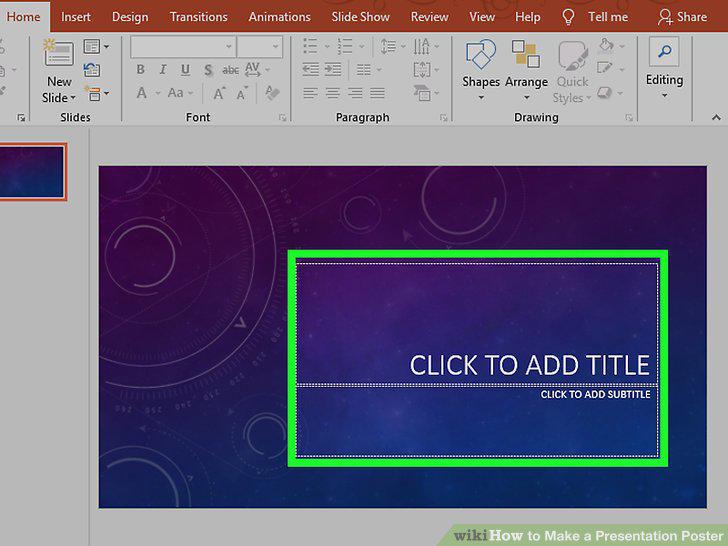
Click on the textbox icon in the main menu to add text to the poster.
Use the Insert menu to add visuals to the poster.
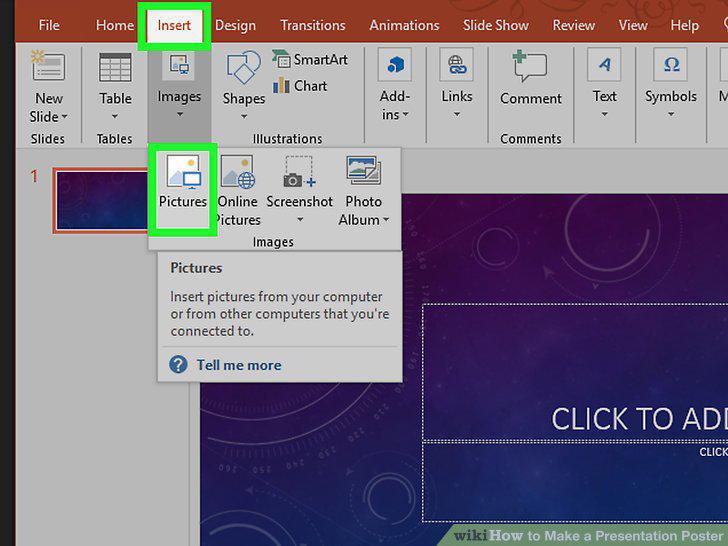
Use the Insert menu to add visuals to the poster.
Use the arrow keys to move text and images around your poster.
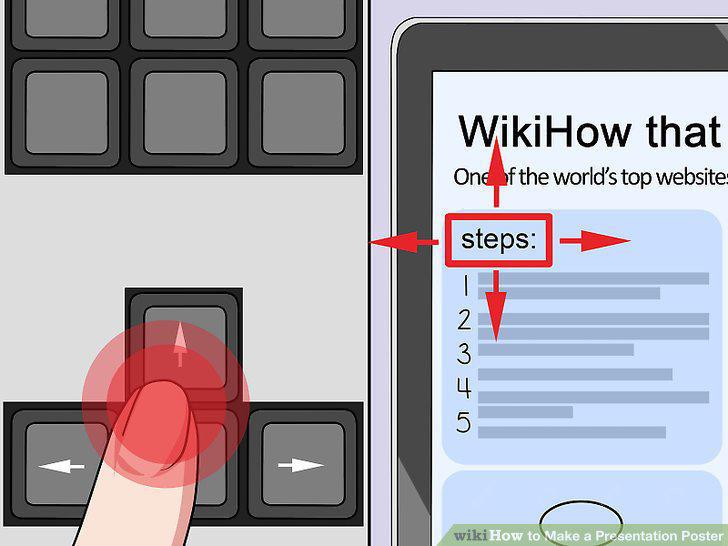
Use the arrow keys to move text and images around your poster.
Comments (0)
No comments yet. Be the first to share your thoughts!