How to Contact Etsy Support
Choose "Buying on Etsy" or "Selling on Etsy" based on your issue.. Look through the list of options to see if there's a relevant one.. Click through to get to "I still need help" if there isn't a relevant option.
Steps
1
Choose "Buying on Etsy" or "Selling on Etsy" based on your issue.
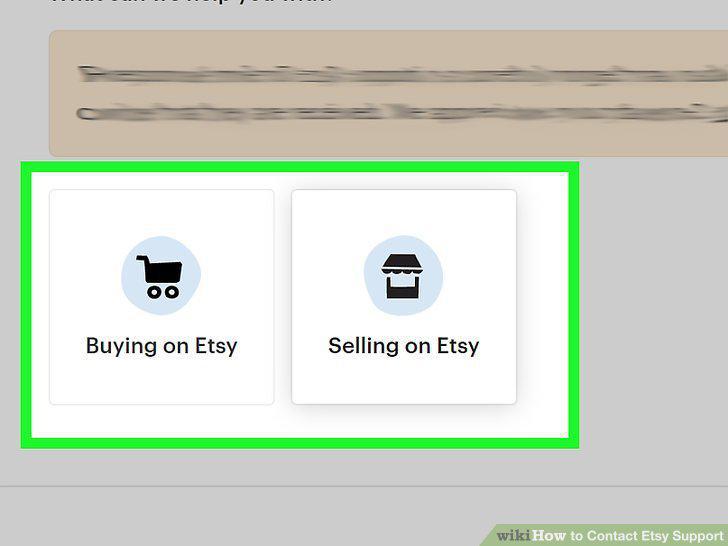
Choose "Buying on Etsy" or "Selling on Etsy" based on your issue.
2
Look through the list of options to see if there's a relevant one.
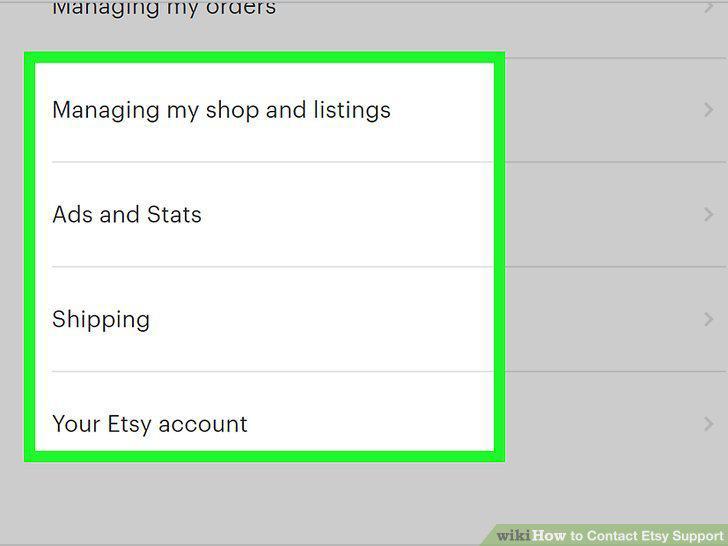
Look through the list of options to see if there's a relevant one.
3
Click through to get to "I still need help" if there isn't a relevant option.
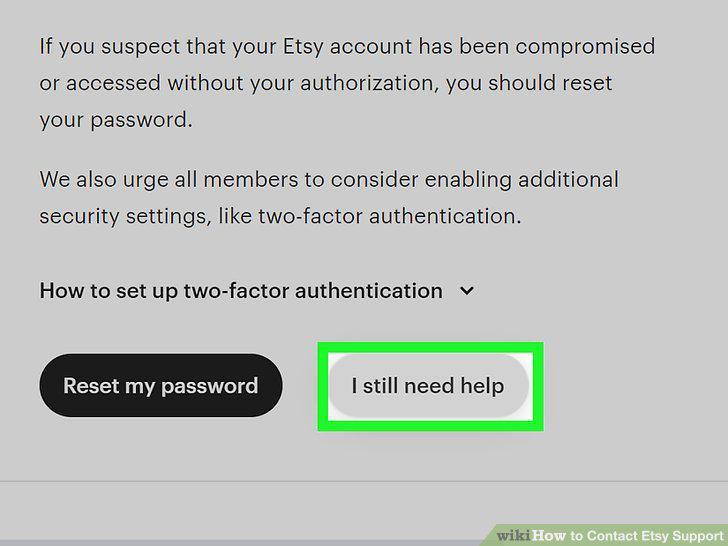
Click through to get to "I still need help" if there isn't a relevant option.
4
Select the "Chat with us" option for immediate assistance.
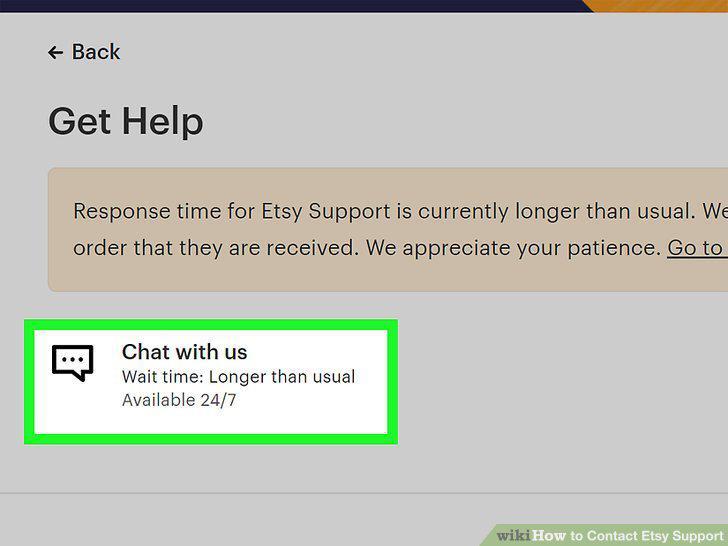
Select the "Chat with us" option for immediate assistance.
5
Pick the "Email us" option to send Etsy support a message.
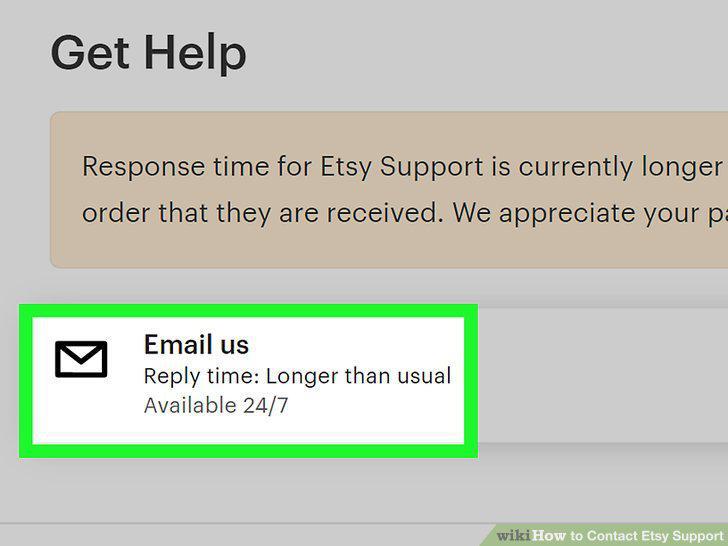
Pick the "Email us" option to send Etsy support a message.
6
Visit the Etsy contact page at https://www.etsy.com/help/contact.
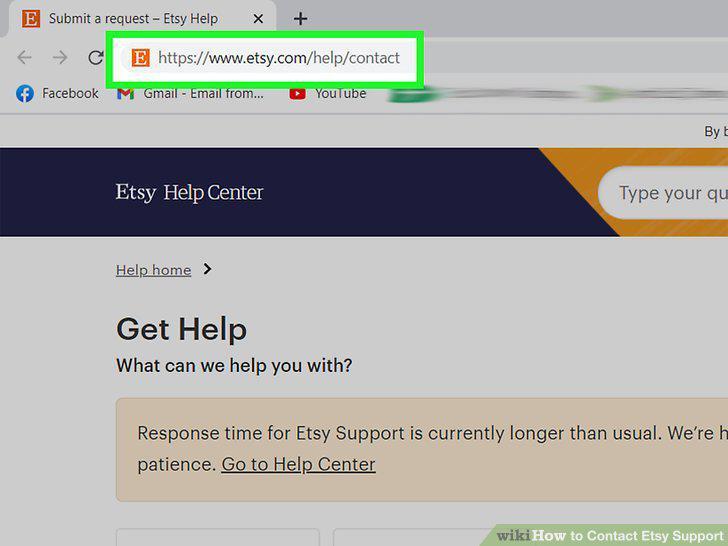
Visit the Etsy contact page at https://www.etsy.com/help/contact.
7
Sign in to your account or make one if you don't have one.
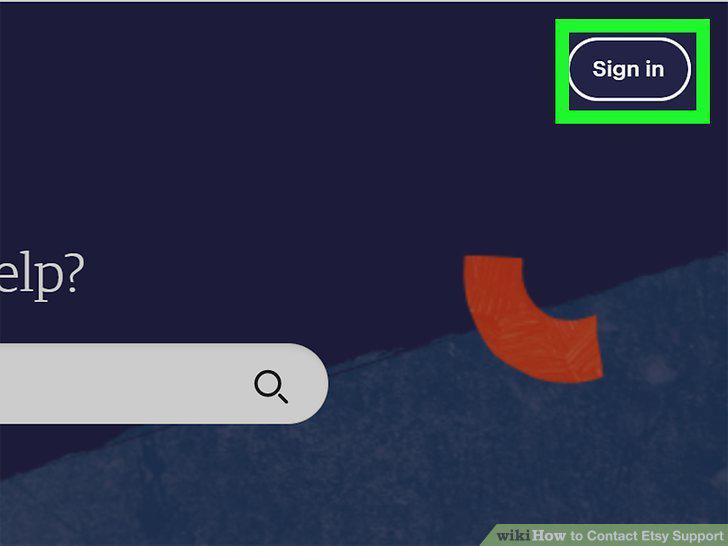
Sign in to your account or make one if you don't have one.
8
Reset your password if you're having trouble logging in.
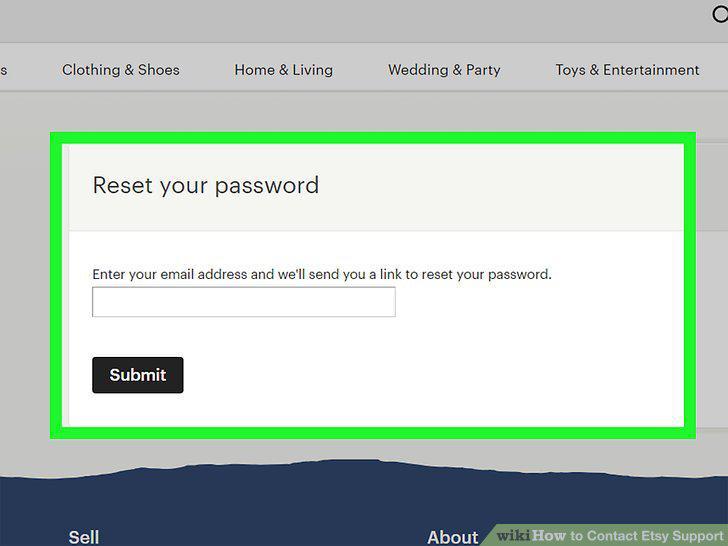
Reset your password if you're having trouble logging in.
Comments (0)
No comments yet. Be the first to share your thoughts!