How to Block Artists on Spotify on iPhone or iPad
Open the Spotify app on your iPhone or iPad.. Tap Your Library on the bottom-right.. Tap Made For You.
Steps
1
Open the Spotify app on your iPhone or iPad.
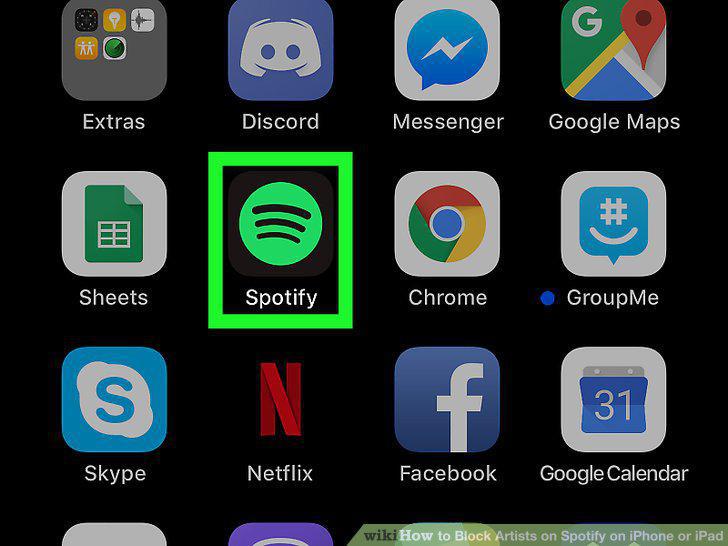
Open the Spotify app on your iPhone or iPad.
2
Tap Your Library on the bottom-right.
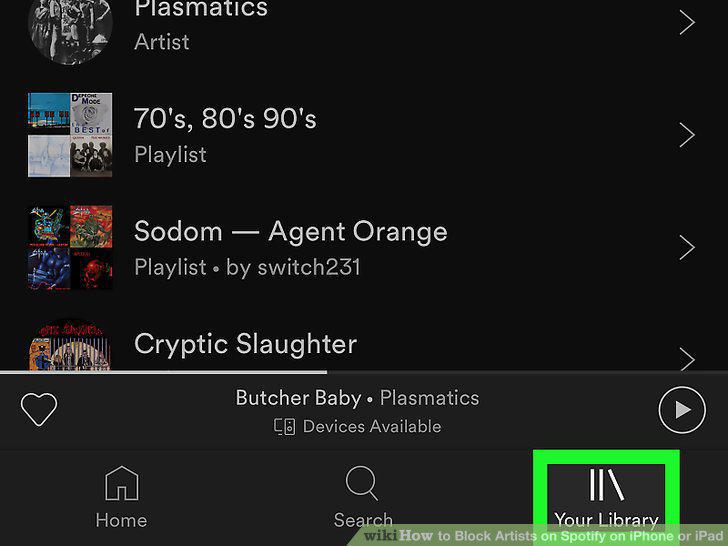
Tap Your Library on the bottom-right.
3
Tap Made For You.
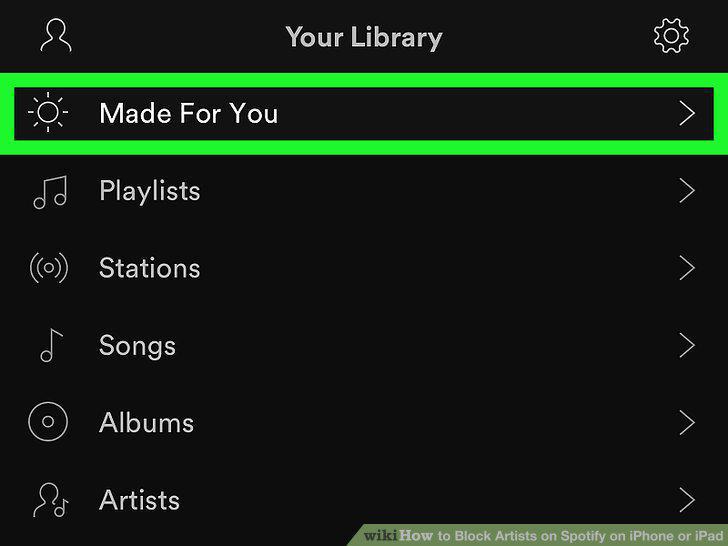
Tap Made For You.
4
Tap the playlist you want to edit.
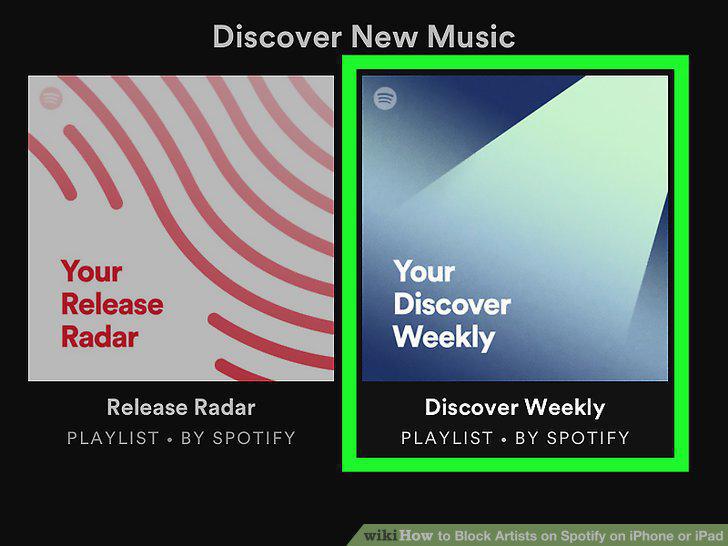
Tap the playlist you want to edit.
5
Tap a song on the playlist.
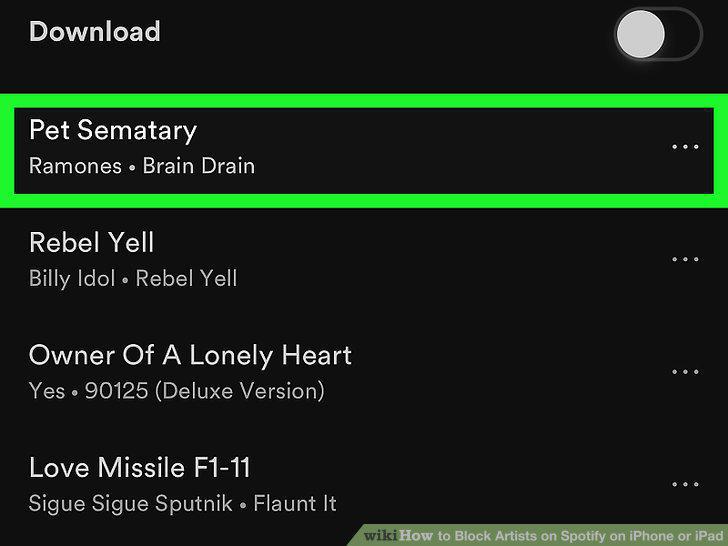
Tap a song on the playlist.
6
Tap the song name at the bottom.
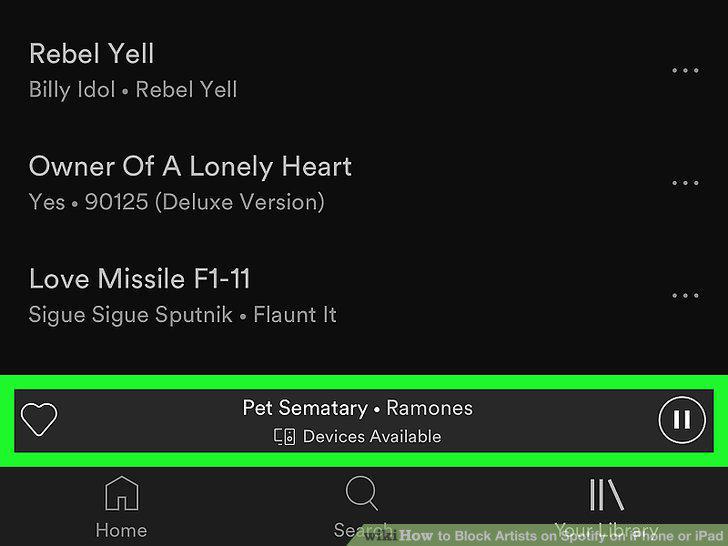
Tap the song name at the bottom.
7
Tap the icon on the bottom-right.
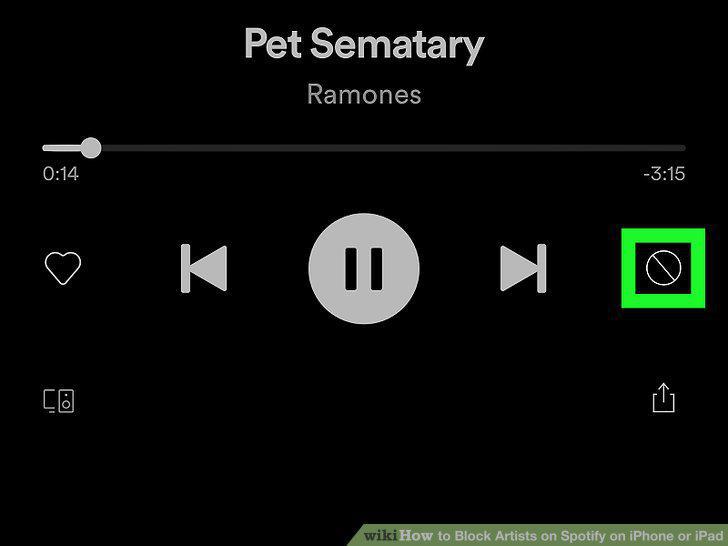
Tap the icon on the bottom-right.
8
Select I don't like this artist on the pop-up menu.
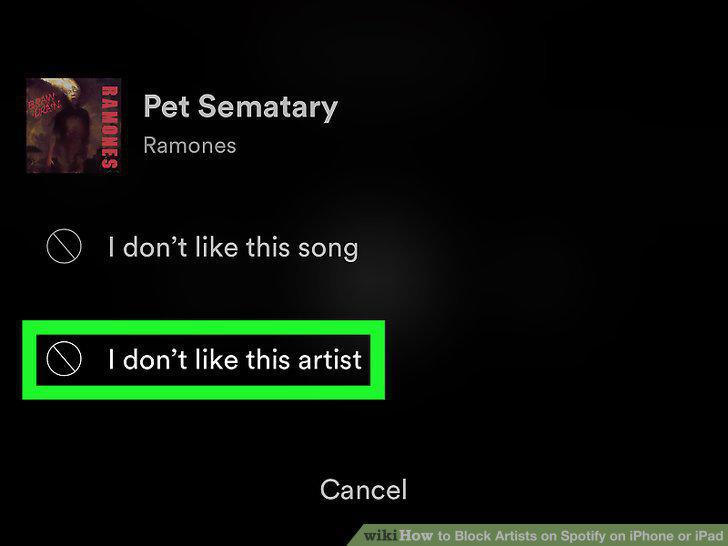
Select I don't like this artist on the pop-up menu.
Comments (0)
Log in to leave a comment.
No comments yet. Be the first to share your thoughts!